

What is Meridian Starter?
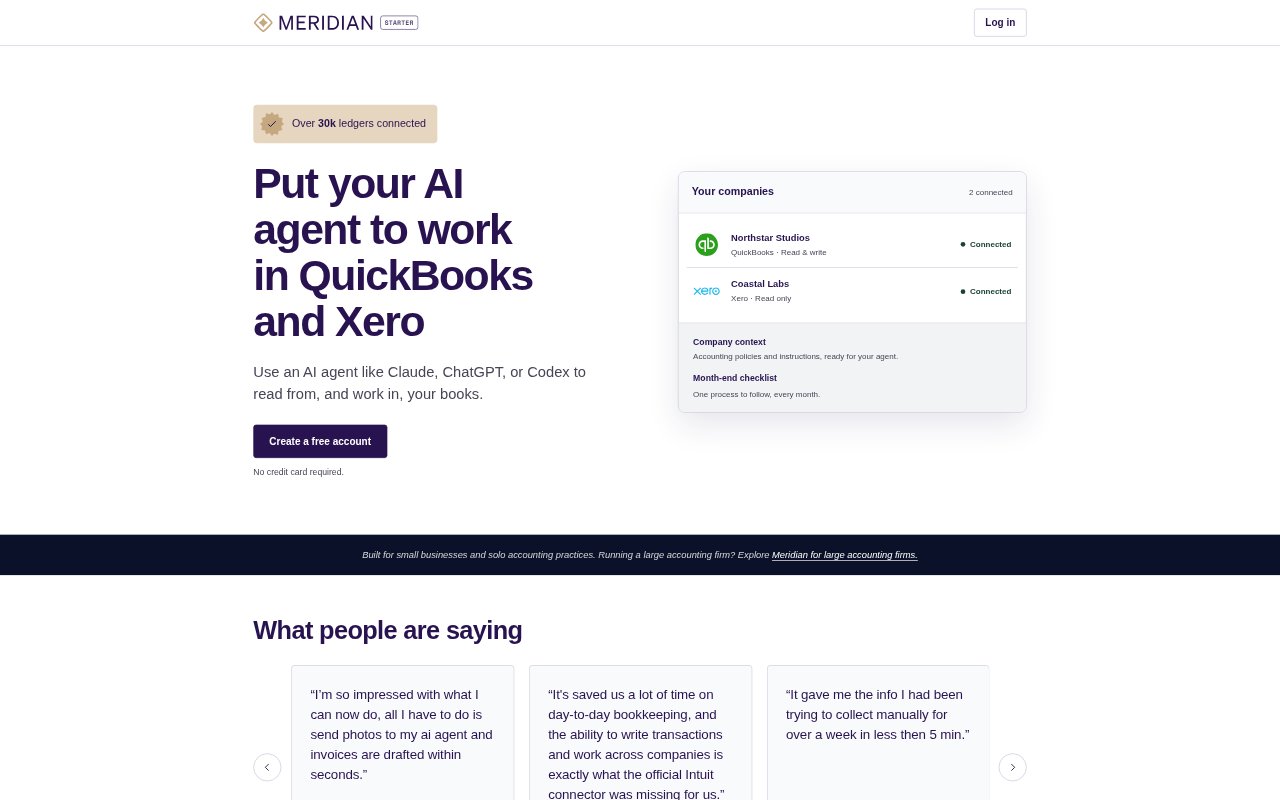
Meridian Starter connects an AI agent to QuickBooks Online and Xero so small-business owners, bookkeepers, and solo accountants can investigate and carry out accounting work in their books. It brings connected companies, reusable checklists, and company-specific context into one workspace, while the books remain in the accounting systems. Users choose read-only or read-write access for each company, direct the agent through one-off tasks or checklists, and review the results.
Meridian Starter Features:
Accounting Connections: Connect QuickBooks Online and Xero companies and make their books available to an AI agent.
Accounting Tasks: Agents can investigate transactions, compare statements, categorize expenses, create invoices and journals, and perform other supported accounting work.
Company Overview: See connected QuickBooks and Xero companies together in one list, including businesses you own and client companies.
Access Choices: Set read-only or read-write access separately for each connected company.
Reusable Checklists: Write steps for repeatable jobs, then start a checklist from an agent and have it work through the steps using the books and company context.
Company Context: Save instructions, preferences, and background for each company so you, invited collaborators, and the agent can refer to the same information.
Meridian Starter Benefits:
Less Manual Bookkeeping: Delegating routine categorization, invoice creation, and other accounting work can reduce the amount of bookkeeping done by hand.
Quicker Information Gathering: Having an agent inspect transactions and compare records with statements can make it easier to find details that would otherwise take time to collect.
Repeatable Processes: Saved steps make recurring accounting jobs easier to run without having to reconstruct the process each time.
Shared Company Knowledge: Keeping company guidance with the work helps collaborators and the agent use consistent background and preferences.
Controlled Changes: Separate access settings let users limit an agent to reading a company's books or allow it to make changes when needed.
Use Cases:
Statement Reconciliation: Ask an agent to compare a bank statement with Xero and identify items that are missing from the books.
Expense Categorization: Have an agent categorize a month of QuickBooks expenses and flag unusual items for your review.
Invoice Preparation: Use an agent to create invoices in the accounting system from information in a spreadsheet.
Month-End Close: Run a saved month-end checklist for a company and review the steps where the agent needs your input.
Journal Entry Work: Ask an agent to create journal entries in QuickBooks or Xero as part of a bookkeeping task.