

What is Merlin?
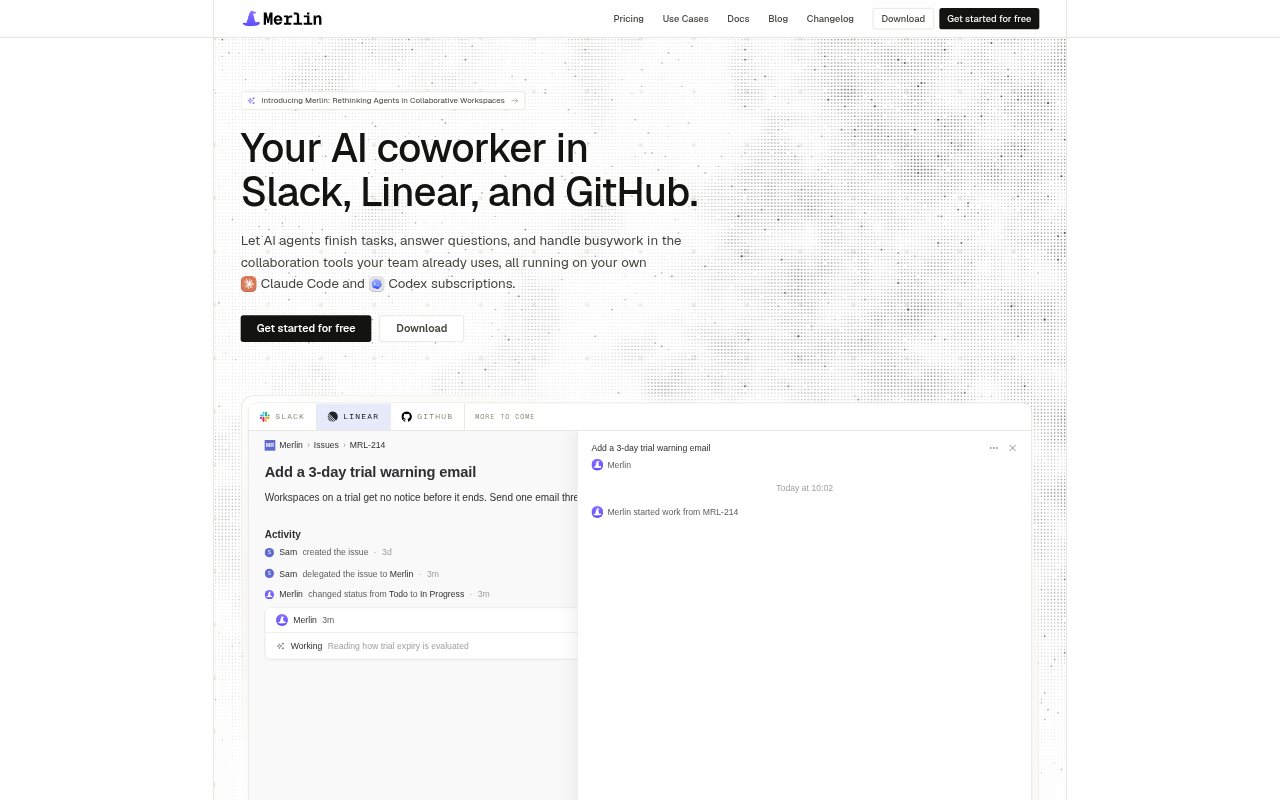
Merlin is an AI coworker for small teams that routes tasks through Slack, Linear, and GitHub to Claude Code or Codex running on a teammate’s computer. People can ask questions, delegate work, or follow up where a task began, while teammates can see runs and add context. Merlin uses the team’s existing Claude and Codex subscriptions rather than requiring API keys or a separate model-usage bill, and can work with local files, tools, and context.
Merlin Features:
Team Integrations: Merlin works inside Slack, Linear, and GitHub, returning answers and task results to the conversation, issue, or pull request where work was requested.
Local Agent Execution: Tasks run through Claude Code or Codex on a teammate’s computer and can use the MCP servers and skills already configured there.
Slack Channel Access: Teams invite Merlin to individual channels, choose whether it responds proactively or only when mentioned, and control which channel content it can see.
Shared Team Context: Teammates can see and steer the same runs, while shared memory carries team history, decisions, and knowledge into new tasks.
Skills And Automations: A team can publish a skill for others to use, share a machine, and set up automations for recurring work.
Proactive Responses: When enabled, Merlin can join discussions to surface missing context and investigate issues such as alerts or changes in team metrics.
Merlin Benefits:
Less App Switching: Keeping requests and results in familiar collaboration tools helps teams avoid moving between a separate AI app and their day-to-day work.
Visible Collaboration: Shared task runs let teammates follow progress, add direction, and see the result instead of leaving agent work hidden with one person.
Lower Model Overhead: Using existing Claude and Codex subscriptions avoids a separate API key setup and separate model-usage bill for Merlin.
Reusable Team Knowledge: Shared skills and memory make team conventions and past decisions available across tasks, reducing the need to re-establish context each time.
Scoped Channel Access: Inviting Merlin only to selected Slack channels gives teams control over which conversations are available to it.
Use Cases:
Pull Request Feedback: Mention Merlin on a GitHub pull request to make a requested code change, follow repository review conventions, run relevant tests, and push commits to the branch.
Linear Bug Fixes: Delegate a triaged bug from Linear so Merlin can write a failing test, fix the bug on a teammate’s machine, and link a pull request to the issue.
Red CI Checks: Mention Merlin on a pull request with a failing check to have it inspect the job log, reproduce the problem, and provide a fix or evidence that the test is flaky.
Small Feature Work: Hand off a clear, small Linear feature issue for implementation with tests and a pull request linked back to the issue.
Incident Investigation: Enable proactive responses in an alert channel so Merlin can investigate a latency issue, identify a possible cause, and propose or make a code change.