
What is Microsoft Designer?
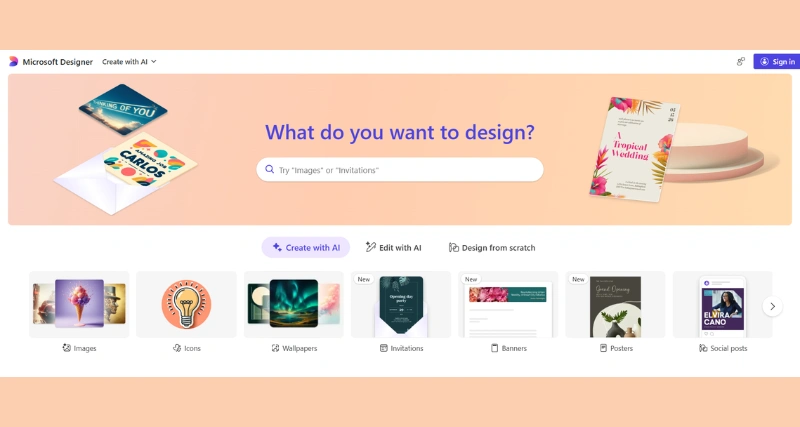
Microsoft Designer is an AI-powered tool that allows users to create stunning designs quickly and easily. It starts with a simple text description and generates images based on that description. It is an AI-powered graphic design tool that simplifies the creation of professional visuals, ideal for social media posts, marketing materials, presentations, and more. Accessible via web browsers and integrated into Microsoft 365, it caters to both design novices and professionals.
Microsoft Designer Features:
AI-Driven Design Suggestions: Automatically generates layouts, color schemes, and fonts based on your content, streamlining the design process.
Extensive Template Library: Offers a wide range of customizable templates for various purposes, including social media posts, flyers, and presentations.
Seamless Microsoft 365 Integration: Easily import content from Word, PowerPoint, and Excel, and export designs back into these applications.
Real-Time Collaboration: Allows multiple users to work on the same design simultaneously, facilitating teamwork and feedback.
Customizable Branding Kits: Save and apply brand colors, logos, and fonts across all your designs to maintain consistency.
Microsoft Designer Benefits:
Quick and easy design creation
Ability to create customized designs
Time-saving feature
Use Cases:
Graphic designers looking for a quick way to create designs
Small businesses or individuals who need to create designs quickly and efficiently
Social media managers who need to create graphics for their posts