

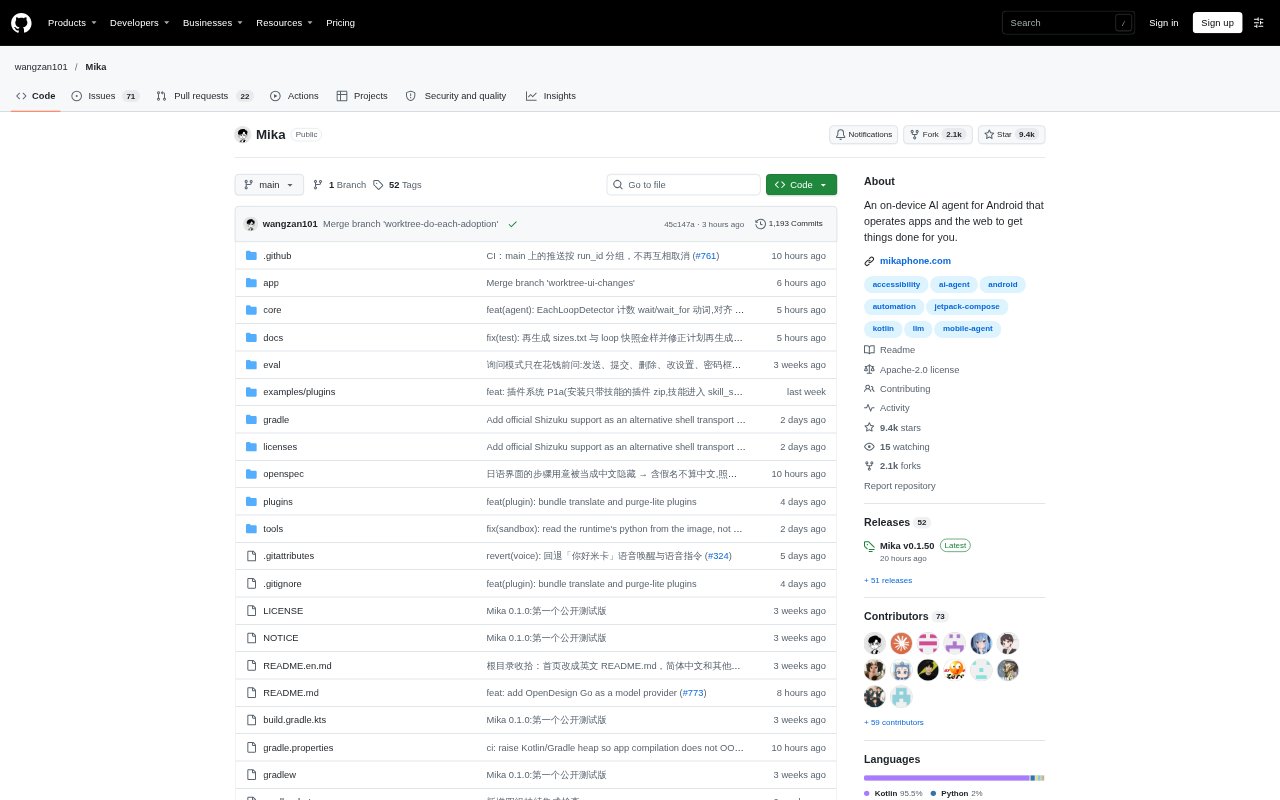
What is Mika?
Mika is an open-source AI assistant for Android that carries out spoken or typed requests by interacting with apps and websites on the phone. It reads screens, taps, types, scrolls and summarizes information, while running tasks on a hidden background screen so the phone remains available for other use. It suits people who want an assistant to handle multi-step phone tasks without relying on each app to provide an integration. Mika is free and uses a model provider or account that you connect.
Mika Features:
Background App Control: Mika operates apps on a separate background screen, using what it sees to find controls and tap, type, scroll or share text without requiring app APIs.
Built-In Browser: Its browser can read pages, download and upload files, and carry out requests on the page you are viewing while keeping you signed in.
Task Monitoring: You can view a task’s live progress, add or correct instructions while it runs, stop it, and ask it to continue from where it left off.
Scheduled Tasks: Mika can run reminders and recurring or conditional tasks, such as checking the weather at a set time and reporting only if rain is forecast.
Model Connections: Connect a supported model provider with an API key, use selected account sign-ins, or configure a compatible endpoint, including a model on your local network.
On-Device Storage: API keys and memories are encrypted on the phone, while conversations and task records remain on the device; there is no Mika server.
Mika Benefits:
Keep Using Your Phone: Because tasks run in the background, you can continue using the main screen instead of waiting with the app open.
Fewer Repetitive Steps: Delegating sequences of taps, searches and scrolling can reduce the manual work involved in routine phone tasks.
More User Control: You can check progress, intervene with updated directions or stop a task, and Mika asks before orders or payments.
Local Conversation Records: Keeping conversations and run records on the phone gives you a way to review past work without storing those records on a Mika server.
Choice of Models: Using your own provider or a compatible local model lets you choose how Mika processes requests rather than being limited to one model service.
Use Cases:
Product Research: Ask Mika to compare chargers against a price and rating requirement, add a suitable option to the cart, and stop before checkout.
Chat Summaries: Use it to read through a messaging group’s conversation and summarize what members discussed during the day.
Creator Monitoring: Have Mika review a creator’s recent posts in a social app and summarize the topics they have been publishing.
Travel Comparison: Ask it to compare flight options between two cities and report the cheapest nonstop flight it finds.
Recurring Checks: Set a scheduled check, such as reviewing the weather each morning and notifying you only when rain is expected.