

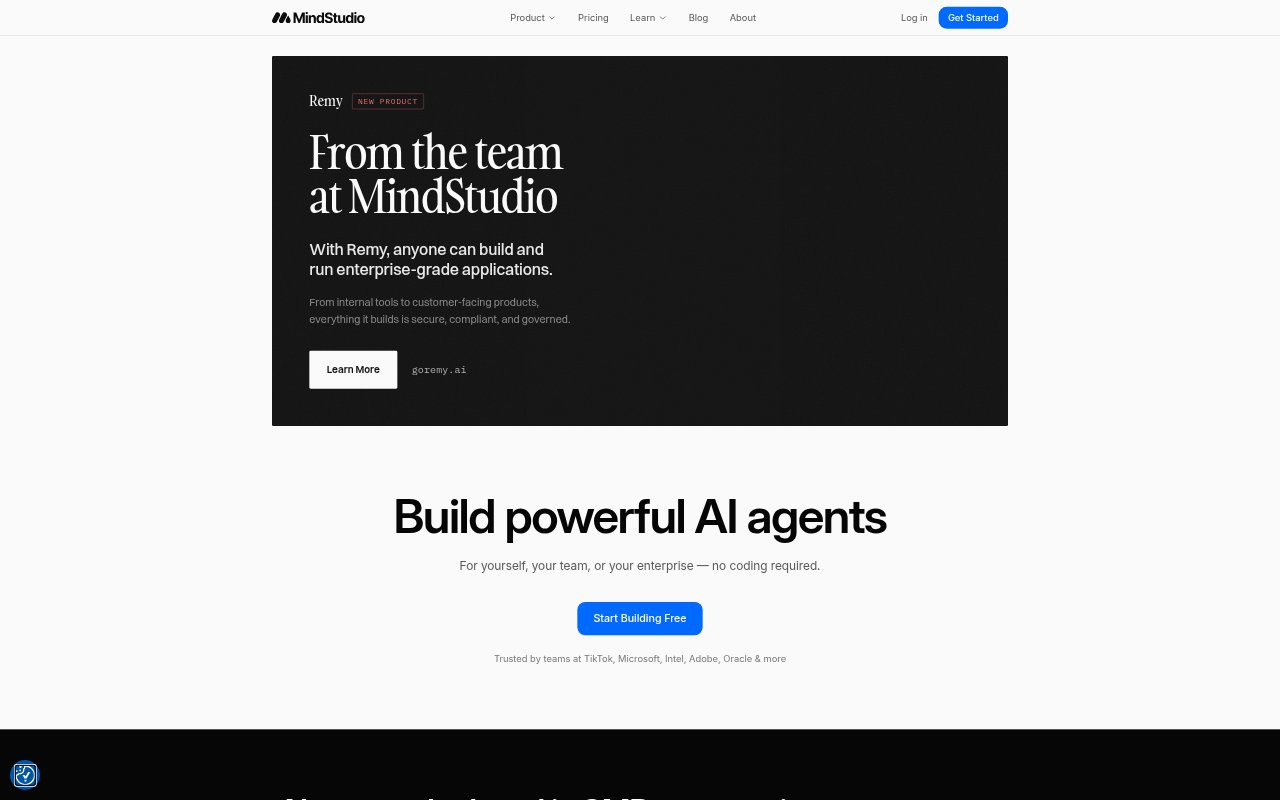
What is MindStudio?
MindStudio is a no-code platform for building, deploying, and running AI agents for personal workflows, teams, and organizations. Users can describe an agent in plain language, refine the result, and deploy it as a web app, scheduled automation, browser extension, email-triggered tool, API endpoint, or MCP server. The platform connects agents to AI models and business tools, and supports both internal tools and customer-facing applications. It is aimed at individuals, team leaders, operations and IT staff, and automation specialists.
MindStudio Features:
Prompt-Based Building: Describe the agent you want, then use Agent Architect to create a scaffold and refine it by describing changes.
AI Model Access: Connect to more than 200 AI models through the platform without requiring API keys, or bring your own keys.
Flexible Deployment: Publish agents as web apps, scheduled backend automations, browser extensions, email-triggered agents, API endpoints, or MCP servers.
Connected Workflows: Use integrations and agent capabilities for tasks such as web scraping, sending email, processing media, and working with CRM systems.
Rich Outputs: Create custom business apps with screens and forms, as well as materials such as PDFs, HTML, and CSV files.
Team Controls: Business workspaces include unlimited collaborators, granular permissions, audit logs, usage limits, and single sign-on.
MindStudio Benefits:
Faster Prototyping: Plain-language setup lets people shape an agent without first writing code or assembling its initial structure by hand.
Less Tool Switching: Access to models and workflow capabilities in one platform reduces the need to manage separate tools for each task.
More Useful Automation: Agents can be triggered in the places work happens, making it easier to apply AI to recurring tasks and incoming requests.
Tailored Workflows: Custom apps and outputs let teams fit an agent to a particular process instead of forcing work into a generic interface.
Managed Collaboration: Shared workspaces and access controls help teams coordinate agent building while keeping permissions and usage in view.
Use Cases:
Competitor Monitoring: Set up a scheduled agent to check competitor websites and analyze changes to their products or terms of service.
Email Action Tracking: Forward or copy an email thread to an agent that reviews it and helps identify outstanding action items.
Social Content Drafting: Analyze an article or video, prepare a LinkedIn post for review, and publish it after approval.
Contact Research: Build a browser extension that finds people mentioned on a webpage, locates contact information, and adds it to HubSpot.
Internal Business Tools: Create a user-facing app with forms and screens for a team process that would otherwise rely on manual work.