

What is MindThread?
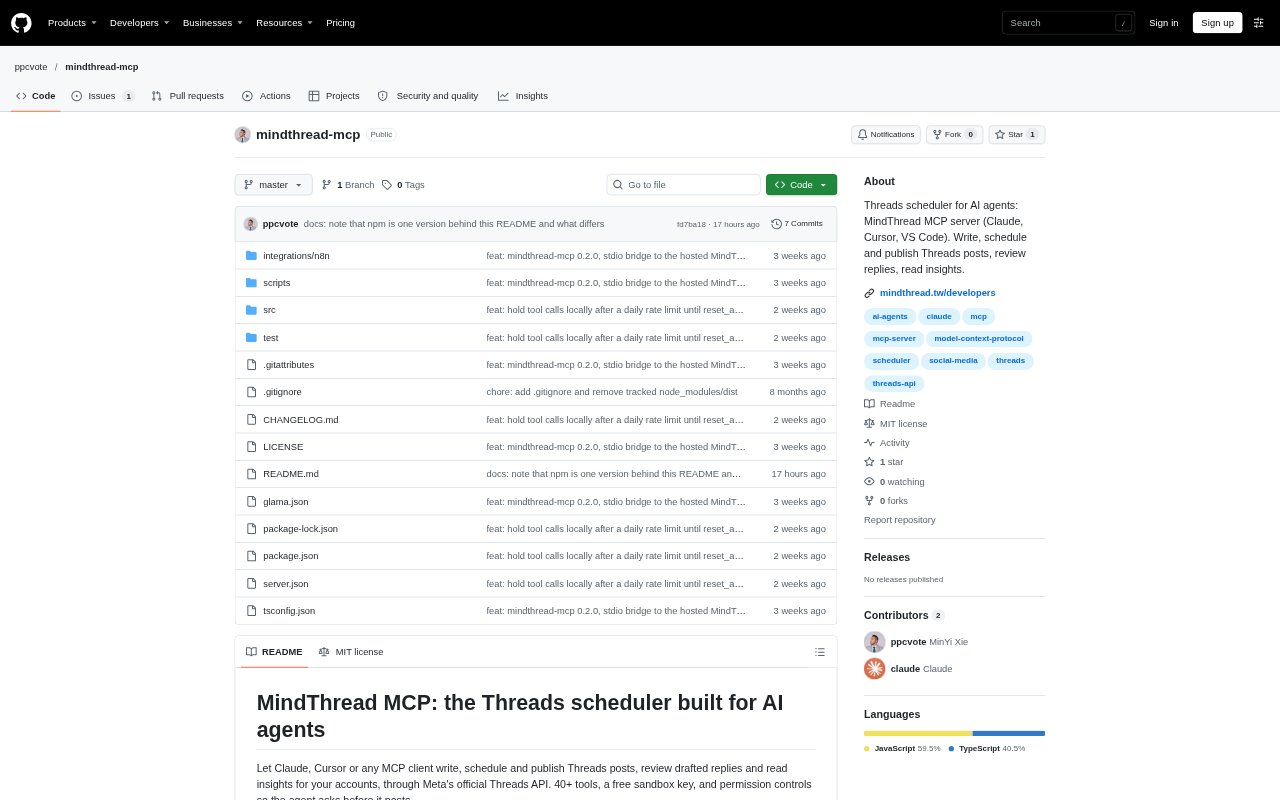
MindThread connects AI agents to Threads accounts through an MCP server and API, so users can draft, schedule, publish and review activity from an AI client. It is aimed at founders, marketers and businesses managing a Threads presence, including teams handling multiple accounts. The service also provides a web app for connecting accounts and managing permissions, while its test keys let users try API writes without changing live account data.
MindThread Features:
MCP Connections: Connect Claude Code, Cursor, VS Code and other MCP clients to MindThread through a hosted HTTP endpoint or a local stdio package.
Draft Generation: Generate one to five post drafts using an account's persona, brand material and content formulas, or create a thread of two to ten parts.
Scheduling and Publishing: Publish text, images, carousels or videos now or at a chosen time, or add posts to a queue that follows account time slots.
Content Guardrails: Set rules for length, banned phrases, hashtags and approved facts, with the server checking content against those rules.
Cloud Patrol: Search Threads for chosen keywords, draft replies to matching posts and let an agent list, approve or reject those drafts.
Account Insights: Read account metrics for views, likes, replies and followers, and check results for replies sent through cloud patrol.
Key Permissions: Set API key permissions to allow, ask or deny specific actions, with approval-required actions held for the account owner.
MindThread Benefits:
Less Manual Posting: Drafting and scheduling through an AI client can reduce the effort of moving content from an idea into a publishing queue.
Safer Automation: Permission settings and content checks give account owners a way to limit what an agent can publish or change.
Consistent Brand Voice: Using account personas, brand material and content rules helps keep generated posts aligned with established messaging.
Faster Reply Review: Collecting keyword-based reply drafts in one workflow makes it easier to assess relevant conversations before sending a response.
Clearer Performance Reads: Account and patrol metrics help users see which posts and replies are attracting views, likes and responses.
Use Cases:
Plan a Content Queue: Prepare a batch of posts for a business account, review the drafts and schedule them across its available publishing slots.
Shape a Founder Voice: Use brand material and an account persona to draft Threads posts that explain a founder's ideas, expertise or business story.
Coordinate Product Updates: Draft and schedule launch announcements or other product updates, then publish them as text, image, carousel or video posts.
Respond to Industry Topics: Set keyword searches for relevant discussions, review the resulting reply drafts and approve the responses that fit the account.
Compare Account Results: Review views, likes, replies and follower data to assess how a Threads account performed over a chosen reporting period.