

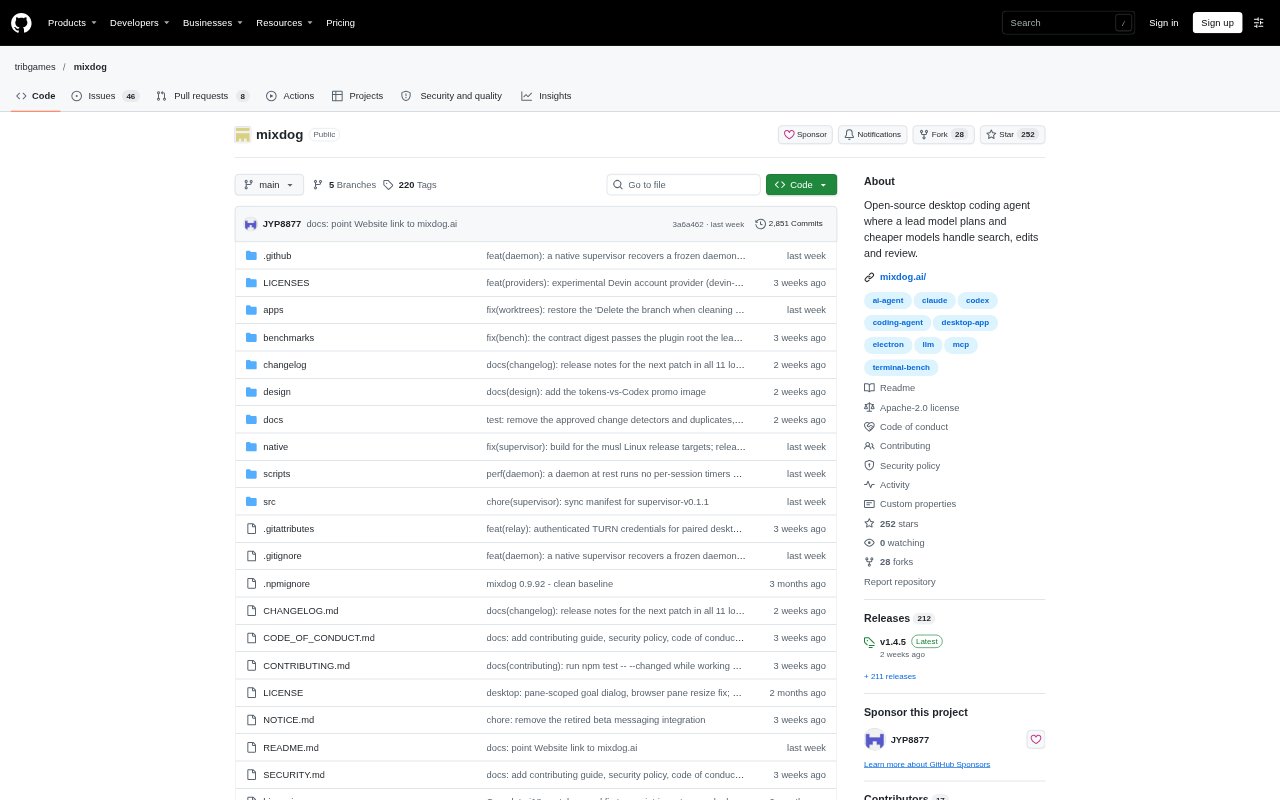
What is Mixdog?
Mixdog is a free, open-source coding agent for developers who want to handle code work in a desktop app or terminal. A lead model can plan a task while other models search, edit, and review in parallel, using accounts or API keys the user already has. It also combines code work with desktop and browser control, document editing, and scheduled bots. Mixdog runs on Windows, macOS, and Linux.
Mixdog Features:
Model Teams: Assign a lead model to plan work while other models search, edit, or review, and change the workflow or mode during a conversation.
Code Workspace: Work in a desktop environment with an editor, language server support, terminals, Git, GitHub, code graph, and split-pane sessions.
Automated Tasks: Set goals with a time limit, or start work on a schedule or webhook with a dedicated executor sub-agent and live task status.
Desktop Control: Read screens through accessibility information and offline OCR, then click or type in desktop apps, with a stop shortcut and approval prompts for admin actions.
Browser and Documents: Control signed-in web pages without exposing saved passwords to the model, and create or edit Word, Excel, PowerPoint, and PDF files.
Phone Continuity: Pair an iPhone or Android phone to continue sessions, control the PC screen, receive alerts, and approve actions with end-to-end encryption.
Model Providers: Connect supported Claude, ChatGPT, Grok, or Muse Code accounts, API keys, OpenRouter, custom endpoints, or local models.
Mixdog Benefits:
Lower Token Use: Delegating search and editing to lighter models can reduce token consumption while keeping a stronger model focused on planning and review.
Fewer Window Switches: Keeping editing, tests, terminal work, and GitHub actions in one workspace makes it easier to move from a code change to a reviewed pull request.
Less Routine Work: Scheduled jobs and webhooks can keep recurring tasks moving while the user is away, with approvals available when a bot needs input.
Reuse Existing Access: Signing in with supported accounts or API keys avoids requiring a separate Mixdog model subscription to get started.
Safer Remote Work: Phone access and password handling let users check progress or continue a session without sharing saved sign-in details with the model.
Use Cases:
Fix Failing Tests: Ask Mixdog to investigate a failing test, make code changes, and run the test suite to check the result.
Prepare Pull Requests: Review a code diff, commit the changes, and open a GitHub pull request from the same workspace used to edit and test the project.
Run Recurring Jobs: Schedule a bot to produce a routine report or respond to a webhook that starts work on a new release or task.
Automate Desktop Tasks: Use screen reading and desktop control to interact with buttons and fields in apps that are part of an existing workflow.
Continue Away From Desk: Check a running task from a paired phone, respond to an approval request, or send the next instruction while away from the computer.