

What is mobile-agent?
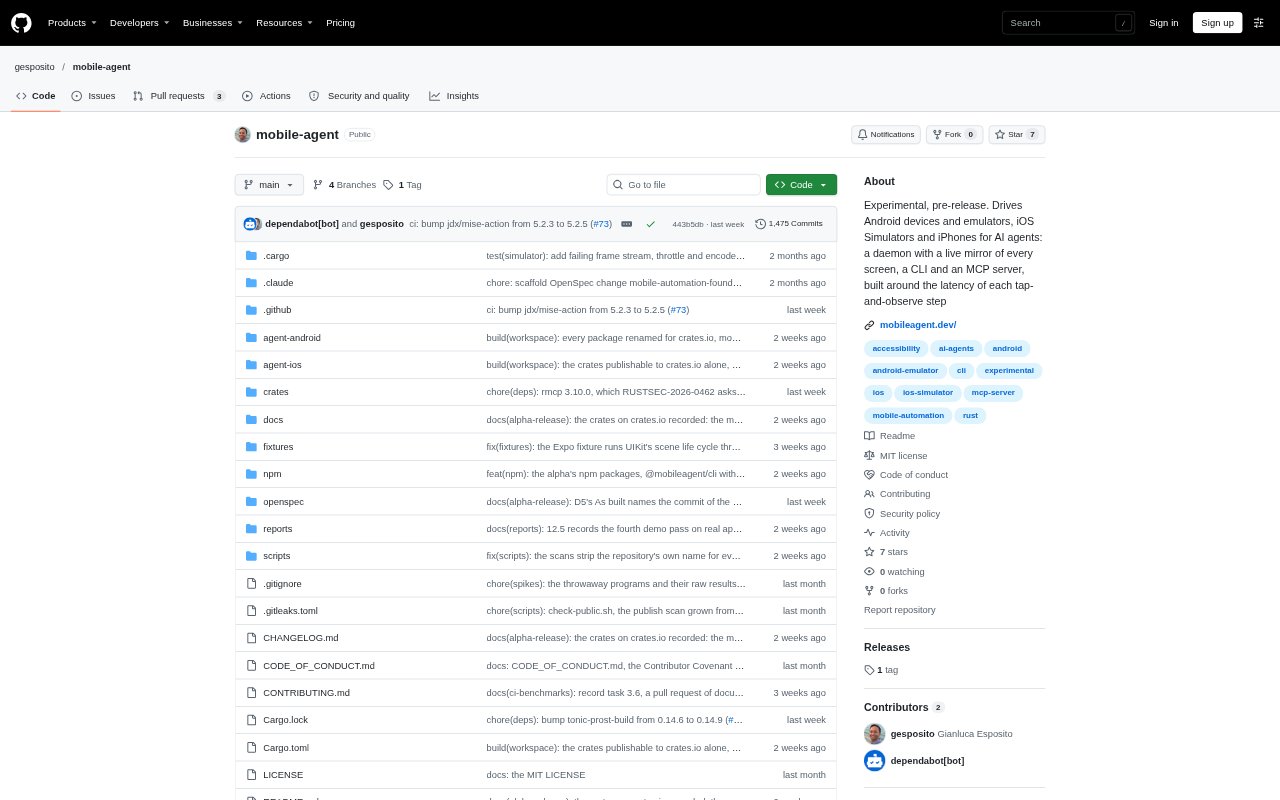
mobile-agent is experimental, pre-release development tooling that lets AI agents operate Android devices and emulators, iOS Simulators, and physical iPhones. It combines a background daemon that maintains a live screen mirror with a command-line interface and an MCP server, giving agents a way to inspect screens and issue actions through the same system. It is intended for developers building or evaluating mobile-agent workflows, not for software shipped inside an app.
mobile-agent Features:
Live Screen Mirror: A daemon keeps each attached screen's windows, accessibility tree, and latest frame current using platform change events and frame callbacks.
Android Control: An agent pushed over adb can operate Android devices and emulators, while the emulator can use a gRPC controller fast path when available.
iOS Simulator Control: On a Mac, the host drives booted iOS Simulators and reads their frames and accessibility trees without installing a runner in the Simulator.
Physical iPhone Control: A repository-built runner provides tree access and text entry for a connected iPhone, while the host handles other device operations.
CLI Actions: The command-line interface supports actions such as opening apps, clicking, typing, pressing keys, scrolling, and waiting for a screen to settle.
MCP Server: The mobile-agent-mcp server exposes the same tools, references, and replies to MCP clients including Claude Code, Claude Desktop, Codex, and Cursor.
mobile-agent Benefits:
Less Repeated Reading: Because snapshots and settle checks use the daemon's live mirror, agents do not have to trigger a fresh device read for every request.
Reusable Agent Skills: The CLI follows agent-browser's command grammar, references, and JSON envelope, allowing compatible prompts and skills to carry over.
Faster Feedback Loops: The system is designed around the delay between a tap and observing its result, helping developers build workflows that respond to screen changes.
One Shared Interface: The CLI and MCP server use the same daemon and return the same tools and references, so developers can work through either interface.
Broad Device Coverage: A single project can exercise Android and Apple mobile environments instead of relying on a separate driving tool for each supported platform.
Use Cases:
Mobile Login Checks: Run an agent through a login screen, enter account details, and wait for the app to reach its welcome state.
App Navigation: Have an agent open a mobile app, select controls by text or reference, and follow a sequence of screens.
Long List Browsing: Test an agent's ability to scroll through a lengthy mobile list and open a particular row's detail screen.
Large Screen Inspection: Use an agent to open a screen with many cells and read its contents on a Simulator or Android emulator.
Cross-Platform Prototyping: Develop and evaluate mobile-agent tasks across Android emulators, iOS Simulators, and connected physical devices.