

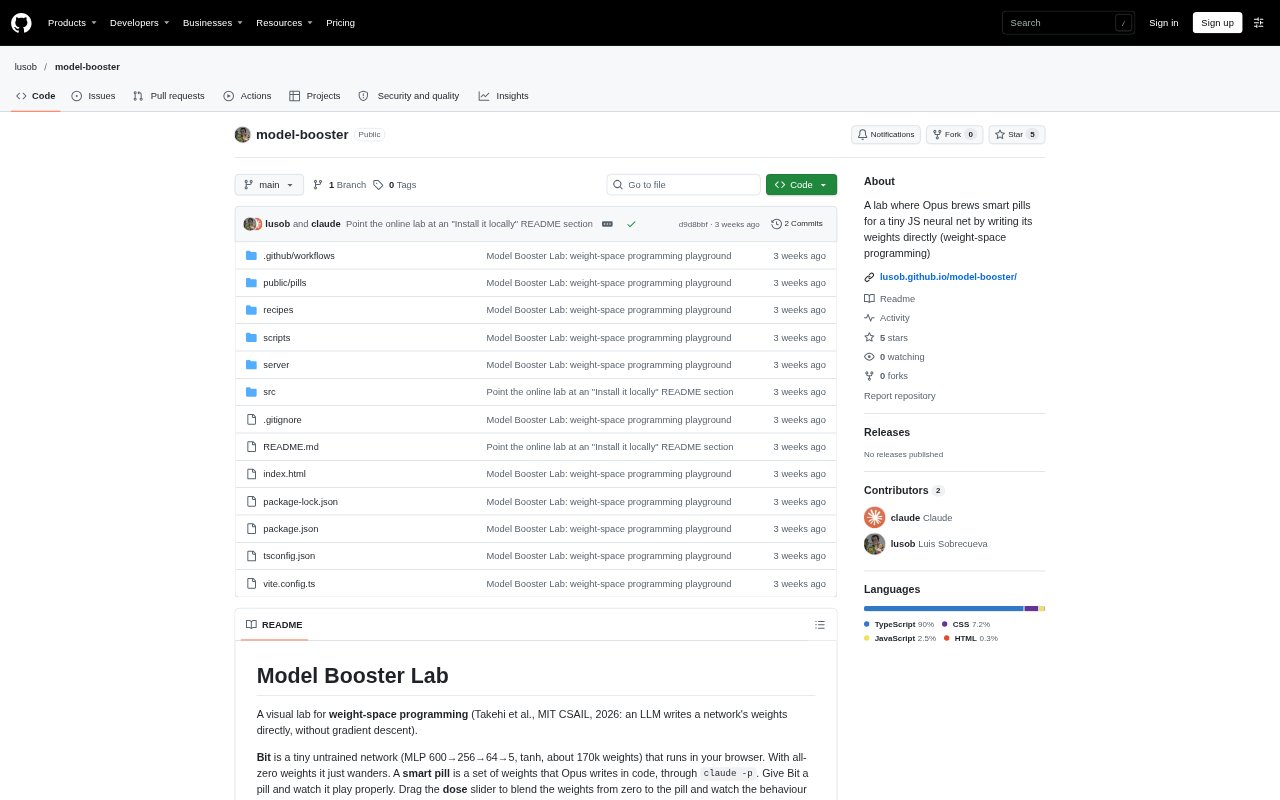
What is model-booster?
Model Booster Lab is a visual environment for weight-space programming, where an LLM writes a small neural network’s weights directly instead of training them with gradient descent. The tiny JavaScript network, called Bit, runs in a browser and can play a collection of simple games. You can explore existing weight sets online, or install the lab locally to use Opus to create new ones from starter recipes or custom game objectives.
model-booster Features:
Browser-Based Network: Bit is a small, untrained MLP that runs in the browser and acts as the network for the lab’s games.
Weight Blending: A dose slider blends a pill’s weights with zero weights, so you can observe how changing the blend affects Bit’s behaviour.
Local Pill Brewing: The local lab uses the Claude Code CLI with Opus to write network weights and create new pills.
Custom Objectives: You can choose a starter recipe or describe a game goal for Opus to turn into scoring events and a game configuration.
Live Brew Progress: Opus’s notebook displays its designs and tests as they happen, with progress streamed to the lab interface.
Game Collection: Pills can be used across ten games, including Catch, Dodge, Maze, Snake, Flutter, Ring, and Crossing.
Held-Out Grading: The lab tests finished weights on 128 held-out levels before saving a pill to the shelf.
model-booster Benefits:
Visible Weight Effects: You can connect changes to the network’s weights with changes in its in-game behaviour rather than treating the model as a black box.
Training Alternative: The lab lets you explore a way of creating network behaviour without relying on gradient descent.
Goal-Focused Experiments: Custom objectives let you investigate behaviours that match a particular game challenge instead of being limited to preset recipes.
Practice Versus Testing: Held-out grading gives you a separate test of a pill beyond the levels used during its design.
Reusable Results: Saved pills can be committed and shared, so others can try the weight sets you have created.
Use Cases:
Explore Weight Programming: Use the online lab to see how a tiny network’s game behaviour changes as you adjust the blend between zero weights and a pill.
Prototype Game Agents: Install the lab locally and brew a pill for a starter game such as Catch, Dodge, Maze, or Snake.
Define a Game Goal: Write a custom objective, such as catching only blue balls, and have Opus turn it into a game configuration and scoring events.
Compare Game Behaviours: Try pills in different games that share the same observation format to explore how each weight set performs.
Share Created Pills: Commit new pill files to the project and publish them so other people can try them in the online lab.