
What is Mooring?
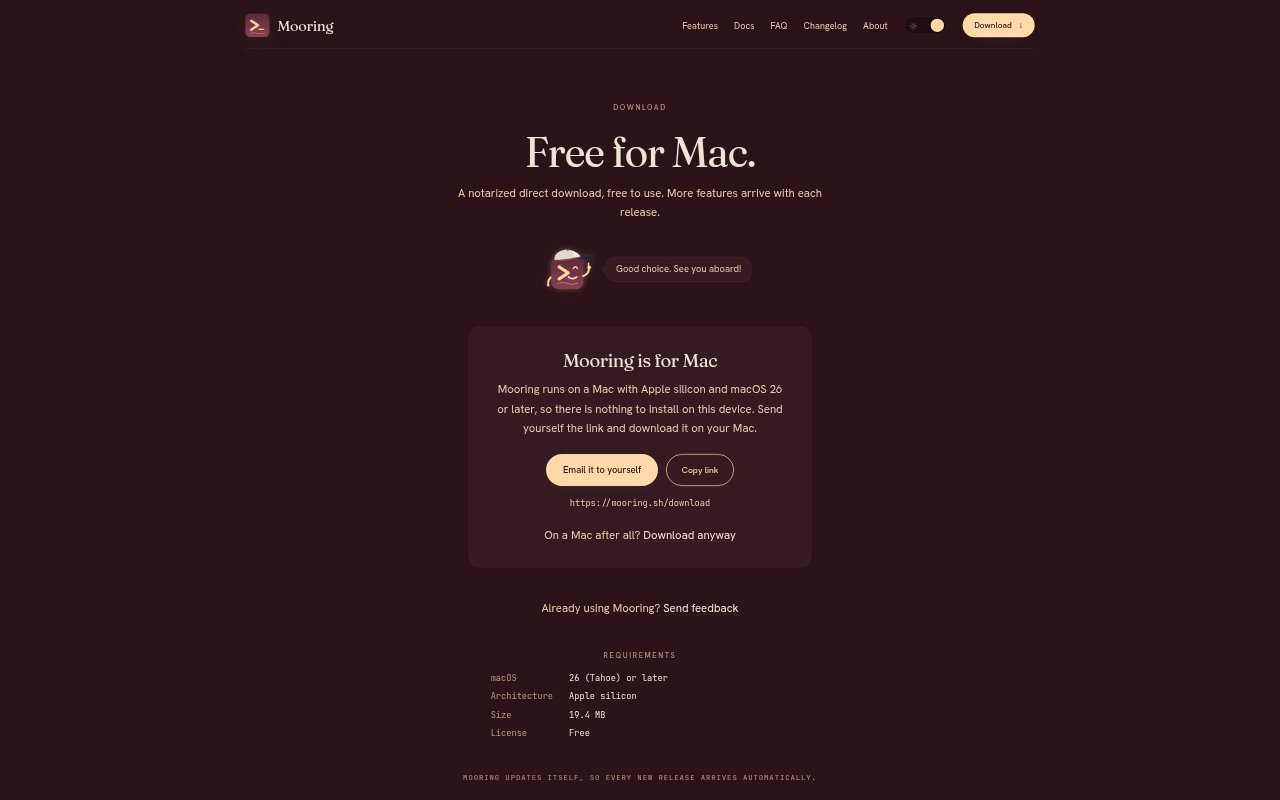
Mooring is a Mac agentic development environment for developers coordinating Claude Code sessions. It keeps Claude Code running in real terminal tabs while bringing projects, tasks, branches and usage information into one workspace. Developers can create task-specific worktrees, direct Claude through task cards and use the built-in Assistant to help prepare and manage work. Mooring also supports remote access to Mac sessions and is free to use on Apple silicon Macs running macOS 26 or later.
Mooring Features:
Parallel Sessions: Run Claude Code in multiple real terminal tabs within one window, with projects, tasks and branches visible together.
Worktree Creation: Choose a task and Mooring creates its worktree and branch, starts Claude Code there and passes the task to it.
Task Assistant: Use the built-in Assistant to turn notes into tasks, spot overlap between tasks, check session status and update workspace tasks.
Voice Tasks: Start the microphone with a shortcut and dictate an idea into a new Cards tab task while Claude keeps working.
Usage By Branch: View usage for each branch as it happens to identify which parallel session is consuming the Claude plan.
Remote Access: Connect from an iPad, iPhone or other computer over SSH to the same live session running on the Mac.
Plan Limit Handling: When a plan limit approaches, Mooring can have sessions finish their current steps, record progress and stop until the reset.
Mooring Benefits:
Less Window Switching: Keeping task context and terminals together makes it easier to see where work is happening without hunting across separate apps.
Fewer Conflicting Edits: Separate task worktrees help keep parallel sessions from modifying the same working files.
Easier Returns: Persistent sessions and saved tabs after sleep or a restart reduce the effort of restoring your place in a project.
More Deliberate Usage: Branch-level usage visibility helps developers identify which work is drawing on their plan and adjust before reaching a limit.
Clearer Resumption: Progress notes saved when a session pauses give developers a useful starting point when work resumes after a plan reset.
Use Cases:
Parallel Development: Run Claude Code on separate branches for a login fix and a new feature while tracking each task in the same workspace.
Capturing Ideas: Dictate a follow-up task while a coding session is running instead of interrupting it to type.
Working Remotely: Open an existing Mac Claude session from an iPad, iPhone or another computer when away from the workstation.
Handling Plan Resets: Have long-running sessions finish their current steps and save notes when a usage limit arrives, then resume after it resets.
Reviewing Branches: Inspect file-level and commit-level changes and check merge readiness before merging a Claude-created branch.