
What is Mudroom?
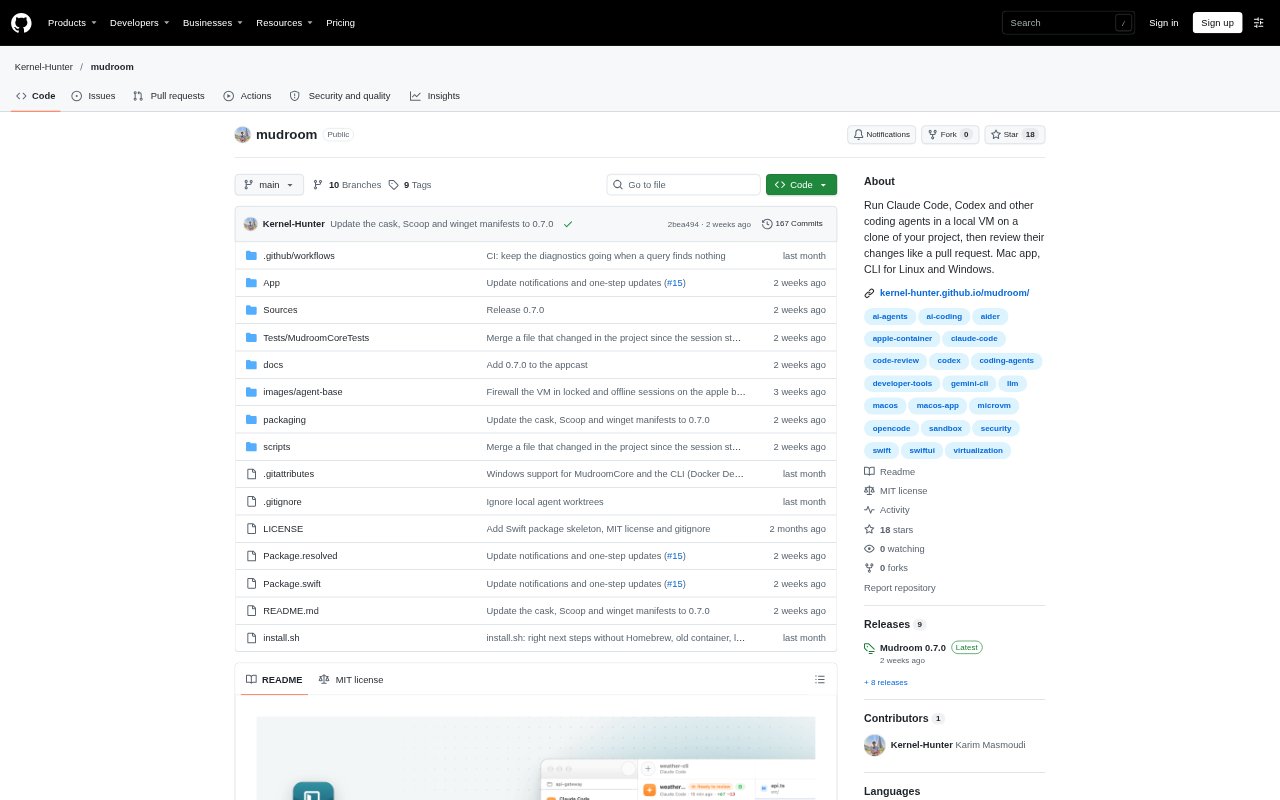
Mudroom runs coding agents such as Claude Code, Codex, Gemini CLI, opencode, and Aider—or another command—inside a Linux micro-VM, working on a clone rather than the real project folder. It is for developers who want to delegate code changes while controlling which files and network destinations an agent can access, and deciding which edits to keep. A desktop app is available for Apple-silicon Macs running macOS 26 or later, with a CLI for macOS, Linux, and Windows; Mudroom is an early prototype, so rough edges and breaking changes are expected.
Mudroom Features:
Project Clone: At session start, Mudroom makes a copy-on-write clone of the selected project, including untracked and ignored files, while leaving out .env files and keys by default.
Session VM: Each session runs in its own lightweight Linux VM, using Apple's container runtime on supported Macs or Docker and Podman on other setups, with gVisor or Kata available where installed.
Network Allowlist: Network access starts locked down, with no DNS or outbound route; a local proxy permits the agent's API hosts and any additional hosts you choose.
Connection Log: The network log records each connection's host, port, bytes, allow-or-block result, and the program in the sandbox that opened it.
Diff Review: Review changes in grouped file lists with unified or side-by-side diffs, then select whole files or individual hunks to apply.
Undo and Snapshots: Mudroom flags your own edits made since the session began, supports undo for applied changes, and takes snapshots every five minutes.
Agent Options: Use one of five agents configured through Mudroom or pass any command, with existing Claude, ChatGPT, or Google sign-ins, API keys, or local models.
Mudroom Benefits:
Protect Your Workspace: Because the agent works on a separate copy, it cannot directly alter the project folder while working, giving you a chance to inspect changes before bringing them back.
Reduce Exposure: Leaving sensitive files out of the clone and limiting outbound connections helps keep credentials and unapproved destinations outside an agent's reach.
Choose What Lands: File- and hunk-level review lets you keep useful parts of an agent's work without accepting every change it made.
Recover With Confidence: Undo and session snapshots give you a way to back out of an apply or check how the project changed over time.
Keep Your Agent Setup: Using existing sign-ins, API keys, or local models lets developers work with their preferred agent setup instead of adopting a separate account flow.
Use Cases:
Delegate a Refactor: Ask a coding agent to revise part of an application, then inspect the diff and apply only the files or hunks that fit the intended refactor.
Explore a Repository: Run an agent against a project that contains untracked or ignored work, while keeping its edits in a separate clone until you review them.
Control Agent Access: Let an agent reach its API hosts and selected additional destinations while blocking other network traffic during a coding task.
Check Network Activity: After a session, inspect which hosts the agent contacted, what was allowed or blocked, and which sandbox program initiated each connection.
Test Generated Changes: Use an agent to make an implementation change, compare its edits side by side with the originals, and keep only the parts you want in your project.