

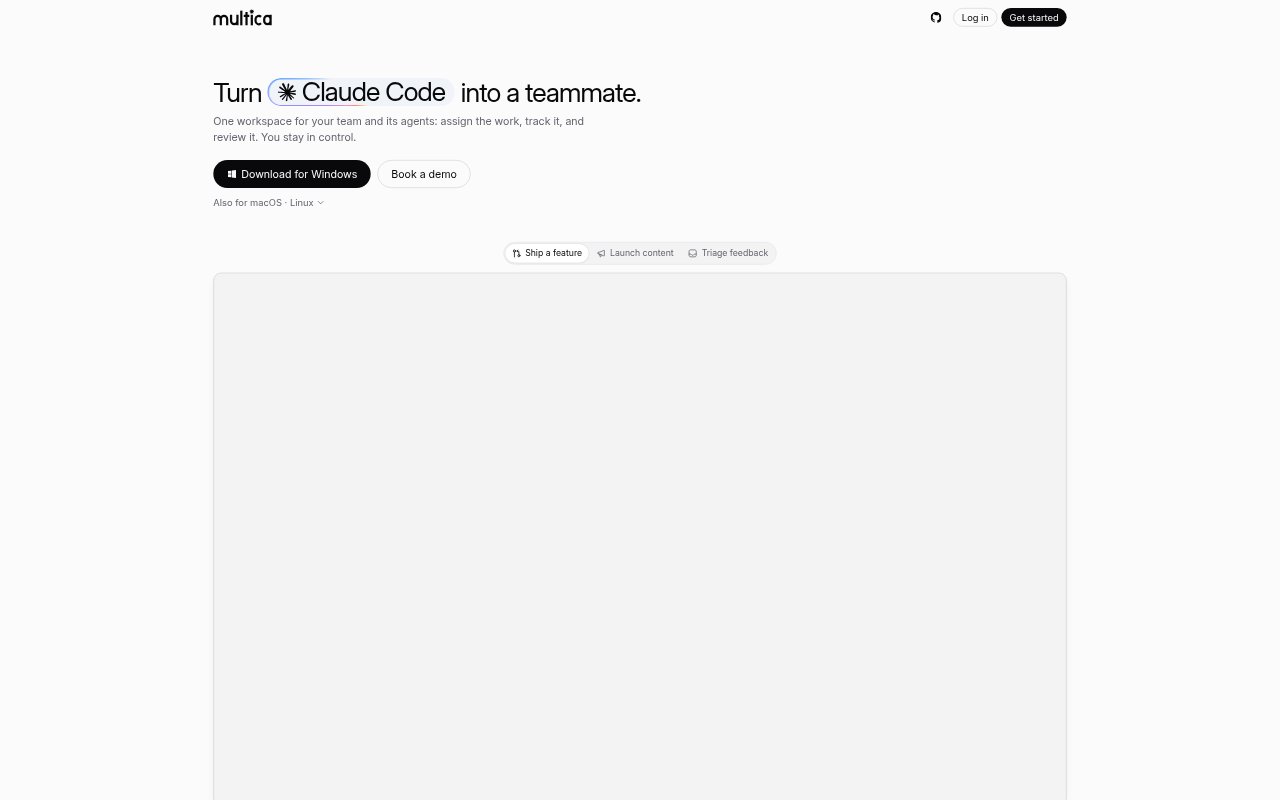
What is Multica?
Multica is a project-management workspace for teams coordinating people and coding agents. It connects coding-agent tools to project issues, workflows, and shared team guidance, so agents can take on assigned work while teammates track progress and review it. Teams can connect agents running on their own machines or use managed cloud sandboxes, and can choose hosted Multica or self-host it on their infrastructure.
Multica Features:
Issue Tracking: Create and organize issues across projects, assign work to people or agents, and follow progress in a unified workspace.
Workflow Handoffs: Set an owner for each workflow status so moving an issue forward hands it to the next agent or teammate, with handoff instructions.
Agent Connections: Connect coding-agent tools detected on a laptop or server, or use managed cloud sandboxes where agents work in connected repositories.
Chat Requests: Mention an agent in Slack, Lark, DingTalk, WeCom, or Telegram so it can read the thread, file an issue, and get to work.
Scheduled Autopilots: Schedule recurring tasks such as upgrades, issue triage, and reports, then route the resulting work to an agent.
Shared Skills: Record team procedures as shared skills so agents can follow the same guidance across different tasks.
Live Task Progress: Track the task lifecycle from enqueueing and execution through completion or failure, with agents reporting blockers and streaming progress.
Multica Benefits:
Clear Team Visibility: A unified view of human and agent work makes it easier to see what is underway without chasing updates across separate tools.
Fewer Manual Handoffs: Defined ownership at each stage helps work move forward without managers repeatedly deciding who should handle the next step.
Less Close Supervision: Progress reports and blocker notices let teams check on long-running work without watching every agent action.
Consistent Guidance: Shared procedures reduce the need to repeat team-specific instructions whenever an agent starts a new task.
Infrastructure Choice: Organizations can keep workspace data on their own servers by self-hosting, or choose the hosted cloud option.
Use Cases:
Engineering Backlogs: Assign code changes such as API updates, test fixes, or database upgrades to agents and track each issue through review and completion.
Recurring Maintenance: Schedule repository upgrades to run regularly and send the resulting work to an agent instead of starting each task manually.
Issue Triage: Set up recurring triage so new issues can be organized and routed to an agent for follow-up.
Chat-Based Requests: Ask an agent to act on a work-related chat thread, turning its context into an issue that can be tracked by the team.
Overnight Agent Work: Leave a long-running coding task with an agent, then review its reported progress or blockers when checking the workspace.