
What is Murmur?
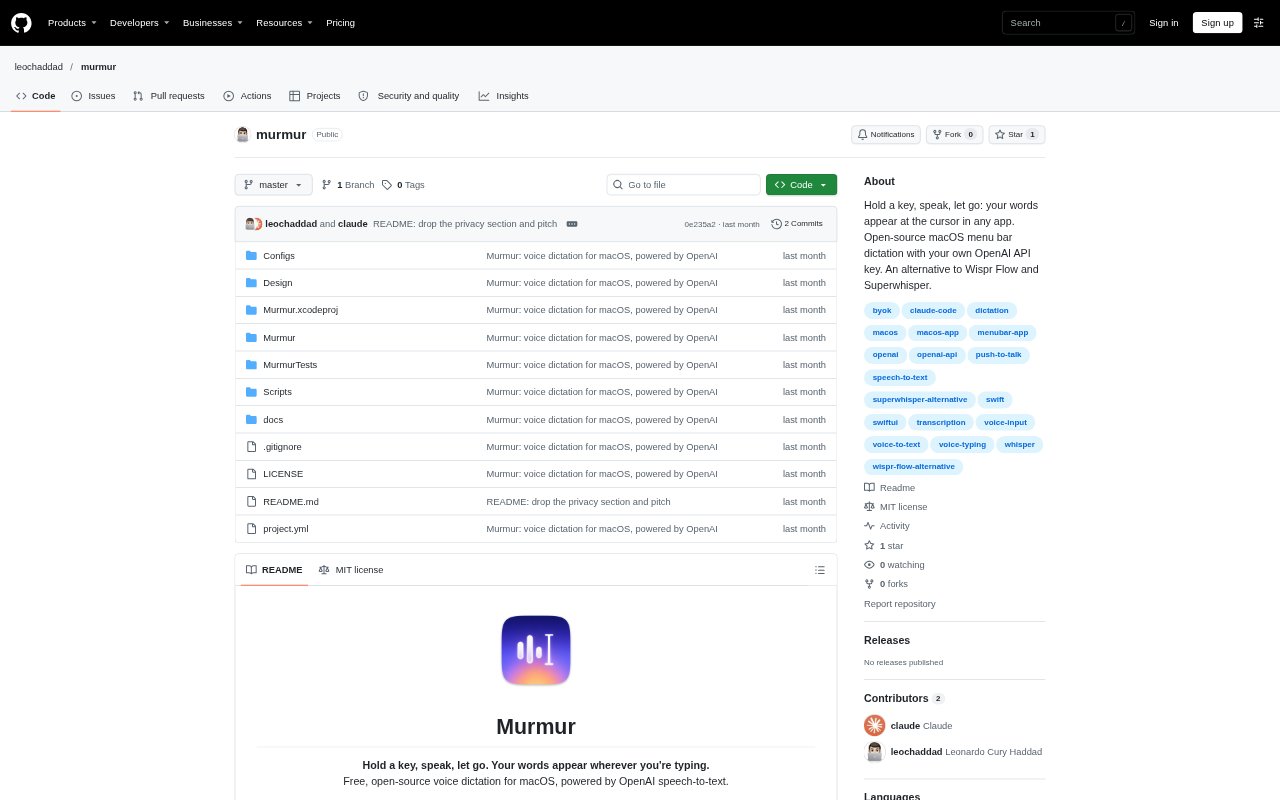
Murmur is a menu bar dictation app for macOS that turns speech into text at the cursor in the app you are using. Hold a shortcut while speaking, then release it to transcribe and insert your words, using your own OpenAI API key. It is aimed at people who want voice input across apps; it requires macOS 14 or later and must be built from source with Xcode.
Murmur Features:
Cursor Dictation: Murmur pastes transcribed text at the cursor in text fields, terminals, web apps and other places where you type.
Shortcut Controls: Choose a keyboard shortcut for push-to-talk or toggle recording, use keys such as Fn, and press Esc to cancel.
Speech Modes: Insert a direct transcription or apply a mode to translate, remove filler words, or format speech using your own instructions.
Language Handling: Murmur detects language automatically, including when you switch languages mid-sentence, and lets you add custom vocabulary for names and jargon.
Usage Tracking: View estimated daily, monthly and all-time usage, with costs based on OpenAI list prices.
Retry and Cancel: Cancel a recording before sending it, or retry a failed transcription while Murmur keeps the recording.
Murmur Benefits:
Fewer App Switches: Dictating into the field you are already using avoids moving between a separate recorder and your writing or coding workflow.
Control Over Spending: Paying OpenAI directly for usage, with estimates inside Murmur, makes dictation costs easier to monitor than a fixed Murmur subscription.
Less Cleanup: Modes that remove filler words or structure speech can reduce the editing needed before text is ready to use.
Flexible Language: Automatic language detection and translation modes let you dictate across languages without manually setting a language for each sentence.
Fewer Lost Words: Recording starts as soon as the shortcut is pressed, and failed recordings can be retried instead of dictated again.
Use Cases:
Coding Prompts: Dictate a prompt into a terminal or coding agent, with multi-line text inserted as one bracketed paste rather than run line by line.
Commit Messages: Speak a rough summary of code changes and use a custom mode to turn it into a Git commit message.
Cross-Language Drafts: Speak in Portuguese, Spanish or another language and use the English mode to produce natural English text.
Quick Replies: Dictate a response in Slack, Messages or another text field, then use a mode to make it a polite reply.
Structured Notes: Speak rough thoughts into Notes or another writing app and use a mode to shape them into bullet points.