

What is My Office?
My Office is a free, open-source companion for people using Claude Code, presenting each session as a character at a desk in a 3D office. It brings session activity, account usage, computer resource readings, and permission decisions into one workspace. Users can follow parallel sessions and subagents, adjust the office’s appearance, and manage selected Claude Code behaviors from the app.
My Office Features:
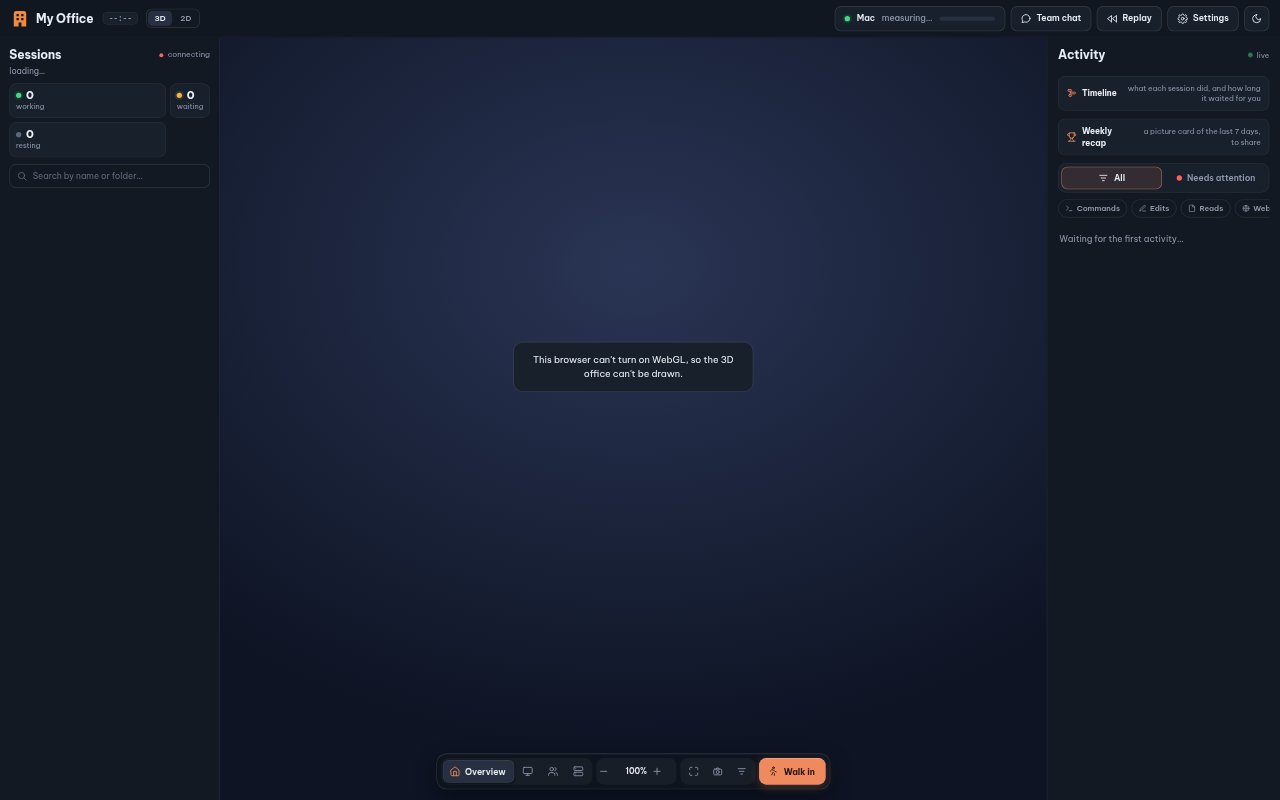
Office Overview: Each Claude Code session appears as a person at a desk, alongside its current task, context, estimated API cost, and counts for files, edits, and commands.
Account Limits: The usage view shows each account’s five-hour and weekly limits, plus a model-specific weekly limit once it has been used, and lets you rename and order accounts.
Session Timeline: A timeline displays sessions with their subagents nested below, and clicking a stretch of activity replays that moment.
Stuck Loop Checks: When a session repeats an action and gets the same error, My Office blocks the next attempt and tells Claude to change course, with a chat card for stopping or sending a hint.
Mac Notifications: When you are at the Mac and its menu bar app is running, a permission request can wait up to 20 seconds for an Allow or Deny response; risky commands can only be denied.
Model Assignment: For new Claude Code sessions, you can choose one model for the coordinator and another for subagents across your accounts.
Local Message Helper: In group chat, the helper flags wording Claude could misread; it works on the device, while the Rewrite it clearly action sends a request to Claude.
My Office Benefits:
At a Glance: A shared visual workspace makes it easier to see which sessions are active and where work stands without treating every agent as an isolated terminal.
Fewer Repeat Failures: Interrupting repeated errors can keep a session from spending more attempts on the same dead end, while the chat card gives you a way to redirect it.
More Informed Usage: Seeing account limits alongside session activity helps you make more considered choices about which account to use and when to switch.
Timely Oversight: Permission requests can be handled from a Mac notification when you are nearby, so you can respond without returning to the IDE.
Clearer Instructions: Spotting potentially confusing wording before it reaches Claude gives you a chance to clarify a request and reduce the risk of a misunderstanding.
Use Cases:
Watching Parallel Work: Keep an eye on several Claude Code sessions and their subagents while a larger project is being worked on across multiple agents.
Checking Plan Headroom: Review five-hour, weekly, and model-specific usage before choosing an account for the next session or changing the account switching order.
Approving Nearby Requests: Handle a Claude Code permission prompt from the Mac while working at your desk, or deny a risky command from its notification.
Investigating Stalled Work: Use the timeline to inspect a session’s activity, or intervene when it repeats an error, compacts repeatedly, or spends without editing a file.
Clarifying Group Chat: Review a message to a Claude conversation for wording it might misread, then request a clearer rewrite when that would help.