

What is mydash?
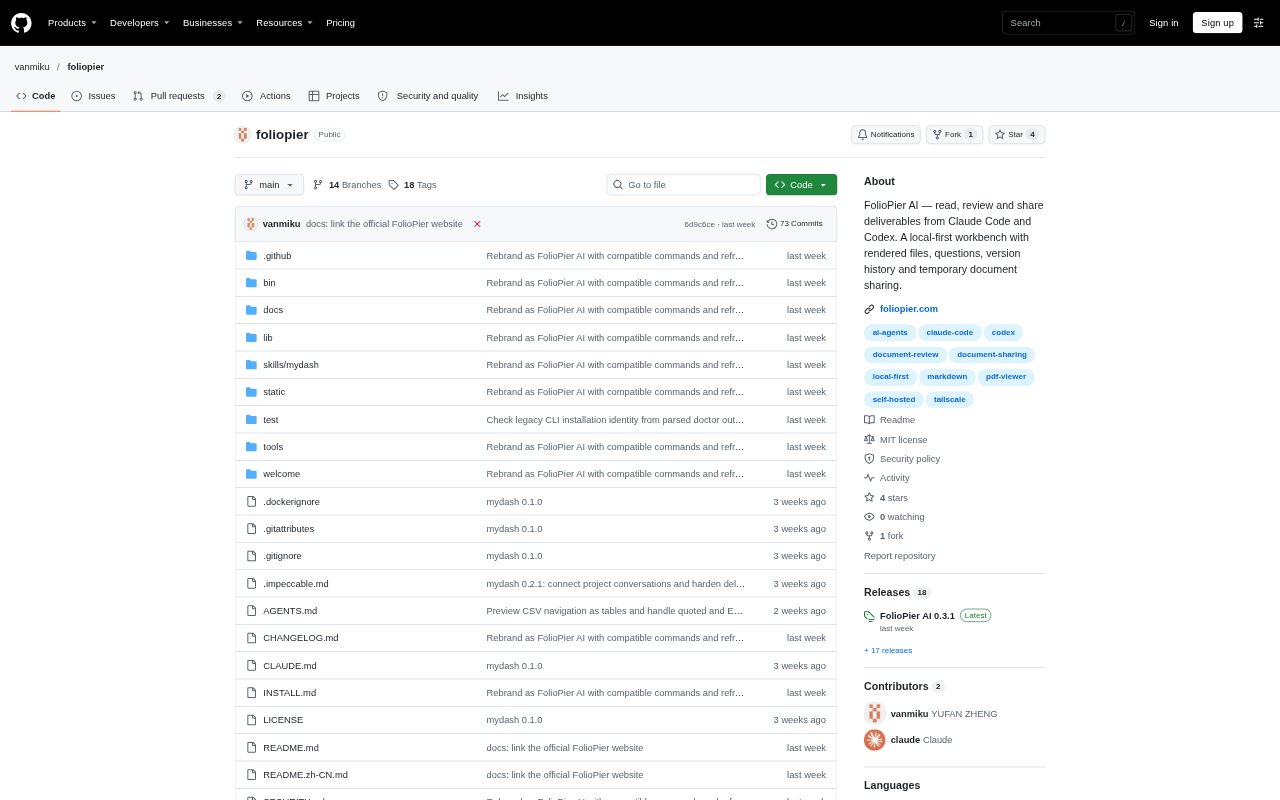
FolioPier AI is a local-first workbench for reviewing deliverables created by Claude Code and Codex. It brings plans, reports, prototypes, spreadsheets and other files into organized projects, where people can read, comment, answer questions and track revisions from a computer or phone. The workbench runs on the user’s machine, with optional controls for temporarily sharing selected documents outside the workspace.
mydash Features:
Rendered File Previews: Read Markdown, PDFs, images, HTML, CSV and spreadsheets, Office previews, code, audio and video in a browser-based workbench.
Project Organization: Group work by project and source, track unread items, and search extractable text in the latest versions.
Version Comparisons: Keep published versions together, compare changes with highlighted words where supported, and retain feedback through revisions.
Contextual Feedback: Leave comments tied to a passage, file and version, or respond to questions, approval forms, choices and to-dos.
Agent Conversations: Open supported Codex or Claude Code conversations beside a document, with optional settings for viewing and sending messages.
Controlled Sharing: Share selected files through a browser link with an access code and expiry, and choose version behavior, PDF downloads and visitor comments.
mydash Benefits:
Review From Anywhere: Responsive reading on a phone lets reviewers check plans and respond without returning to the computer where the agent worked.
Less Lost Context: Keeping comments connected to their passage and version helps reviewers and agents understand what a note refers to during revisions.
A Clearer Review: Reading a report alongside its attachments makes it easier to consider the document, data and prototype as parts of one task.
Control Over Access: Separate permissions for viewing, messaging, network access and public sharing let owners choose how much of their work is exposed.
Work Stays Local: Published files remain on the hosting computer, so local use does not require creating a FolioPier account.
Use Cases:
Review a Launch Plan: Read an agent-produced launch plan on a phone, leave a note on a passage and request a revision before sharing it.
Check a Prototype: Review an HTML prototype alongside its report and data files, then record which design decisions still need attention.
Approve a Deliverable: Answer an agent’s question or complete an approval form when a project brief or mobile layout needs a decision.
Track Revised Work: Compare a new report with its earlier version and check whether feedback has been addressed before signing off.
Share Selected Files: Send a reviewer a time-limited browser link to approved project files without exposing agent chats or internal workbench controls.