

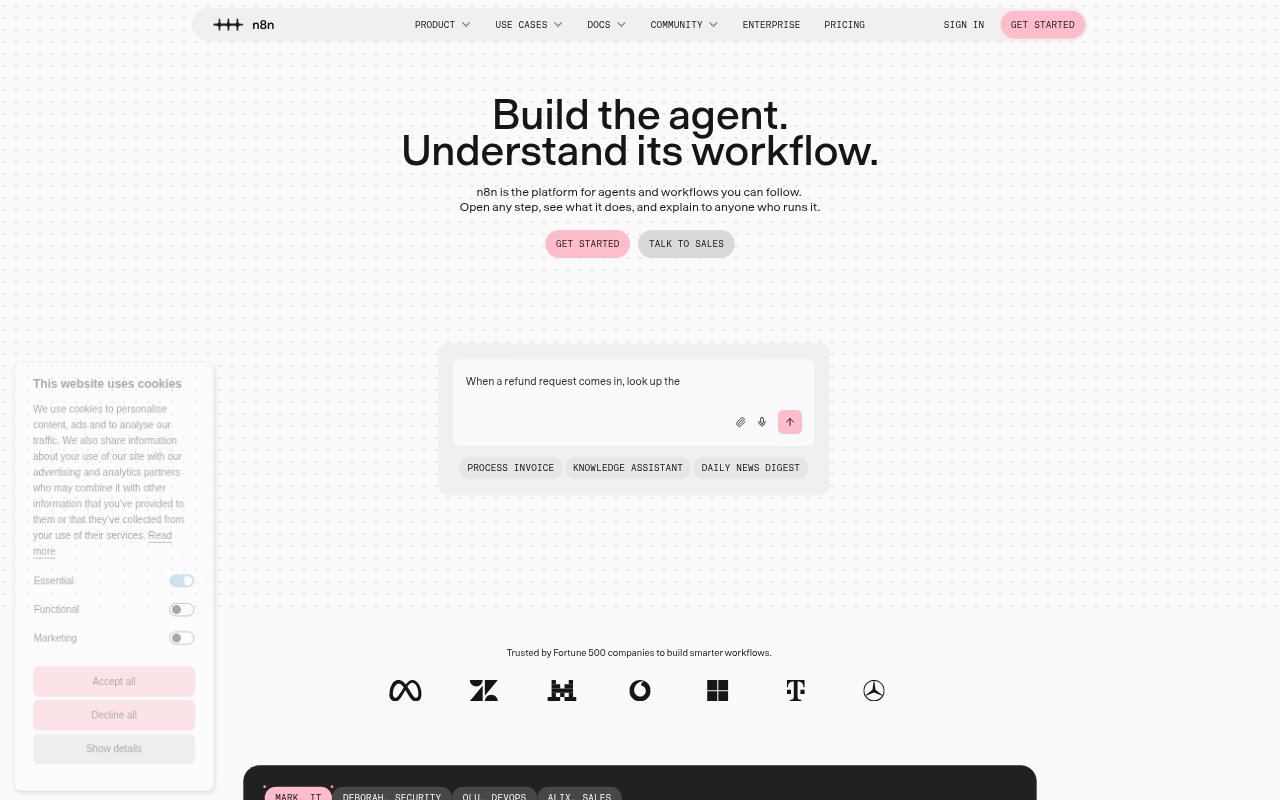
What is N8N?
n8n is a workflow automation platform for technical teams that need to connect business processes with AI. It combines a visual workflow builder with the option to add code, and supports hosted use or self-hosting on-premises or with Docker. Teams can connect models and services, inspect agent decisions and past runs, and add human approval to AI actions. It suits developers and operations teams building automations that need visibility, control, and room for custom logic.
N8N Features:
Visual Workflow Builder: Build workflows in a visual editor, then add JavaScript or Python code steps when a process needs custom logic.
Service Connections: Connect workflows to more than 500 native integrations, make custom API requests over HTTP or GraphQL, or use MCP.
AI Agent Controls: Use AI agent nodes and steps with structured inputs and outputs, and require human approval before an agent makes tool calls.
Run Visibility: Watch agents work live or open past workflow runs to inspect decisions, execution logs, and what happened at each step.
Workflow Recovery: Identify errors in a workflow and rerun the step that failed, or replay a past run and test with mock data.
Self-Hosted Deployment: Run n8n on-premises or with Docker to keep workflows and data in your own environment, or use the hosted version.
N8N Benefits:
Less Manual Handover: Readable workflows show how a process works, giving teammates a shared reference without relying on separate documentation or handover write-ups.
Faster Troubleshooting: Step-level visibility and targeted reruns make it easier to find and address a broken part of an automation.
More Controlled AI: Approval steps and rule-based automation give teams a way to review AI actions before they affect a business process.
Room to Adapt: The mix of visual building and code lets teams start with a clear workflow and extend it when requirements get more complex.
Greater Data Control: Self-hosting gives organizations the option to keep their automation environment on-premises or in a Docker deployment they manage.
Use Cases:
New Hire Onboarding: Create an onboarding workflow that provisions access to Slack, Jira, Notion, and other services for incoming employees.
Refund Requests: Look up an order when a refund is requested, ask for approval in Slack, then process the refund or open a support ticket.
Threat Investigation: Check suspicious indicators against multiple security tools, combine the findings into a report, and summarize it with AI.
Alert Triage: Have an AI agent investigate an incoming alert and route it to the appropriate people and tools based on severity.
Lead Qualification: Respond to new messages, qualify potential leads with an AI agent, update lead records, and send a reply.