

What is Neurolume?
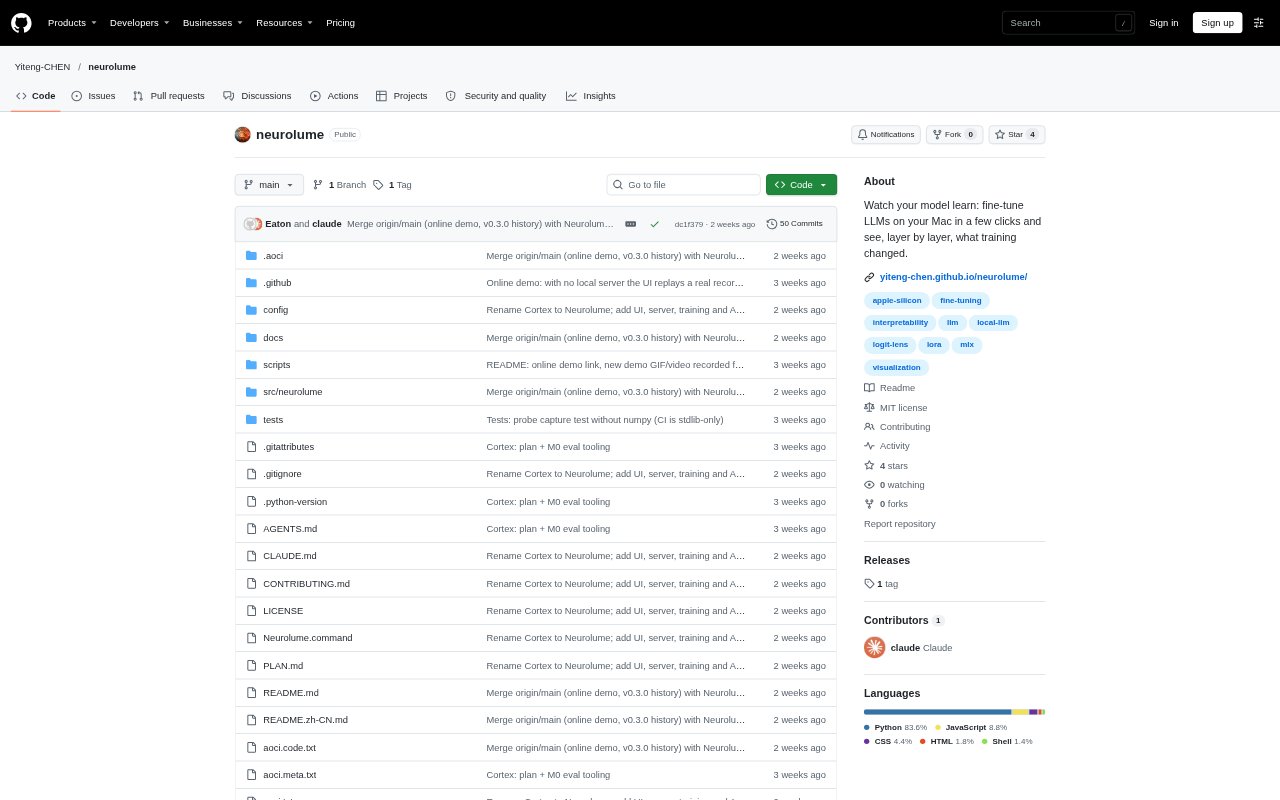
Neurolume is a local Mac app for fine-tuning language models and exploring how they behave during generation and training. It combines a guided LoRA workflow with visualizations of layer activity, model predictions and token confidence, so users can inspect both the training process and the model’s responses. It is aimed at people who want to experiment with language models on Apple Silicon without writing training code. The project is in early alpha.
Neurolume Features:
Guided LoRA Training: A training wizard runs LoRA fine-tuning, with automatic secret scanning, duplicate removal, a train-validation split and live loss, speed and memory readings.
Dataset Preparation: Import JSONL, notes, code and exported chat histories, save or edit chat answers as samples, or generate Q&A pairs from files.
Layer Activity View: A 3D brain display and layer map show per-layer activity during generation, sampled weight values and adapter weight changes during training.
Logit Lens: Inspect what each model layer would predict for generated tokens, either as the answer forms or afterward in an extra pass.
Token Replay: Review a generated answer token by token, with confidence, alternative predictions and controls for revisiting the model’s state at each token.
Local AI Workspace: Chat with a local model, import documents for retrieval, optionally use web search, or let an agent propose project-file edits for approval.
Neurolume Benefits:
More Informed Training: Validation results and a side-by-side comparison with the base model help you judge whether an adapter improved answers on your examples.
Clearer Model Behavior: Layer and token views make intermediate predictions and uncertain parts of an answer easier to examine than chat output alone.
Less Manual Setup: Guided training and built-in dataset checks reduce the need to assemble a separate sequence of scripts for a fine-tuning experiment.
Reviewable Examples: Editing saved answers before training gives you a way to turn useful corrections into examples that reflect your intended output.
Local Experimentation: Running the workflow on a Mac lets you explore fine-tuning and model behavior without making a remote training setup the center of the process.
Use Cases:
Style Adaptation: Create request-and-response examples from your own writing or code, then train an adapter to test whether a model better follows that style.
Document Q&A: Generate question-and-answer training pairs from a collection of files, review the examples and use them in a local fine-tuning run.
Training Evaluation: Compare a trained adapter with its base model on the same question and inspect validation loss before and after training.
Response Debugging: Replay a model answer to examine uncertain tokens, alternative predictions and the layers’ intermediate guesses.
Project File Editing: Point the agent at a project folder to review proposed file changes one at a time, approve them or undo them.