

What is Nexus?
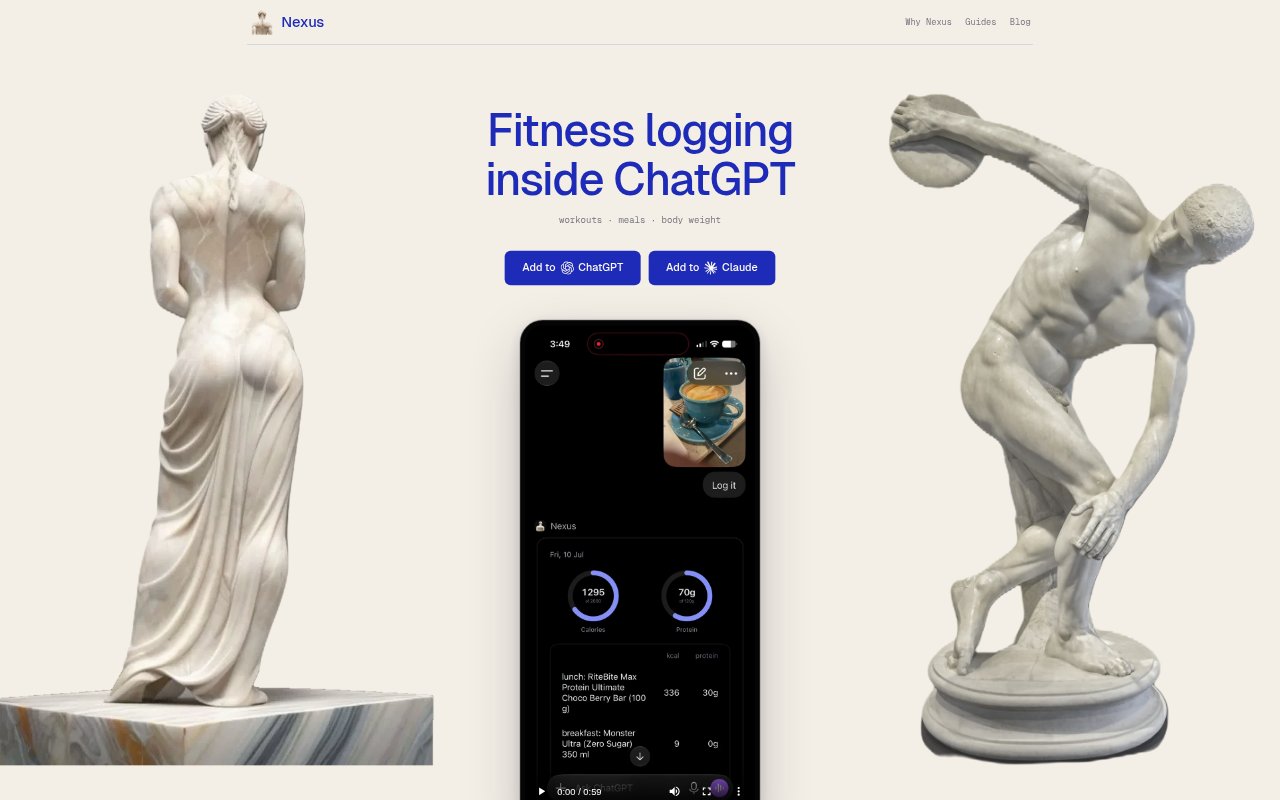
Nexus is a calorie, macro, workout and body-weight log that works inside ChatGPT and Claude, for people who want to record food and exercise through a chat rather than a separate tracking app. You can describe a meal or activity in text, dictate it, or send a photo; the assistant estimates the details and Nexus saves the entry to your log. Entries appear on an editable daily card, and the same account and log work in either assistant.
Nexus Features:
Meal Logging: Log meals with a typed description, voice note, or photo, then have the assistant estimate the nutritional details and save the entry.
Daily Nutrition Card: Review a daily card with your food entries and totals, including calories and macros measured against your goals.
Photo Reading: Send a photo of a nutrition label for the assistant to read, or photograph a restaurant bill so it can identify ordered items and look up published nutrition.
Workout Tracking: Record completed workouts in plain language, including exercises, sets, repetitions, and weights, alongside cardio and body-weight entries.
Workout Plans: Ask for a workout plan and follow it on a page where you can tick off each set; more than 200 exercises have illustrations.
History Questions: Ask about saved entries, such as your protein for the week, a previous workout, or what you logged yesterday.
Nexus Benefits:
Lower Logging Friction: Recording food where you already chat can make it easier to keep a consistent log without opening another app or searching a food database.
Correctable Estimates: A quick edit or a spoken correction lets you keep an entry useful when an estimate does not match what you actually ate.
One Fitness Record: Keeping meals, workouts, cardio, and body weight together makes it easier to look across food and exercise without maintaining separate logs.
Less App Switching: Using Nexus inside ChatGPT or Claude avoids moving between a chat and a separate tracking app to record a meal or workout.
Useful Progress Reviews: Questions about saved history make it easier to check past meals and training without manually searching through each entry.
Use Cases:
Quick Meal Entry: After lunch, describe the meal in a chat or send a photo to add it to the day’s food log without typing every item.
Packaged Food Logging: When tracking a packaged snack or meal, photograph its nutrition label so the assistant can read the listed numbers into the log.
Restaurant Meal Tracking: After eating out, photograph the bill to identify what you ordered and log items using the restaurant’s published nutrition information.
Strength Session Records: After lifting, enter exercises, sets, repetitions, and weights in plain language, or follow a plan and tick off each completed set.
Weekly Progress Check: At the end of a week, ask how much protein you logged or what you lifted last time, using your saved history for context.