

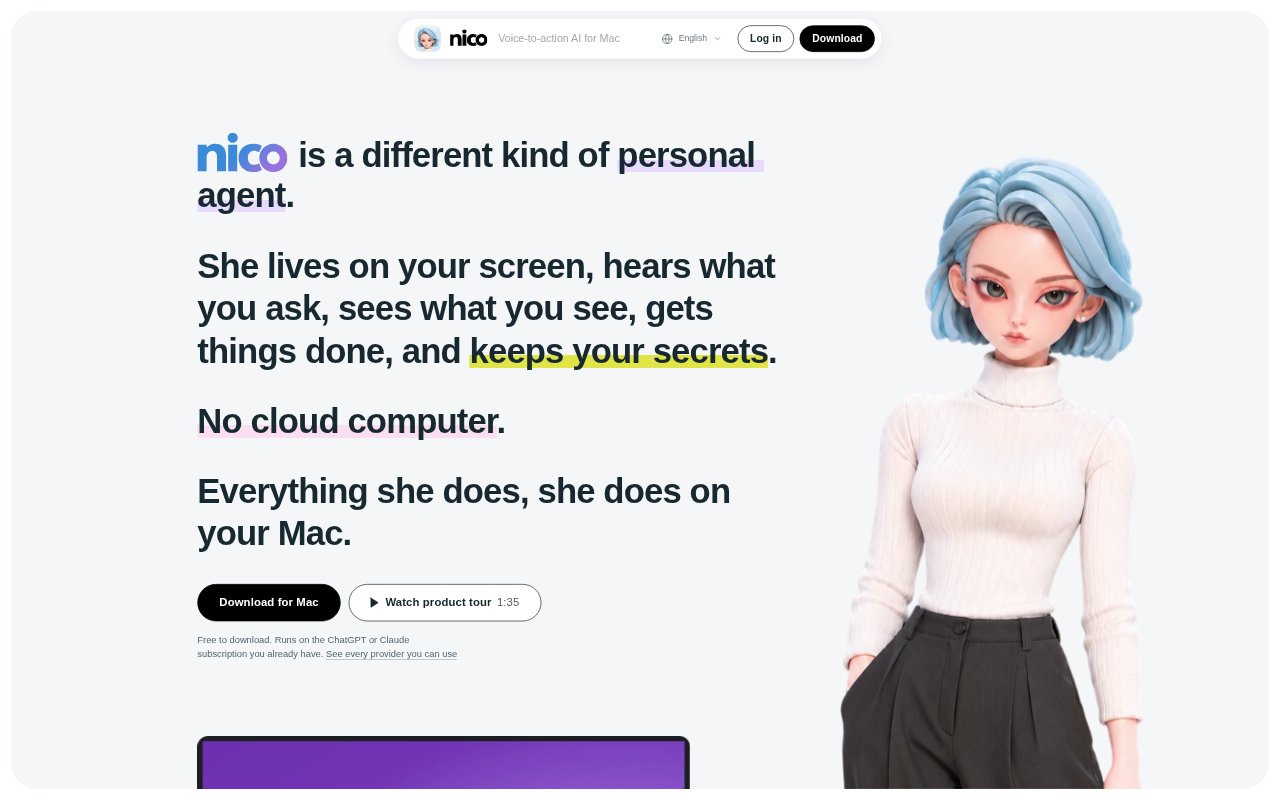
What is Nico?
Nico is a voice-controlled personal agent for Mac that can interpret what is on screen or in supplied files, then carry out work in desktop apps, email and the web. It is for people who want an AI assistant to handle practical computer tasks, not just return chat responses. Tasks run through an AI account the user connects, while Nico operates on the Mac. A free plan is available, and Plus costs USD 15 per month for voice conversations and more accurate speech recognition.
Nico Features:
Voice Control: Hold the right Command key to speak from any app, revise a request as you talk, or switch to typing.
Screen and Files: Nico can inspect the active window or a file you drop on her, then create a spreadsheet or document, or save notes.
Email Handling: She can find messages and attachments, summarize them, and draft replies, which wait for your approval before sending.
Browser Tasks: Nico works in her own browser or through a Chrome extension using your existing login, and asks before submitting forms.
Ongoing Monitoring: She can watch email, folders, a calendar or a web page for changes and bring new information to your attention.
Plans and Memory: Nico remembers plans, deadlines and people you mention, and can raise relevant details around calendar events.
Local Processing: The Worker runs on your Mac in a sandbox, your AI credentials stay on the device, and Nico says your requests are not stored.
Nico Benefits:
Less App Switching: Starting a task from the app you are already using helps keep your attention on the work in front of you.
Fewer Manual Transfers: Turning screen content and files into finished documents or notes cuts down on copying information between apps.
Controlled Actions: Reviewing replies and confirming submissions before they go out gives you a chance to catch mistakes or change course.
Work in Parallel: Longer jobs can continue in the background while you move on to other work, instead of waiting on each step.
Less Repeated Checking: Having Nico watch for updates means you can check email, calendars and selected pages when there is something new.
Use Cases:
PDF to Spreadsheet: Drop in a bill or other PDF and ask Nico to turn its table into a spreadsheet saved on your Mac.
Contract Review: Compare payment dates across several contracts and an email, then collect any mismatches in a note.
Inbox Follow Up: Find a message about a lease, read its attachment and prepare a reply for you to review and send.
Expense Forms: Use a receipt to fill in an expense report in Chrome while signed in to the relevant site.
Page Monitoring: Watch a jobs page for new openings or monitor an email thread for a delivery update, then get notified when it changes.