

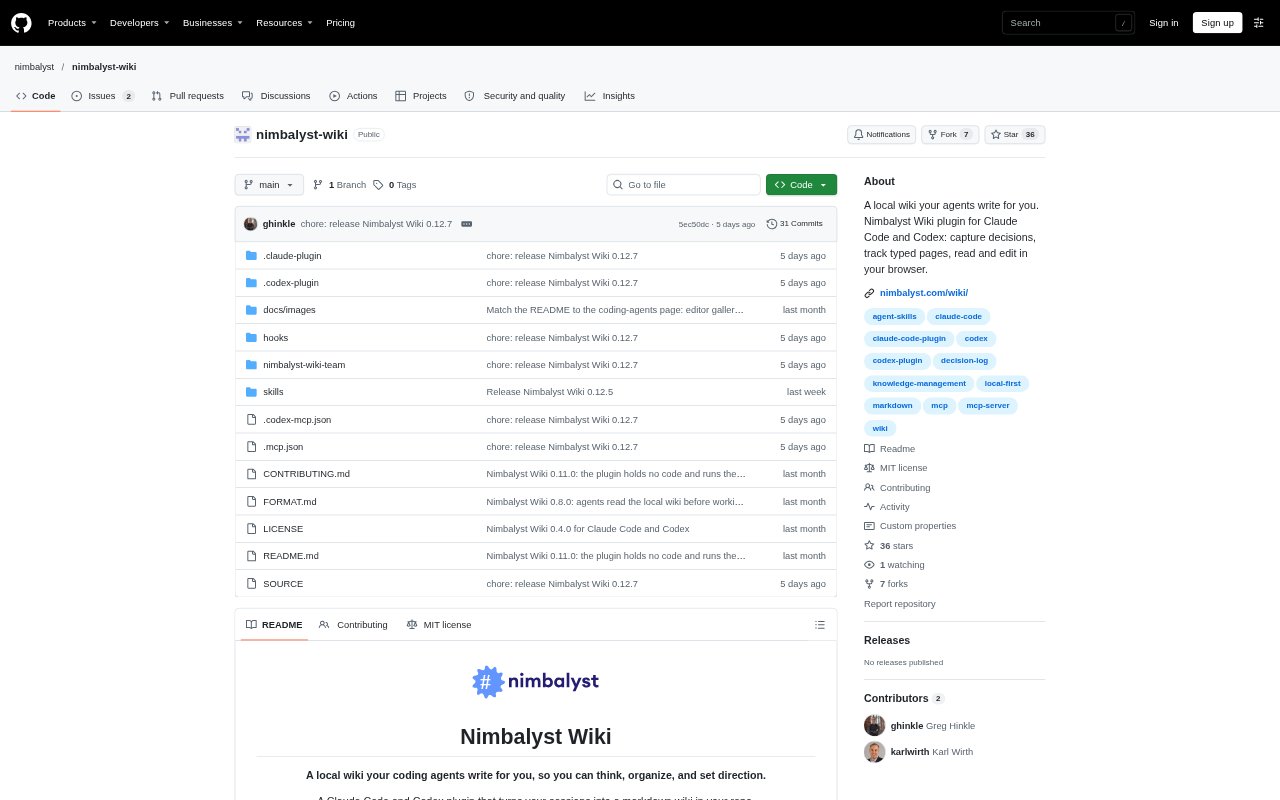
What is Nimbalyst Wiki?
Nimbalyst Wiki is a free, open-source wiki that coding agents build and maintain alongside a project. Its plugin and MCP server work with Claude Code, Codex, Cowork, Cursor, VS Code and other MCP agents, using plain files in the project rather than requiring the Nimbalyst app or an account for a local wiki. People can read and edit the pages in a browser, while agents record decisions, open questions and tracked information for the team or individual developer.
Nimbalyst Wiki Features:
Agent-Generated Pages: Setup creates a Home page, a writing guide and starter pages from the repository’s README and documentation.
Decision Capture: Capture records decisions on the pages they affect, including who decided, when, what was passed over and related open questions with owners.
Cross-Agent Wiki: Claude Code, Codex, Cowork, Cursor, VS Code and other MCP clients can work with the same wiki files.
Browser Editing: A local browser view lets people read and edit wiki pages, with changes saved directly to the underlying files.
Typed Tracking: Agents can create types for items such as competitors, customers or features, with custom fields, individual pages and a table of entries.
Visual Page Formats: Wiki pages can include Excalidraw drawings, mind maps, CSV sheets, Prisma data models, HTML mockups and canvases.
Nimbalyst Wiki Benefits:
Decision Context: Keeping the reasoning and alternatives beside the relevant project topic makes it easier to understand why a choice was made later.
Faster Catch-Up: A linked index of decisions and open questions helps someone returning to a project see its current state without retracing every session.
Flexible Ownership: Because the wiki is made of project files, people can keep it local by default or check it into the repository to share and review changes.
Less Agent Switching Friction: Using one set of wiki files across supported agents means project notes remain available when someone changes tools.
Connected Project Materials: Keeping diagrams, tables and mockups alongside written decisions gives people a shared place to inspect related project information.
Use Cases:
Architecture Decisions: Record why a team chose one system design over another and connect the decision to the wiki page for that part of the codebase.
Session Handoffs: Capture what an agent-assisted coding session decided and leave open questions with owners for the next person or session.
Competitor Tracking: Maintain a comparison of competitors using fields such as category, threat, setup speed and payment recovery.
Technical Exploration: Map a service architecture, payment flow or data model with diagrams and link visual elements to relevant wiki pages.
Feature Planning: Collect risks and unresolved product questions in a mind map, then keep supporting notes and mockups beside the feature’s decisions.