

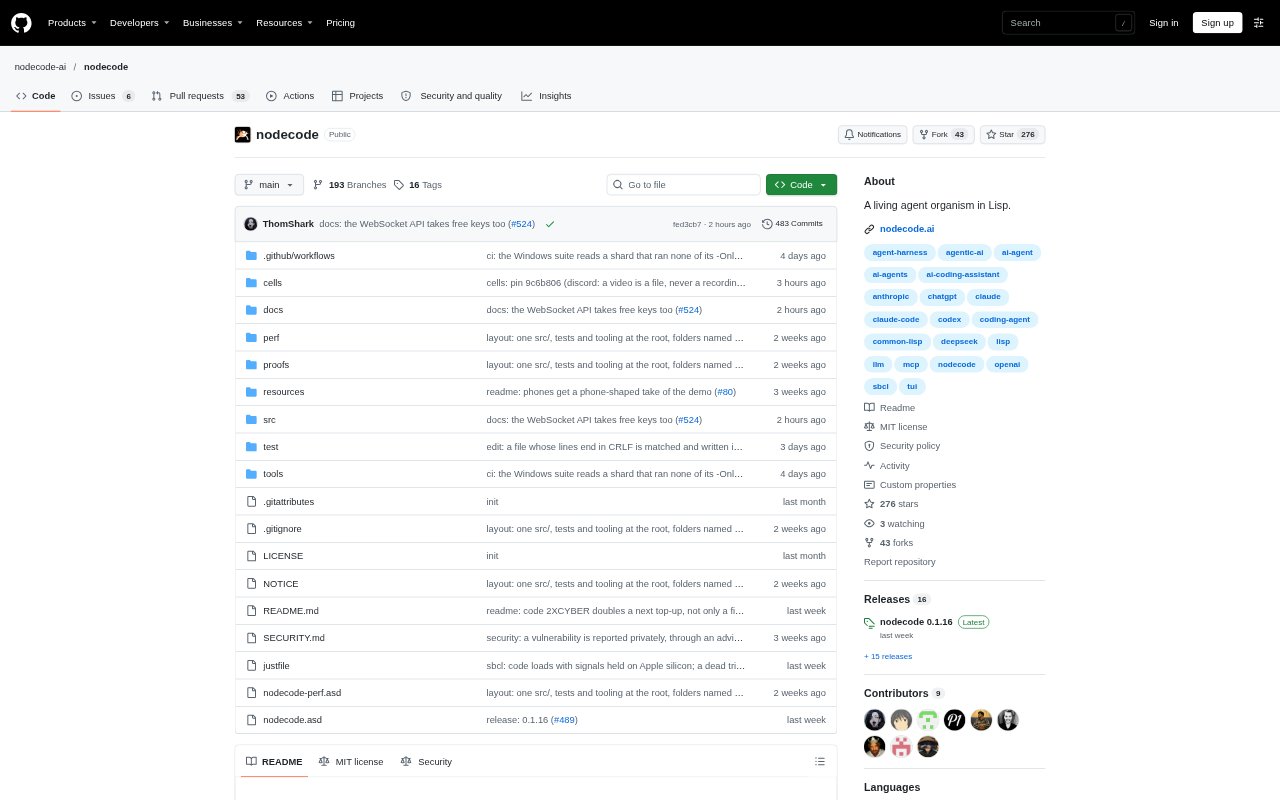
What is Nodecode?
Nodecode is a local agent that runs as a Lisp program and can change its own tools and behavior while it is running. It is aimed at people who want a persistent AI assistant they can shape over time, whether they work in a terminal, browser, phone or supported chat app. The software is free and uses a model provider key you supply; hosted models and private deployments are also available.
Nodecode Features:
Lisp Runtime: The agent evaluates Lisp in its running program, so definitions it creates can take effect immediately and remain available after a restart.
Cell Extensions: Cells add capabilities such as tools, skills, provider logins, chat rooms, MCP servers and scheduled jobs, and can be installed from a hub.
Context Recall: Nodecode manages what stays in its active context and can retrieve earlier conversation turns word for word when needed.
Multiple Clients: A local gateway connects the same agent to the terminal, browser, phone, Discord, Telegram, Slack and programs using RPC.
Live Updates: Most releases can update the running program one definition at a time, with generations available to inspect or roll back.
Agent Import: Setup can import items from other coding agents, including their keys, instructions, memory, skills, MCP servers, bots and jobs.
Nodecode Benefits:
Reusable Skills: Custom tools and knowledge can stay with the agent, reducing the need to recreate instructions or capabilities in later sessions.
One Shared Agent: Using the same running agent across clients keeps its tools and ongoing work in one place rather than splitting them across separate interfaces.
Recoverable Changes: Saved generations and rollback give users a way to return to an earlier state if an update or change is not useful.
Flexible Model Choice: Using a provider key the user already has lets them choose a model without paying for a Nodecode subscription.
Less Setup Rework: Importing configuration from another coding agent can carry existing working context into Nodecode instead of requiring a fresh setup.
Use Cases:
Build Custom Tools: Ask the agent to create a tool for a recurring task, such as reading a PDF invoice, then use that saved capability again.
Security Checks: Use the cyber-security cell to review a server or website, check for listed vulnerabilities and get guidance on patching.
Scheduled Prompts: Set up recurring prompts with the cron cell when an agent needs to run a task on a schedule.
Team Workflows: Use the team and board cells to have multiple sessions work on one task in a shared folder and read each other's posts.
Chat-Based Assistance: Connect Nodecode to a Discord, Telegram or Slack channel so people can interact with the agent through a bot.