

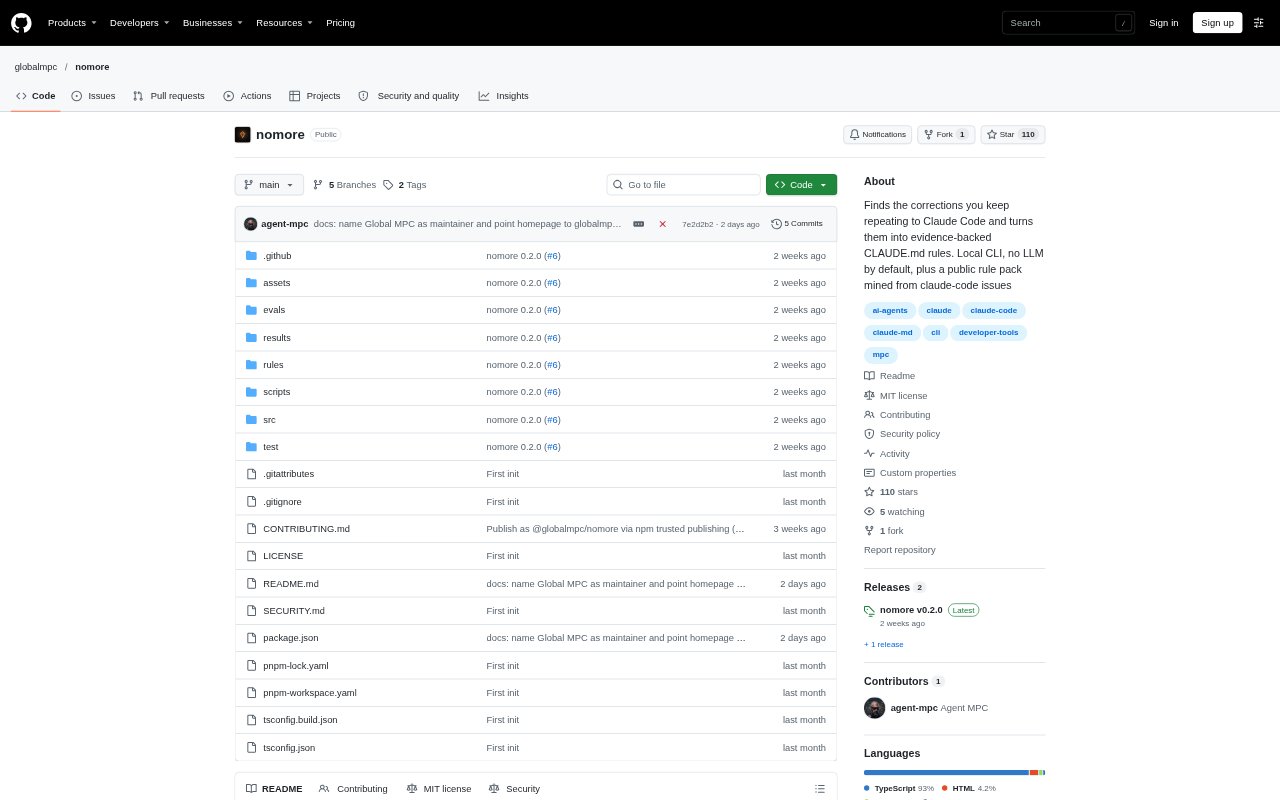
What is nomore?
nomore is a command-line tool that reviews instructions you give repeatedly to Claude Code or OpenAI Codex CLI and helps turn lasting preferences into rules those assistants can read in future sessions. It runs locally on Node 20 or later and is free and open source. You inspect suggestions and choose what to keep, rather than having the tool write rules automatically. It is aimed at developers who use either coding assistant and want recurring guidance recorded in its instruction files.
nomore Features:
Repeated Instruction Scan: nomore reads recent Claude Code or Codex sessions, groups similar instructions, and reports wording repeated across at least two sessions, with counts and when each was last used.
Existing Rule Checks: It compares suggestions with rules already in the relevant instruction files, including Claude rules brought in through @ imports, and flags rules you continue to repeat.
Review Before Writing: With the apply option, you can accept, reject, or edit suggestions one at a time before nomore adds approved rules to the instruction file.
Claude and Codex: For Claude Code, nomore works with CLAUDE.md files, while its Codex mode reads Codex sessions and writes approved guidance to AGENTS.md or AGENTS.override.md.
Project and Card Modes: A project option limits the report and approved changes to a selected project, while card mode prints a shareable summary containing totals only.
Starter Rule Packs: Separate packs provide 20 ready-made rules for Claude Code and Codex, selected from reports of issues about their assistants’ behavior.
nomore Benefits:
Fewer Repeated Corrections: Recording a preference in an instruction file gives the assistant guidance to consult in later sessions, so you have less need to type the same reminder again.
More Useful Rules: Reviewing and editing suggestions lets you keep durable preferences while discarding repeated task requests that do not belong in long-term guidance.
Private Local Use: Because processing happens on your machine without network requests or an LLM, your session content is not sent elsewhere by nomore.
Controlled File Changes: Nothing is written until you approve a suggestion, and changes use a temporary file before replacing the target, reducing the risk of a half-written instruction file.
A Faster Starting Point: The ready-made rule packs offer a set of common behavior preferences to consider without first having to identify every rule yourself.
Use Cases:
Claude Code Preferences: Review a month of Claude Code sessions to find repeated requests about writing style, code comments, or which files the assistant should change.
Codex Guidance: Inspect your Codex CLI sessions and choose recurring instructions to add to the AGENTS.md file Codex reads.
Project-Specific Rules: Run a project-scoped review when a repository has guidance that should be recorded in its own CLAUDE.md or AGENTS.md.
Rule Follow-Through: Check whether you keep repeating a preference that is already written down, which can help you spot guidance the assistant is not following.
Share Activity Totals: Use card mode when you want to share a short summary of totals without including the text of your messages.