

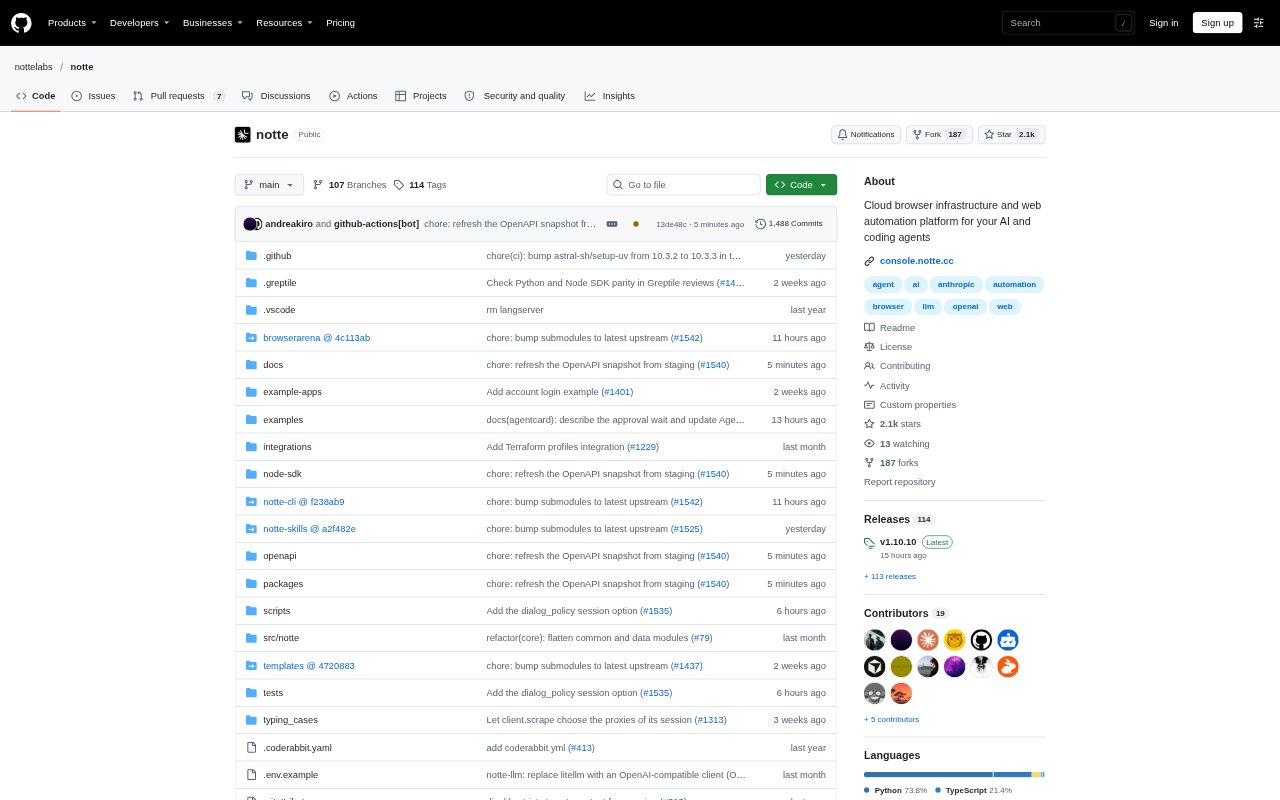
What is Notte?
Notte is browser infrastructure for developers and teams building AI agents, scripts, and web automations. It provides hosted stealth browser sessions or local sessions through a Playwright-based framework, and cloud sessions can connect with Playwright, Puppeteer, or Selenium code. Users can scrape page content, deploy Python browser automations as functions, and keep credentials and identities out of application code. A CLI, MCP server, and Anything API provide additional ways to run browser tasks.
Notte Features:
Cloud Browser Sessions: Run hosted browser sessions with a CDP endpoint, allowing automation code written for Playwright, Puppeteer, or Selenium to connect.
Local Browser Sessions: Use a Playwright-based browser on your machine to inspect pages, execute actions, and scrape results without an API key.
Stealth Controls: Cloud sessions include real Chrome browsers, proxies, and CAPTCHA solving, with support for configuring an external proxy.
Page Interaction: Observe available actions on a page, execute browser operations, or use LLM-powered calls to act, choose an option, and check a statement.
Scraping Outputs: Extract page content as markdown, images, or structured data, including data shaped by Pydantic models.
Automation Deployment: Package a Python browser automation as a function that runs on demand, on a schedule, or behind an API endpoint.
Notte Benefits:
Less Browser Setup: Hosted sessions let teams run browser automations without setting up and operating the browser environment on their own machines.
Code Reuse: Using CDP connections and familiar browser libraries makes it easier to bring existing automation code into cloud sessions.
Fewer Blocked Runs: Built-in CAPTCHA solving and proxy options can help browser workflows continue on sites with bot checks.
Usable Page Data: Markdown and structured scraping outputs give downstream scripts a clearer starting point than manually reviewing web pages.
Protected Credentials: Keeping credentials and digital identities outside application code reduces the need to place sensitive values directly in automation scripts.
Use Cases:
CI Browser Tasks: Run scripted website actions from the terminal or a CI environment using the Notte CLI.
Page Data Collection: Extract the main content or structured fields from web pages for research, monitoring, or further processing.
Scheduled Workflows: Deploy a Python browser script as a scheduled function for recurring tasks such as checking or collecting information from a site.
Agent Browsing: Give a coding agent access to a cloud browser through Notte MCP when it needs to interact with a website.
Authenticated Automation: Run browser tasks that require credentials, MFA tokens, or a digital identity managed outside the automation code.