

What is Nuelink?
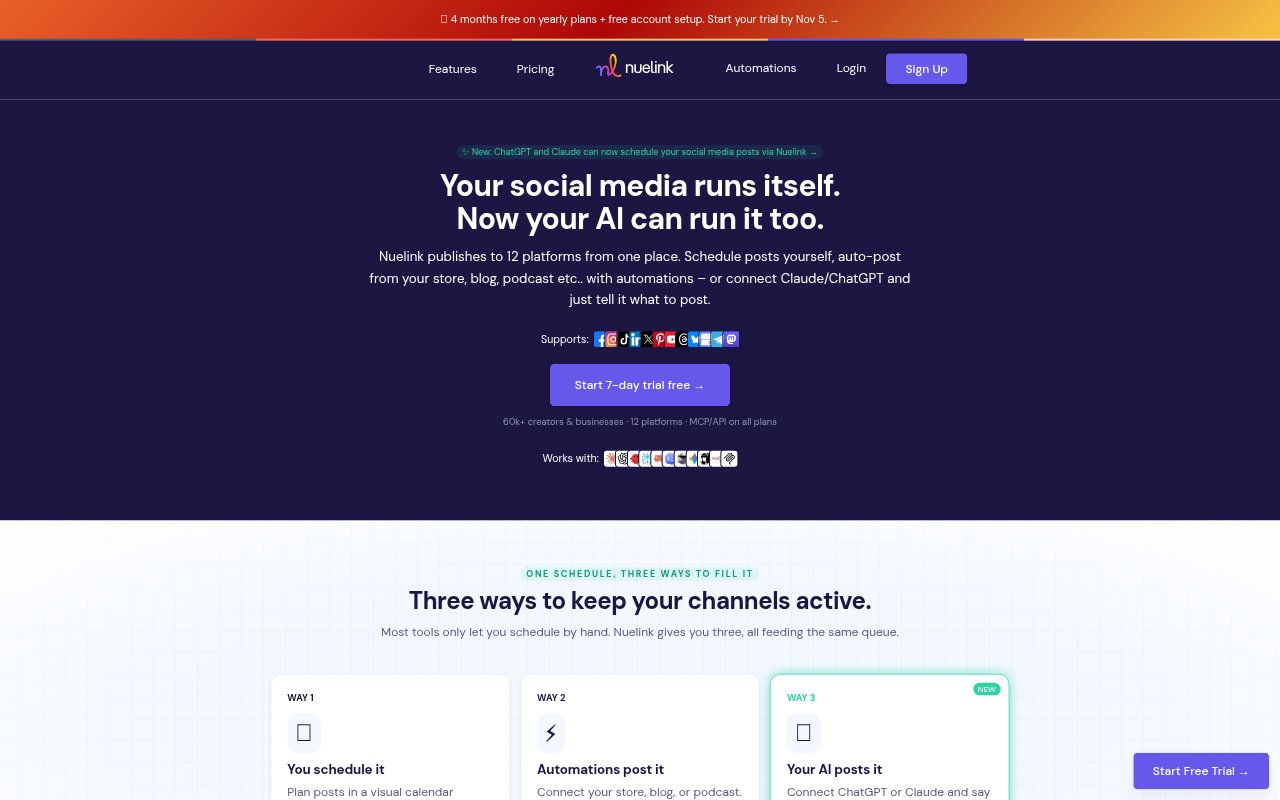
Nuelink is a social media management platform for creators, sellers, small businesses, and teams handling multiple brands. It brings scheduling, automated publishing, engagement, and analytics together across social channels including Instagram, TikTok, LinkedIn, YouTube, Pinterest, Facebook, and others. Users can plan posts manually, set up workflows that share new products or published content, or use its AI tools to draft and refine posts. It also offers workspaces and access controls for teams managing client or brand accounts.
Nuelink Features:
Publishing Calendar: Plan posts in a visual calendar, set channel-specific schedules, and move content between dates with drag and drop.
Automated Publishing: Create workflows that share new products, blog articles, podcast episodes, reviews, or RSS content to selected social channels.
Bulk Scheduling: Upload multiple posts using CSV or Google Sheets, or add content by drag and drop for scheduling.
Cross-Platform Posting: Set routes to republish content across channels, with options for videos, carousels, and text posts.
AI Content Tools: Use NueAI to brainstorm ideas, rewrite captions, generate hashtags, and draft social posts.
Unified Inbox: View comments, replies, and mentions from supported social networks in one place, with options to reply, like, dismiss, or take bulk actions.
Social Analytics: Review metrics such as followers, views, engagement, impressions, and clicks, and see which posts perform best.
Nuelink Benefits:
Steadier Presence: A recurring queue and automated sharing help keep channels active even when there is no time to publish each post manually.
Less Repetitive Work: Once a workflow is set up, new store items or published content can be promoted without copying links and composing every post from scratch.
Faster Planning: A calendar and bulk uploads make it easier to prepare a run of content together and spot gaps before they become missed publishing days.
Clearer Results: Seeing performance metrics and top posts together gives teams a practical basis for deciding what content to make more of.
Simpler Engagement: A shared inbox reduces the need to switch between social accounts to keep up with comments and mentions.
Cleaner Team Handoffs: Separate brand workspaces and role-based access help teams keep client content, channels, and activity distinct.
Use Cases:
Store Product Promotion: A Shopify, Etsy, WooCommerce, Squarespace, or Wix seller can automatically share newly listed products on chosen social channels.
Blog Distribution: A writer can connect a blog or RSS feed so new articles are promoted on social media when they go live.
Podcast Promotion: A podcaster can set up social posts to accompany new episodes and keep episode announcements moving across channels.
Agency Client Accounts: An agency can organize each client's channels, scheduled content, automations, and team access in a separate workspace.
Short-Form Repurposing: A creator can route an Instagram Reel to TikTok, YouTube Shorts, or Facebook Reels instead of uploading each version separately.
Review Sharing: A local business can turn positive customer reviews into social posts to highlight feedback across its channels.