
What is OC Ferry?
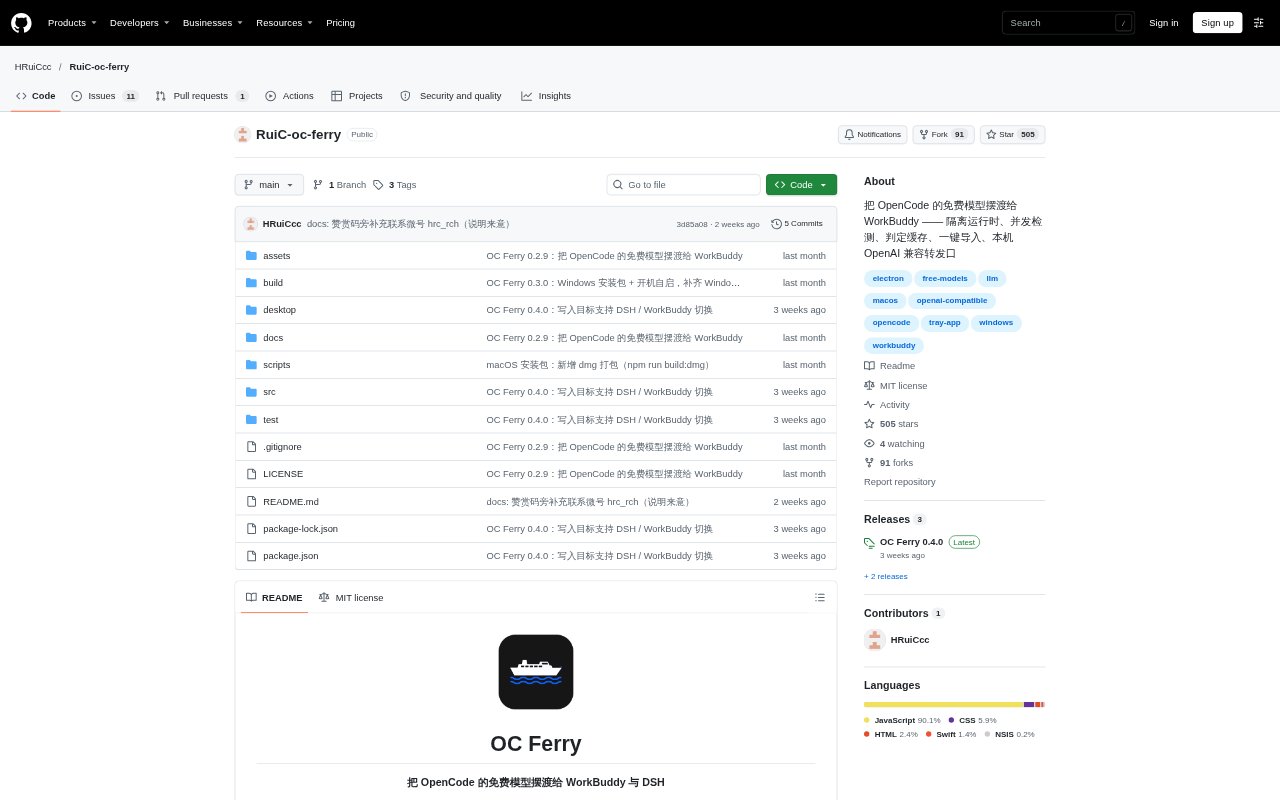
OC Ferry is a macOS (Apple silicon) and Windows tray app that connects free models available through OpenCode to WorkBuddy or DeepSeek Harness (DSH). It runs an isolated OpenCode runtime, checks model pricing, and tests whether each model can produce tool actions in the client’s expected format. Models that pass can be written to the selected client’s configuration, while a local OpenAI-compatible endpoint handles requests. It is for people who want to use OpenCode’s free model pool through these clients without a separate account or API key.
OC Ferry Features:
Free Model Filtering: It selects models only when input, output, cache-read, and cache-write prices are all zero, and excludes models marked deprecated.
Tool Capability Checks: Each candidate is tested with five tools and a file containing a random token, distinguishing models that produce tool actions from those that only return chat text.
Parallel Detection: It checks three models at a time by default and records probe outcomes, including timeouts, rate limits, and missing access.
Cached Results: Successful checks are reused for six hours, while the recorded load status lasts ten minutes, so restarts do not always require a full recheck.
Client Config Writing: It writes selected models to WorkBuddy’s models.json or DSH profile configuration, making backups and preserving entries it did not add.
Local Request Relay: A localhost-only OpenAI-compatible endpoint forwards chat requests, supports streaming, and requires an authorization key while rejecting requests with an Origin header.
OC Ferry Benefits:
Less Manual Screening: Pricing checks and protocol probes narrow the model list before users add models to a client, reducing manual checks for price and tool compatibility.
Fewer Repeat Checks: Cached results make it quicker to reopen the app and reuse recent model checks instead of probing every model again after a restart.
Safer Config Changes: Backups, atomic writes, and ownership-aware cleanup help protect existing client settings and leave manually maintained entries intact.
Clearer Model Status: Separate results for tool-capable, chat-only, and unavailable models help users choose based on what each model could do during its latest check.
Reduced Setup Work: The app prepares its isolated OpenCode runtime and can write the selected client configuration, avoiding a separate runtime setup and manual model entry.
Use Cases:
Add Models to WorkBuddy: Find free OpenCode models that pass the checks and add them to WorkBuddy’s models.json for use in the client.
Configure DSH Profiles: Write selected models into detected DSH profiles, then restart DSH to see the OC Ferry model group.
Check Tool Support: Test whether a free model can return the expected tool action before relying on it for a tool-using task.
Refresh Model Availability: Run detection again when the upstream free-model pool changes and review why particular models are unavailable.
Keep Models Available: Leave OC Ferry running in the tray while using its imported models, since exiting removes the entries it added to the client configuration.