

What is Offense?
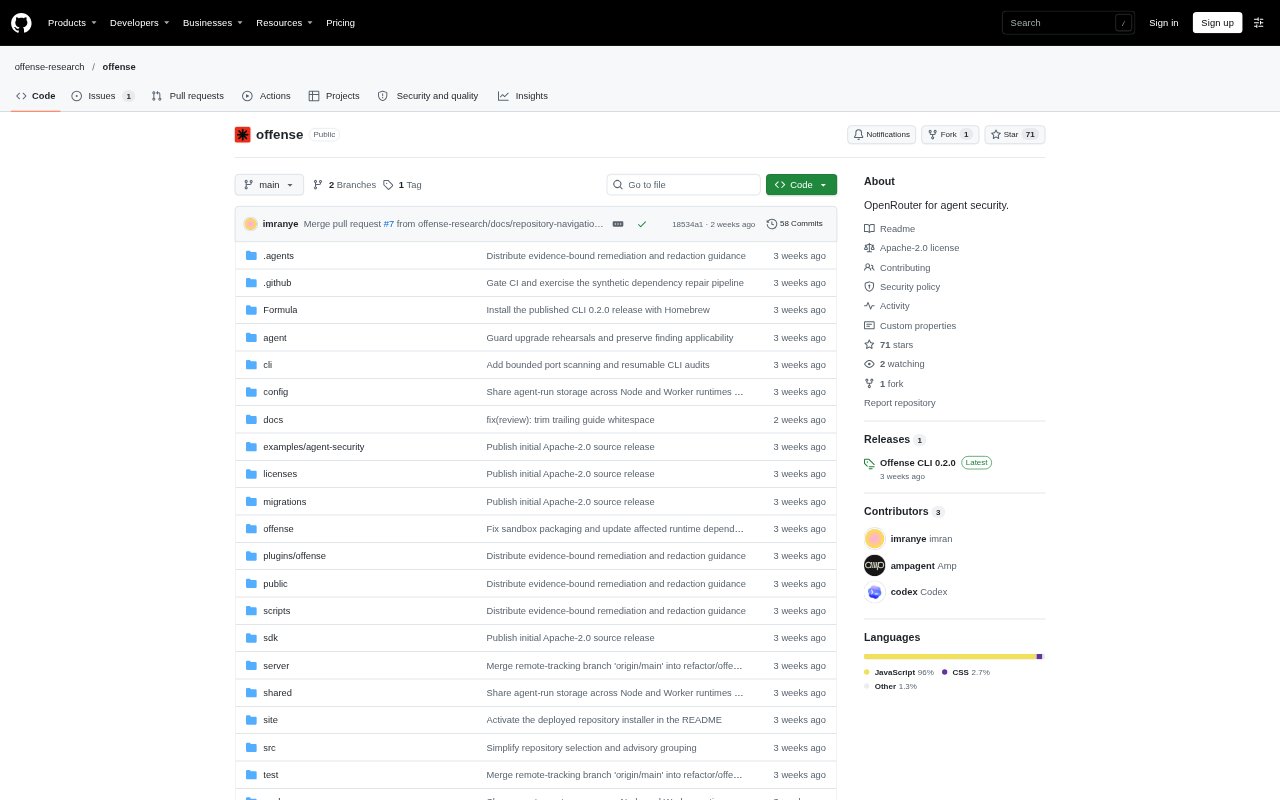
Offense gives coding agents security tools they can discover and call to inspect a software project, run checks, and return structured evidence. It is aimed at developers and teams using agents such as Codex or Claude Code, with access through a CLI, MCP, or HTTP. Run dependency analysis locally, operate the API and source scanners on your own infrastructure, or use the hosted service for enabled tools. The project is open source, with optional paid hosting.
Offense Features:
Dependency Audits: Inventory npm and pnpm lockfiles, check dependency versions against OSV advisories, and inspect available upgrade options with the local engine.
Source Scanning: Run the pinned Opengrep engine through the self-hosted profile to inspect source code and return security findings for an agent to review.
Workflow Checks: Use the pinned Zizmor engine through the self-hosted API or MCP profile to review GitHub Actions workflows without executing them.
Tool Discovery: Inspect a deployment’s tool coverage, supported inputs, availability, and price quotes before an agent submits a security job.
Structured Results: Submit bounded jobs and retrieve results through the CLI, MCP, or HTTP API, with partial and failed outcomes preserved.
Pull Request Audits: Add a GitHub Actions workflow for free npm and pnpm dependency audits on pull requests, with reports retained as artifacts for seven days.
Offense Benefits:
Useful Evidence: Agents receive structured findings they can use to investigate code and explain possible consequences, rather than relying on an unsupported claim of safety.
Local Cost Control: Dependency analysis runs on your machine without an Offense usage charge, account, or Docker requirement, while advisory lookups use public network data.
Clear Boundaries: Separate assessment from code changes and paid calls so teams can review findings and grant authorization before taking consequential actions.
Deployment Choice: Choose local analysis, a self-hosted platform, or managed execution according to your infrastructure preferences and need to operate scanners.
Honest Outcomes: Preserved partial and failed results help agents avoid presenting an incomplete scan as a clean bill of health.
Use Cases:
Pre-Release Audit: Ask a coding agent to check a project’s dependencies before release, inspect advisories, and evaluate possible upgrades for review.
Pull Request Review: Set up a pull-request workflow to report dependency advisories and scan coverage or execution errors during code review.
Source Review: Have an agent inspect a proposed change for source-level security issues and use the returned findings to guide human review.
Workflow Review: Check GitHub Actions YAML for security concerns without running the workflows, using the self-hosted scanner profile.
API Testing: Use an agent to exercise a disposable local API with bounded requests when testing an endpoint under controlled conditions.