

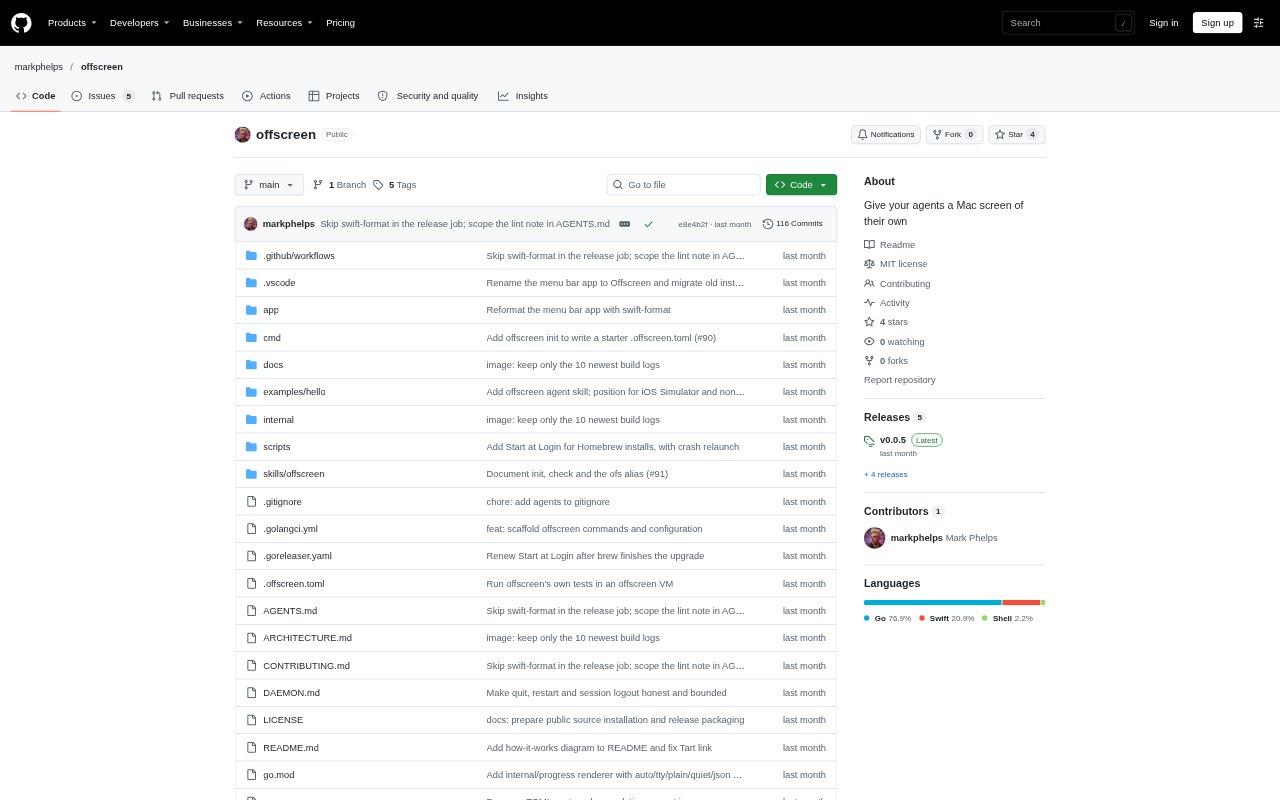
What is Offscreen?
Offscreen runs macOS UI tests, iOS Simulator tests, and other desktop-dependent commands in fresh macOS virtual machines, keeping windows and focus changes away from your everyday desktop. It is designed for developers and coding agents working on Apple-platform apps who need to build, test, or inspect software locally. The tool combines a command-line interface, a job-running daemon, and a menu bar app, and requires an Apple silicon Mac running macOS 14 or later with full Xcode.
Offscreen Features:
Fresh VM Jobs: Run a named task or one-off command in a fresh macOS VM, with a per-job clone of a golden image.
UI Test Support: Run XCUITest for macOS apps or tests against an iPhone simulator inside the VM, with results collected after each run.
Host Lane: Assign tasks that need real hardware to the host lane, which runs them on your desktop only when you are idle.
Shared Job Queue: Queue work from terminals, scripts, and agents together, then check queued, running, and recently finished jobs in the menu bar app.
Job Artifacts: Collect job logs, screenshots, exit codes, and .xcresult bundles, with commands to find artifacts and review output.
Project Configuration: Define preparation steps and named tasks in a .offscreen.toml file, then validate the configuration without starting a VM.
Job Controls: Follow output, cancel jobs, set timeouts, detach from a run, or keep a failed VM for inspection.
Offscreen Benefits:
Keep Working: UI tests and simulator launches happen away from your active desktop, so you can keep typing and using your Mac during a run.
Consistent Results: Starting each VM job from a golden image gives repeated local checks a defined environment instead of relying on the current desktop state.
Clear Pass Fail: Returning the wrapped command’s exit status lets scripts and agents distinguish successful checks from failures through familiar command-line behavior.
Review Failures: Saved logs, screenshots, and test result bundles give developers concrete material to inspect when a run does not pass.
Coordinate Work: A shared queue makes it easier to submit local jobs from multiple callers without each one independently managing VM runs.
Protect Your Session: Idle checks, a countdown, and a return notification give you a chance to defer host-lane work or reclaim the desktop.
Use Cases:
Agent UI Testing: Have a coding agent run a macOS app’s XCUITest suite in a VM rather than opening test windows on your working desktop.
iPhone Simulator Checks: Run an iOS app’s UI tests against an iPhone simulator inside a VM before committing local changes.
Build Verification: Build an app on your Mac, share its build products with a VM task, and test the resulting app in isolation.
Visual App Review: Launch a newly built app in a VM, drive it with AppleScript or System Events, and save a screenshot for review.
One-Off Commands: Run a command that needs a logged-in Mac desktop in a fresh VM without first defining a named task.
Hardware-Dependent Checks: Schedule a task that cannot run in a VM on the real desktop when you are away and the screen is unlocked and awake.