

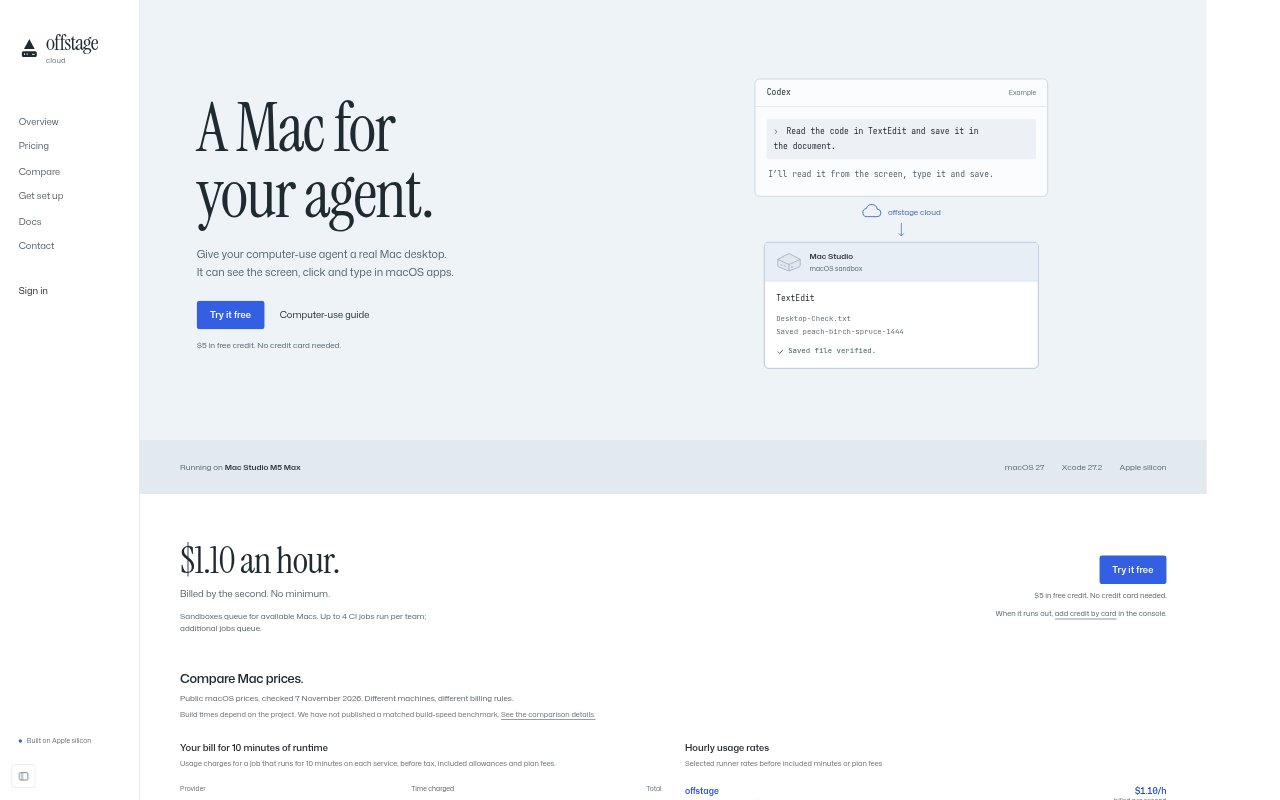
What is offstage cloud?
offstage cloud provides short-lived macOS sandboxes on Apple silicon for AI agents and continuous integration jobs. Developers can create a Mac environment through an API, run builds and tests with Xcode, then close it when the work is done. It also offers a desktop for computer-use agents that can interact with macOS apps. The service is aimed at teams that need real Macs for agent tasks or CI without renting a machine for a full day.
offstage cloud Features:
API Sandboxes: Create a macOS sandbox through an API, run the required work on it, and close it when the task is complete.
Apple Silicon: Sandboxes run on Apple silicon, with the product demonstrating a Mac Studio M5 Max running macOS 27.
Xcode Testing: The environment includes Xcode, Swift, and the iOS Simulator for building and testing Apple-platform projects.
Agent Desktop: A computer-use agent can view the Mac screen, click and type in macOS apps, take screenshots, or carry out a desktop task.
GitHub Actions: Connect GitHub repositories and route workflow jobs to offstage-macos, with a fresh macOS sandbox for each job.
Agent Support: Setup instructions are available for Claude Code, Codex, and Cursor, which can use an API key to work with the service.
offstage cloud Benefits:
Usage-Based Cost: Per-second billing with no minimum helps keep charges tied to the time a build or agent task actually runs.
Short Job Savings: Teams running brief Mac jobs can avoid paying a full-day rental fee, which some other listed providers require.
Simpler Testing: Having Xcode and the iOS Simulator ready in the environment gives Apple-platform teams a place to test without setting up a local Mac for each job.
Isolated CI Runs: A fresh sandbox for every CI job keeps each run separate, so teams can run workflows without reusing the same job environment.
Low-Risk Trial: The account starts with $5 in free credit and does not require a credit card to get started, making an initial test easier.
Use Cases:
Swift CI: Run a GitHub Actions workflow that checks out a Swift repository and executes swift test on a macOS runner.
Xcode Builds: Build an iOS or other Apple-platform project in an environment with Xcode and the iOS Simulator available.
Agent App Tasks: Give a computer-use agent a desktop task such as opening code in TextEdit, reading it from the screen, and saving it.
Screenshot Checks: Have an agent open a macOS app and capture screenshots while carrying out a task on the desktop.
On-Demand Mac Work: Use a temporary Mac sandbox for a build or test that needs macOS, then close it instead of keeping a machine rented.