
What is OGAM?
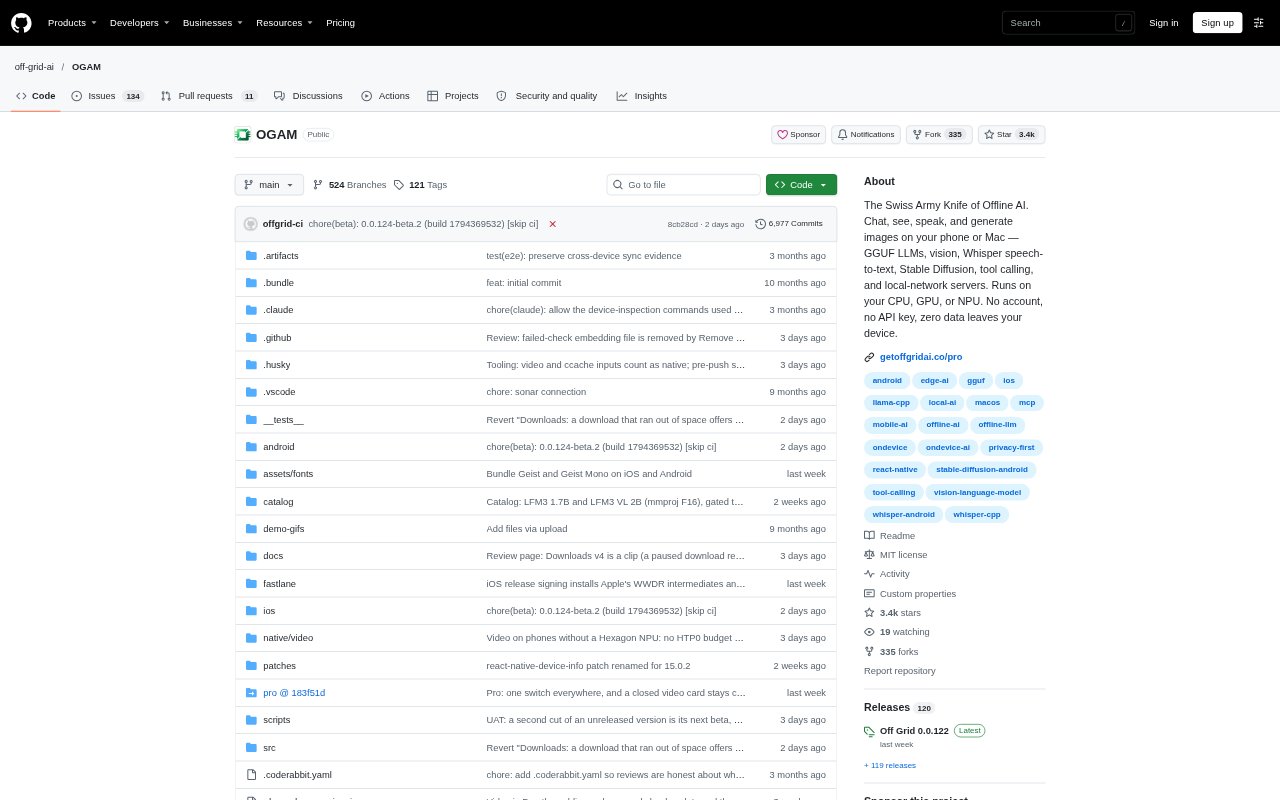
OGAM, also called Off Grid AI, is an offline AI app for Android, iOS and Apple Silicon Macs. It runs language models, image generation, vision, speech transcription and document analysis on the device, with options to connect to compatible AI servers on a local network. It is aimed at people who want AI features on a phone or Mac without sending chats and files off-device, as well as users who need different AI tasks in one app.
OGAM Features:
On-Device Chat: Chat with models such as Qwen 3, Llama 3.2, Gemma 3 and Phi-4, or load your own GGUF files, with streaming responses and markdown rendering.
Image Generation: Generate images with on-device Stable Diffusion, choose from more than 20 models, and preview results as they are created.
Vision Analysis: Ask questions about camera views or images using models including SmolVLM, Qwen3-VL and Gemma 3n, for tasks such as reading receipts or describing scenes.
Voice Input: Transcribe speech on-device with Whisper, using tap-to-record, Auto or Hands-free modes, without sending audio off the phone.
Document Support: Attach PDFs, code files, CSVs and other documents to chats, or add PDFs and text files to a project knowledge base for local search.
Built-In Tools: Let compatible models call web search, a calculator, date and time, device information, and project knowledge-base search.
Model Connections: Switch between on-device models and OpenAI-compatible servers on a local network, including Ollama, LM Studio and LocalAI.
OGAM Benefits:
Private Work: Chats and files stay on the device during local use, giving users a way to work with personal material without sending it to a cloud service.
Offline Access: Once models are available on the device, core chat and generation tasks can be used without relying on an internet connection.
One AI Workspace: Keeping chat, image generation, vision and document tasks together reduces the need to move between separate apps for everyday AI work.
Device Control: Selectable model-loading policies and per-model memory visibility help users manage limited device resources and understand why a model may not load.
Approved Actions: Pro users can review drafted replies or other actions before approving them, so connected tools do not send or file work without a tap.
Use Cases:
Private Drafting: Draft notes, summaries or other text on a phone or Mac when the material should remain on the device.
Receipt Reading: Point a camera at a receipt and ask a vision model to read its contents or explain what is shown.
Local Research: Add PDFs and text documents to a project knowledge base, then search that material during project conversations.
Image Concepts: Create and preview Stable Diffusion images on a mobile device, refining a simple prompt with the app's prompt enhancement.
Hands-Free Queries: Use voice input to ask questions while away from a keyboard, or use Pro voice mode for spoken responses.