
What is okaeri?
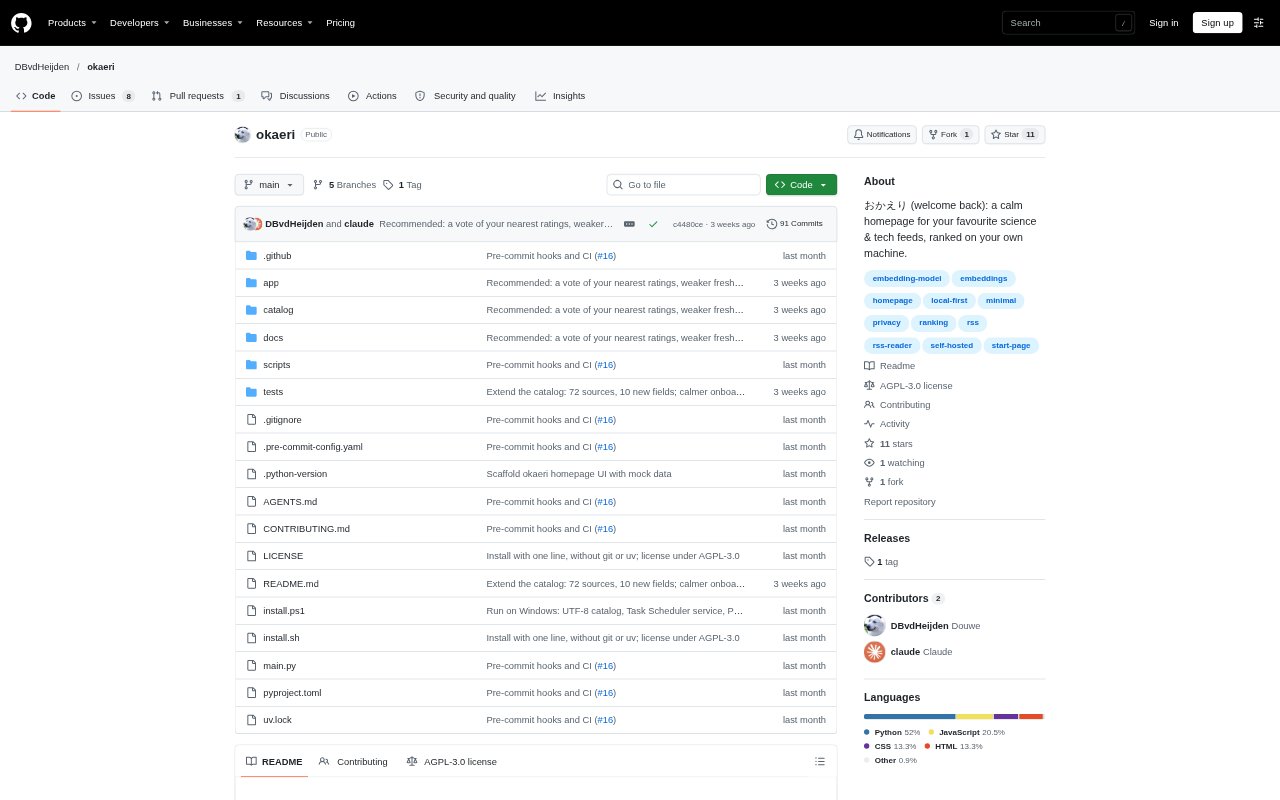
okaeri is a localhost homepage for keeping up with science and technology papers, blogs, forums, and news. It fetches selected sources in the background and brings their stories together in tabs you configure. Feeds can show stories newest first or rank them with a recommendation model that runs on your computer. It is designed for readers who want a personal reading page, with browsing history and preferences stored on the machine where okaeri runs.
okaeri Features:
Background Feed Fetching: okaeri fetches the sources you select in the background and collects their latest stories on a single page.
Custom Tabs: You can arrange your homepage into tabs and choose which sources and topics each tab brings together.
Feed Sorting: Each tab can show stories newest first or use a recommended ranking based on your reading activity.
Local Recommendations: A small embedding model runs on your computer to rank stories using clicks, likes, hides, and topic-specific preferences.
Source Catalog: The catalog includes about 160 English- and Dutch-language sources covering fields such as AI, science, security, and world news.
Local Data Storage: Your reading history, model, sources, and tabs stay in the local application folder, with no account or telemetry.
okaeri Benefits:
One Reading Page: Gathering updates in one homepage makes it easier to check several publications without opening each source separately.
Less Manual Sorting: A personalized ranking helps bring stories aligned with your interests forward and lower the priority of look-alikes to stories you hid.
Private Reading History: Keeping activity on your own computer lets you tailor recommendations without sending your reading history to a remote service.
Topic Separation: Separate tastes for each topic make it easier to follow varied interests without activity in one area diminishing another.
Flexible Setup: Changing sources, tabs, and ranking later lets you adjust the page as your reading interests shift.
Use Cases:
Research Monitoring: Use a tab to follow new papers and science publications when keeping track of developments in a research field.
Technology Reading: Bring software, AI, hardware, and security publications into one page for a regular technology news check.
Forum Catch-Up: Include forums such as Hacker News alongside blogs and news when checking discussions and stories in one visit.
Mixed Interests: Create separate tabs for subjects such as science, politics, and sports when you want distinct reading streams.
Personal Homepage: Set okaeri as your browser homepage to start a browsing session with recent or recommended stories from selected sources.