
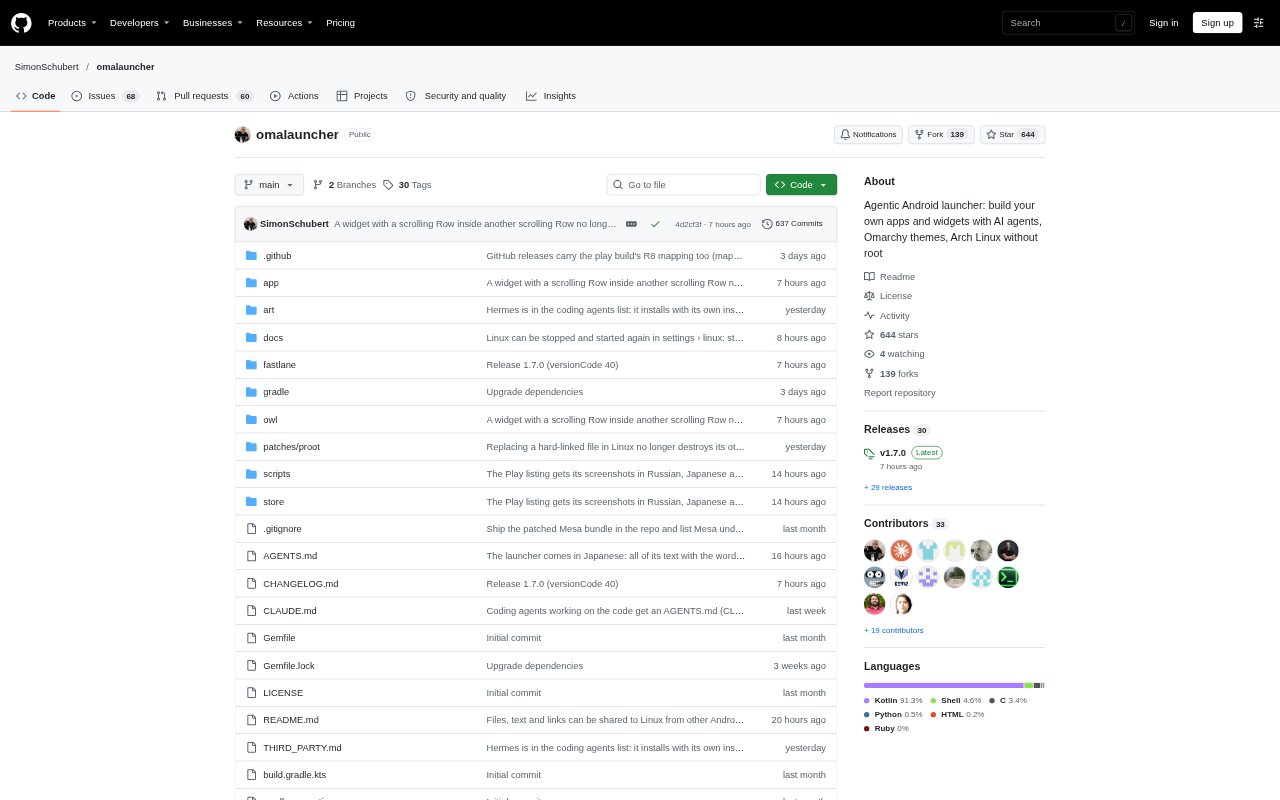
What is Omalauncher?
Omalauncher is an Android home screen styled after Omarchy, with themes, wallpapers, widgets and access to Android apps. On compatible arm64 phones running Android 10 or newer, it can also run an optional Arch Linux ARM system under proot, without root access. It is aimed at people who want a customizable phone launcher alongside Linux apps and coding agents.
Omalauncher Features:
Omarchy Themes: Choose from 22 Omarchy themes, community themes or your own themes, with supported themes applied to the launcher and Linux apps.
Editable Widgets: Create and edit widgets on the phone using OWL, a small declarative language, or add widgets from the community widget store.
Optional Linux: Install an Arch Linux ARM environment with pacman and AUR access, Linux apps, a file manager, terminal widgets and optional GPU acceleration on supported GPUs.
Linux Windows: Run Linux apps in individual windows, each represented by its own Android task and card in the system's Recents view.
Agent Prompt Bar: Use the home-screen bar to open apps or send prompts to installed coding agents, including Claude Code, Codex, Copilot and opencode.
Phone File Access: Move files between Linux and Android through selected phone folders, the Android file picker and the system share sheet.
Omalauncher Benefits:
One Home Screen: Keep Android apps, Linux tools and launcher widgets within one home-screen environment instead of treating Linux as a separate device.
Root-Free Linux: Try an Arch Linux environment without rooting the phone, while keeping Linux an optional addition rather than a requirement.
Familiar App Switching: Return to individual Linux windows through Android's Recents view, making it easier to move between Linux work and phone apps.
Phone-First File Work: Bring selected phone files into Linux and return Linux files to Android apps without needing to grant broad storage access.
No Account Required: Use the launcher without creating an account, and without ads or tracking.
Use Cases:
Mobile Coding: Open a Linux terminal and coding agent on an Android phone to ask for help with a coding task or check on longer-running work.
Linux App Sessions: Run Linux apps alongside Android apps when you want a Linux environment available on your phone without replacing Android.
Phone File Handoffs: Share a document or link from another Android app into Linux, or copy selected photos and documents between phone folders and Linux.
Custom Home Screen: Set up an Omarchy-inspired home screen with a chosen theme, wallpaper and editable widgets for everyday phone use.
Agent Notifications: Use the launcher command-line tools from Linux scripts or agents to send a phone notification when a task is finished.