
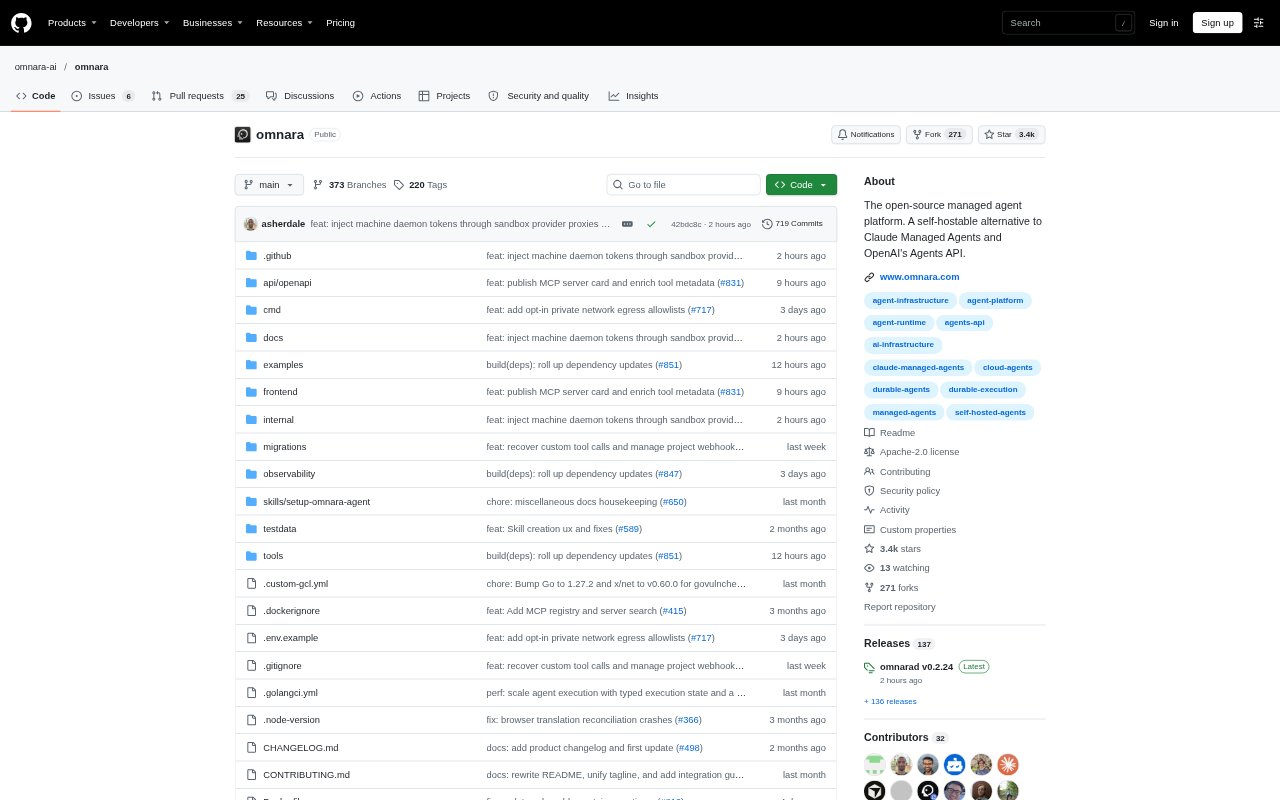
What is Omnara?
Omnara is an open-source platform for building and running AI agents in products and team workflows. Its API, TypeScript SDK, and CLI let teams launch agents, connect models and tools, and run them on managed or self-hosted infrastructure. Agents can interact through a product interface, Slack, Discord, or GitHub, while teams choose their models, machines, and hosting. It is aimed at developers and businesses that need agents to keep working beyond a prototype.
Omnara Features:
Durable Agent State: Omnara saves each agent’s activity in an event log so it can recover after crashes, restarts, or machine disconnections without repeating completed tool calls.
Machine Options: Run agents on Omnara-managed machines, supported sandbox providers, or a macOS or Linux laptop, VM, or container connected through the Omnara daemon.
Model Choice: Connect providers such as OpenAI, Anthropic, Amazon Bedrock, and OpenRouter, or use a compatible endpoint, including a model hosted by your team.
Tools and Skills: Agents can use built-in shell, file, web search, and fetch tools, along with MCP servers, custom tools, reusable skills, and persistent memory stores.
Access Controls: Set tool actions to run, require human approval, or be blocked, and manage scoped secrets, role-based access, and an append-only action history.
Agent Interfaces: Launch and manage agents through a REST API, TypeScript SDK, or CLI, then stream events, send messages, and update an agent’s configuration while it runs.
Omnara Benefits:
Less Platform Work: Teams can put agents into production without first building and maintaining a separate execution platform or assigning a platform team to the task.
More Data Control: Self-hosting or deploying in your own cloud lets teams keep the platform and agent data within infrastructure they control.
Room to Adapt: Teams can change models, machines, and agent behavior as their needs shift instead of committing their workflows to a single provider.
Safer Automation: Approval rules and action history give teams a way to oversee sensitive operations and review what agents have done.
Fewer Idle Costs: Agents use compute while taking a turn rather than continuously, and managed machines can sleep when idle to pause runtime charges.
Use Cases:
On-Call Investigation: Set up an SRE agent to investigate an alarm, check a release, or examine user activity using read-only access to cloud resources and code.
Slack Code Help: Give engineers a Slack agent they can ask to explain code, debug an issue, or prepare a fix as a pull request.
Pull Request Review: Start an agent when a pull request opens or is mentioned so it can inspect the diff, comment, and submit a review on GitHub.
Scheduled Digests: Run a recurring agent to collect notable posts about customers, competitors, or a business category into a daily digest.
Browser-Based Tasks: Use an agent in a real browser to sign in to web apps, retrieve dashboard figures, fill forms, or work through a queue.