

What is Omnis Watchtower?
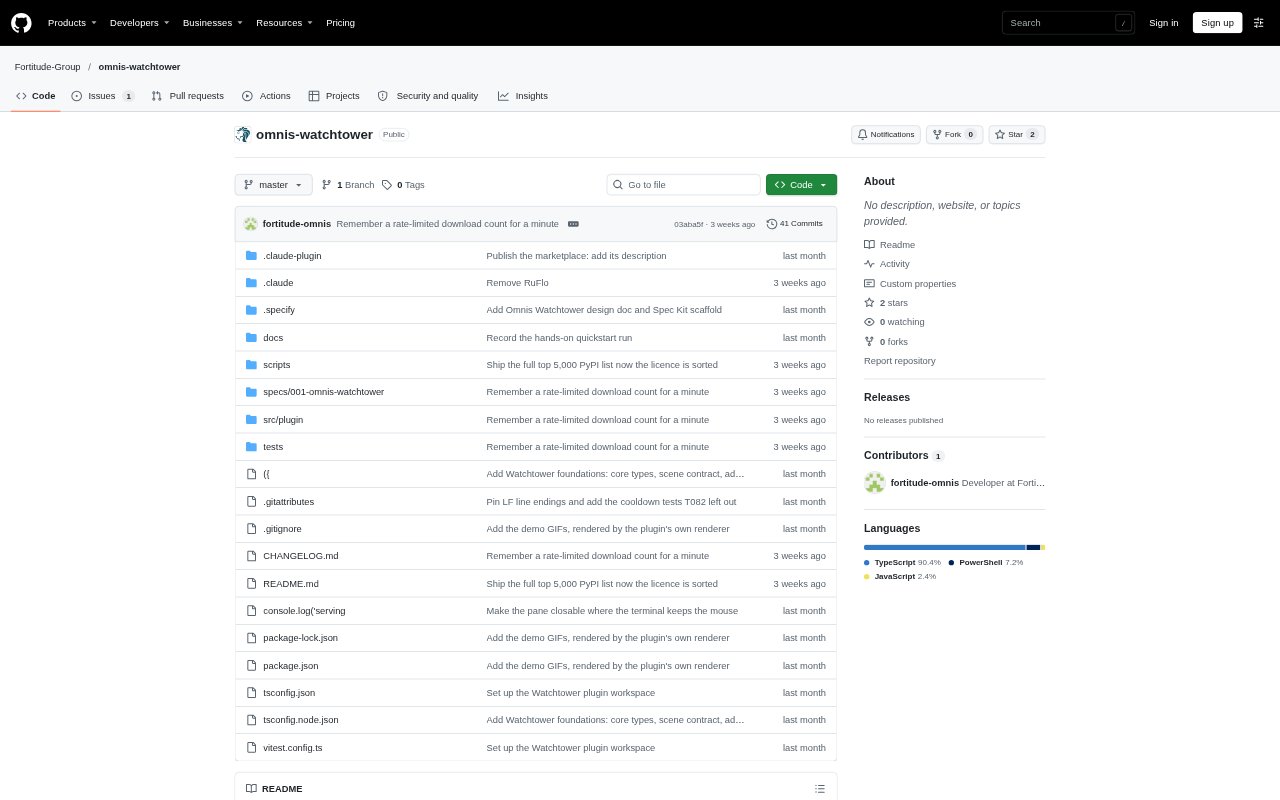
Omnis Watchtower is a Claude Code plugin that checks npm and PyPI package installs before they run. It looks for risks such as nonexistent names, known malware, typosquats and suspiciously new releases, then refuses, pins or holds installs depending on its findings. A terminal mission-control view shows agents and package checks as they happen. It is intended for people using coding agents who want a supply-chain check around package installation, rather than a sandbox for arbitrary commands.
Omnis Watchtower Features:
Install Checks: Watchtower checks npm and PyPI installs initiated by agents in a session before the installs run, including package commands and dependency-file changes.
Risk Decisions: It refuses nonexistent names, known malware, typosquats of popular packages and public packages that shadow private ones, while holding less conclusive cases.
Release Pinning: For popular packages with a very recent release, Watchtower can change an install to use the previous release during a 72-hour cooldown.
Sentinel Reviews: A held package can be examined by a read-only investigator subagent that checks its registry page, repository and install scripts before returning a verdict.
Terminal Mission Control: The live pane maps agents, package arrivals, risk states and investigations, with radar and cracktro themes, status totals and a scripted offline demo.
Human Overrides: At the prompt, a person can allow or block a package, make that choice permanent, inspect overrides or request a fresh investigation.
Omnis Watchtower Benefits:
Fewer Risky Installs: Checks before execution can stop a suspicious package from entering an agent's workflow, instead of relying on someone to notice its name afterward.
Less Release Exposure: Pinning recent releases gives maintainers time to avoid a newly published version while it is still within the cooldown window.
Keep Work Moving: When a case is uncertain, the agent can continue other work while a Sentinel investigates, rather than requiring an immediate manual review.
Visible Decisions: The live view and status command make package checks, held investigations, overrides and faults easier to follow across a session.
Human Control: Agent requests cannot themselves approve or reverse a block, leaving decisions to a person at the prompt or through the pane's confirmation flow.
Use Cases:
Agent-Assisted Coding: Use Watchtower when a Claude Code agent installs dependencies as it works, so npm and PyPI package requests are checked before execution.
Typosquat Screening: Put it in a development session where an agent may mistype a popular dependency name or invent a package name that attackers could register.
New Release Caution: Use the release cooldown when agents install popular packages and you want to avoid taking a just-published version immediately.
Private Package Work: Configure private package patterns when agents use internal names, so Watchtower can distinguish them from public packages and check for name conflicts.
Install Review: Open mission control to inspect package activity during a session, or use status and overrides when investigating a held or refused install.