
What is One Code?
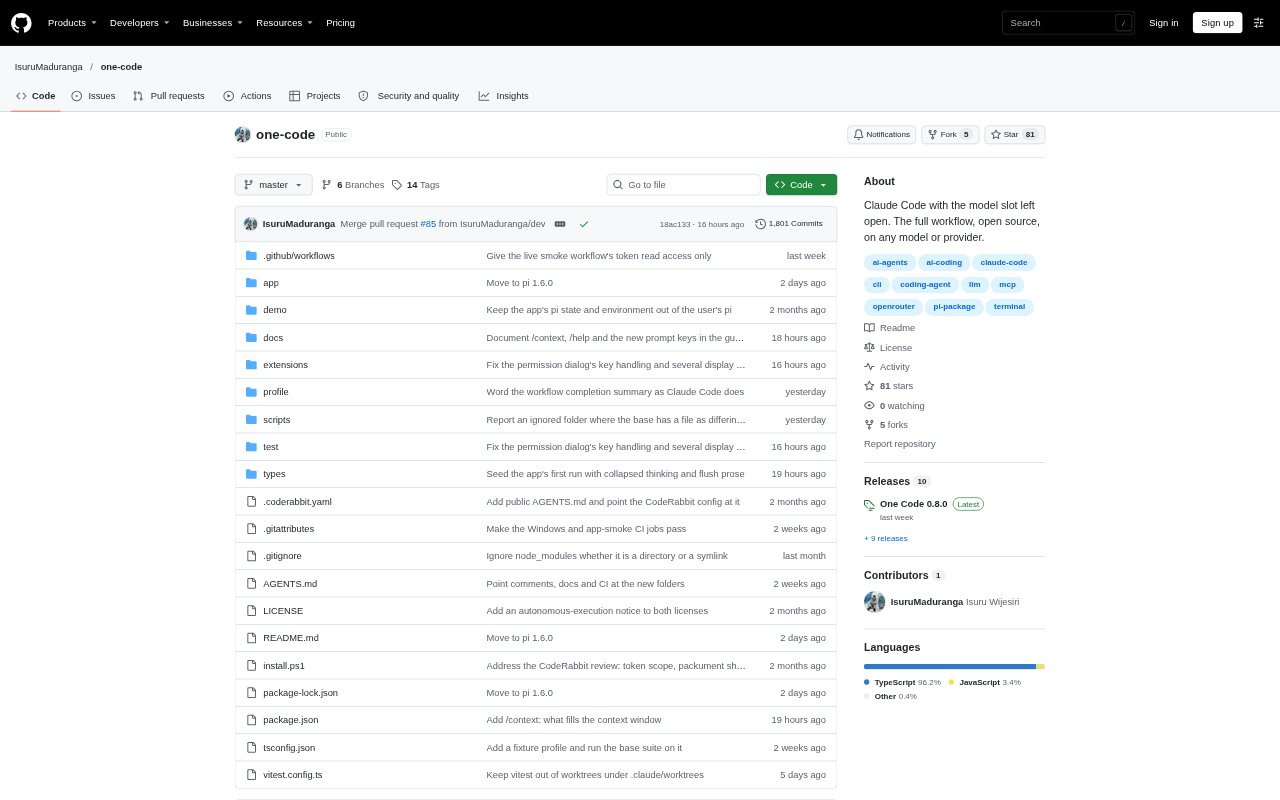
One Code is an open-source coding assistant that recreates the Claude Code workflow while letting you choose the model and provider. It runs in a terminal and is for developers who want to direct coding tasks, review plans, and delegate work to agents without committing the whole session to one model. It reads existing Claude Code project configuration, and it is free under the MIT license; model access and usage charges depend on the provider.
One Code Features:
Model Selection: Choose models from providers including Anthropic, OpenAI, Gemini, OpenRouter, or a local model, and change the main model during a session.
Provider Mix: Assign different models and providers to the main agent and individual subagents, including through account sign-ins or API keys.
Claude Configuration: Use existing CLAUDE.md instructions and supported Claude Code skills, commands, agents, permission rules, plugins, and MCP server configuration.
Agent Workflows: Run background subagents, send them follow-up messages, and coordinate parallel investigations, audits, migrations, or reviews with ultracode workflows.
Git Worktrees: Give agents separate Git worktrees for parallel edits, or move the full session into a worktree and leave it when the work is done.
Plans and Permissions: Use plan mode to review a plan before implementation, or choose manual, accept-edits, and auto modes with permission rules and action checks.
One Code Benefits:
Model Flexibility: Adapt model choice to the task instead of rebuilding your coding workflow whenever you change providers or use a local model.
Focused Delegation: Keep investigation, testing, or review work separate from the main task so its findings can return to the primary conversation.
Less Setup: Carry familiar project instructions and supported Claude Code configuration into One Code without a separate import process.
Controlled Changes: Review an implementation plan and set permission behavior before allowing work to proceed, with multiple modes for different levels of oversight.
Open Customization: Inspect and change the open-source harness, or extend it with pi extensions, themes, and settings to suit your workflow.
Use Cases:
Codebase Investigation: Ask subagents to examine an unfamiliar authentication flow and its tests, then use their findings to guide a fix in the main session.
Parallel Code Changes: Delegate separate edits to agents working in distinct Git worktrees when a task can be divided into independent changes.
Migration Planning: Request an ultracode workflow for a broad migration, coordinate agents in parallel, and track their progress in the workflow view.
Plan Before Editing: Use plan mode for a risky or complex change when you want the agent to investigate and write a plan before implementation begins.
Model-Based Cost Choices: Use a preferred model for the main coding task while assigning a different provider or model to exploratory work or tests.