

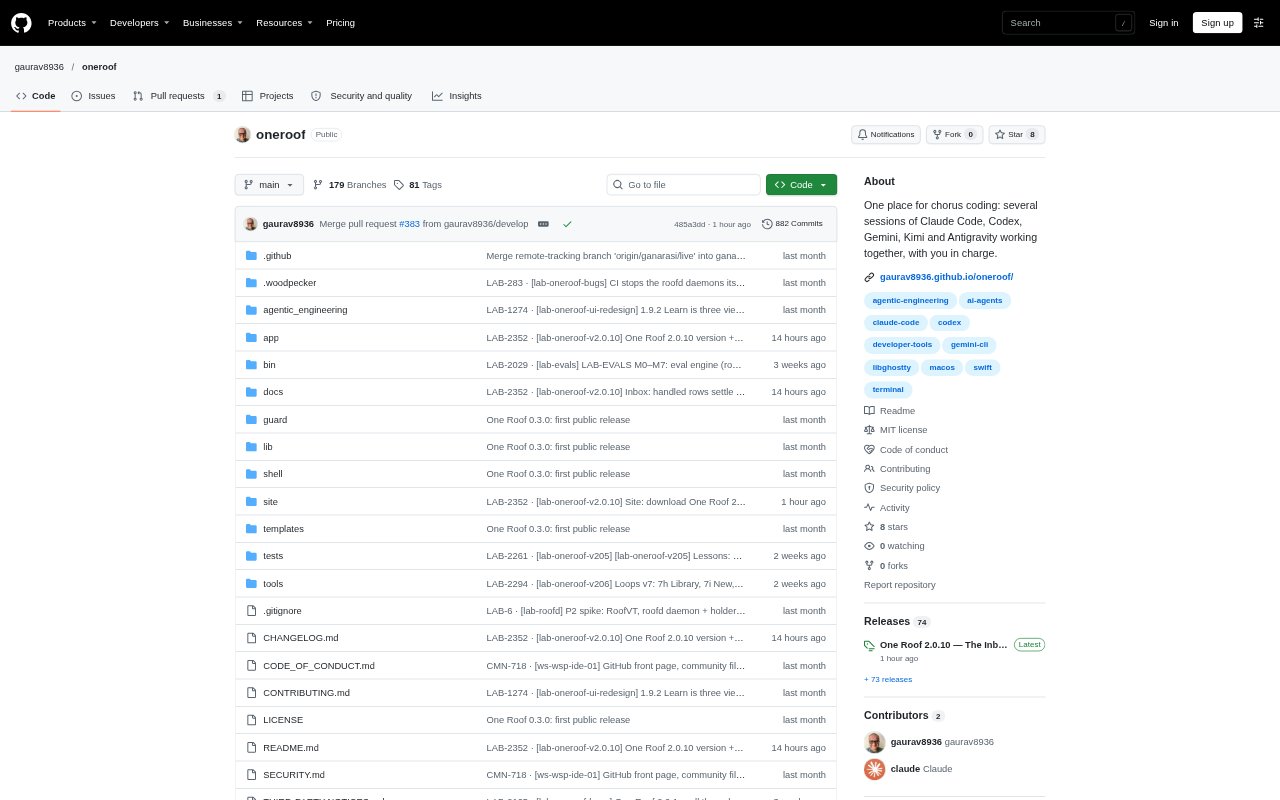
What is One Roof?
One Roof is a macOS app for developers coordinating multiple coding agents and shell sessions. It brings tools such as Claude Code, Codex, Gemini CLI, Kimi and Antigravity into a shared workspace without replacing their command-line interfaces; each session runs the real tool. The app organizes agent questions, session activity and resource use so you can monitor work and make decisions in one place. It is free and open source under the MIT licence, and requires macOS 14 or later on Apple silicon.
One Roof Features:
Agent CLI Support: Run Claude Code, Codex, Gemini CLI, Kimi, Antigravity or plain shells side by side, using each tool's existing command-line interface.
Central Inbox: See agent questions and finished turns in one place, with blocked sessions prioritized and the agent's own response options available as buttons.
Session Workspace: View sessions grouped by state, with each row showing its agent, account, folder and live status, and arrange terminals in a single view, grid or wall.
Session History: Review searchable cards of key moments, including errors, findings, questions, answers and hand-offs, with filters for session, agent, type and date.
Repeatable Loops: Give an agent a goal and a check, then have One Roof run another round if the check fails, up to a limit, in a separate copy of the repository.
Resource Monitoring: Track memory and CPU by session and app, view ten-minute charts, and use a guard that warns above 1 GB and ends a session at 2 GB.
One Roof Benefits:
Fewer Missed Questions: A shared, prioritized queue makes it easier to spot when an agent is waiting for your decision instead of leaving work stalled in an unattended terminal.
Clearer Oversight: Session labels and activity records make it easier to tell which agent did what and understand what happened while you were away.
Work Keeps Running: Sessions continue in the background service when you close or update the app, so their work and terminal screens are still available when you return.
Safer Automation: Manual permissions are the default on a new Mac, and loop results wait for your approval rather than being merged or deployed automatically.
Fewer Resource Surprises: Per-session usage and automatic limits help you identify which process is slowing your Mac before it affects other work.
Use Cases:
Parallel Coding Work: Coordinate several agents on one development task, such as having one plan, another implement and a third review the changes.
Overnight Test Runs: Set an agent to repeat work until a test check passes, then review the staged result in the Inbox the next morning.
Morning Work Review: Check overnight runs, failures and pending decisions before choosing what to handle next.
Diagnosing Slowdowns: Compare session and app resource use when your Mac slows down to find the process consuming memory or CPU.
Agent Comparisons: Use the draft Evals area to compare agents or models on public benchmarks or a question set made from fixed bugs in your repository.