

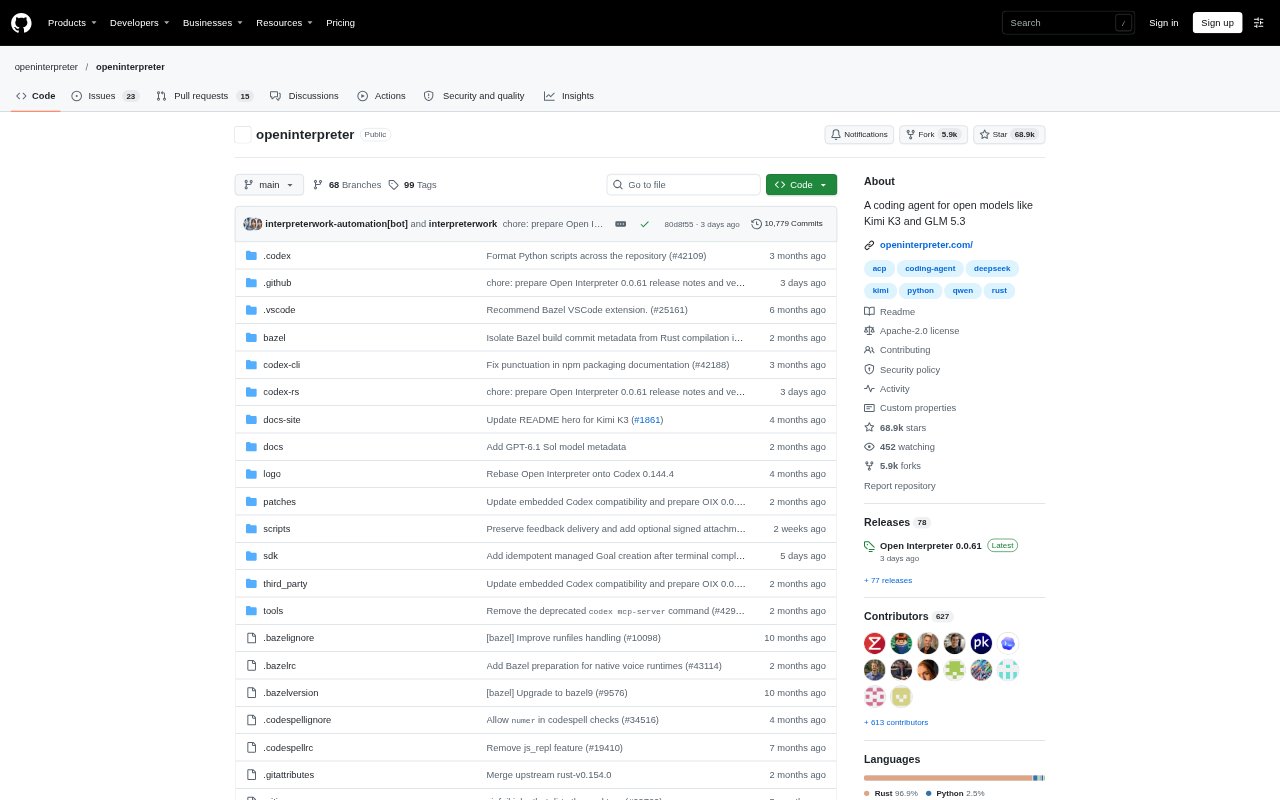
What is Open Interpreter?
Open Interpreter is an open-source coding agent designed to work with low-cost and open-weight models. It runs from a terminal, where users can ask it to work on coding tasks and choose among supported providers and model harnesses. The agent can also operate and test web and native interfaces, and it can connect to compatible editors and clients through the Agent Client Protocol. Its Apache-2.0 licence makes it suitable for teams that want to inspect or adapt the code.
Open Interpreter Features:
Sandboxed Commands: The agent runs commands within native sandboxing on macOS, Linux, and Windows.
Model Switching: Users can change providers and models from the terminal interface or use an OpenAI-compatible provider through Chat Completions.
Harness Selection: A terminal command switches among harnesses including Claude Code, Kimi Code, Qwen Code, SWE-agent, and a minimal option.
Interface Testing: A built-in QA skill lets models operate and test web apps in a real browser or work with native apps.
Editor Protocol: The agent runs as an Agent Client Protocol service for compatible editors and clients.
Shared Agent Files: It reads repository AGENTS.md instructions and shared .agents/skills directories, and supports MCP, hooks, and permissions.
Open Interpreter Benefits:
Lower Model Costs: The focus on low-cost and open-weight models gives users an option beyond relying only on more expensive model choices.
Safer Execution: Native sandboxing helps users keep command execution within a more controlled environment across supported operating systems.
Flexible Workflows: Switching providers and harnesses lets users adapt the agent to different models and coding workflows without changing tools.
Portable Setup: Shared instructions and skills make it easier to reuse agent context across compatible tools rather than keep it in a product-only format.
Faster QA: Having an agent operate interfaces can reduce manual effort when checking web or native app behavior.
Use Cases:
Terminal Coding: Developers can start a terminal session to work through coding tasks with a low-cost or open-weight model.
Web App QA: Teams can use the QA skill to have a model operate and test a web app in a real browser.
Native App Testing: People testing desktop software can use the agent to operate and check native app interfaces.
Editor Integration: Developers using an ACP-compatible editor can launch the agent as a connected coding assistant.
Codex SDK Projects: Teams already building with the OpenAI Codex SDK can point its binary override at Interpreter for protocol compatibility.