
What is Open Notebook?
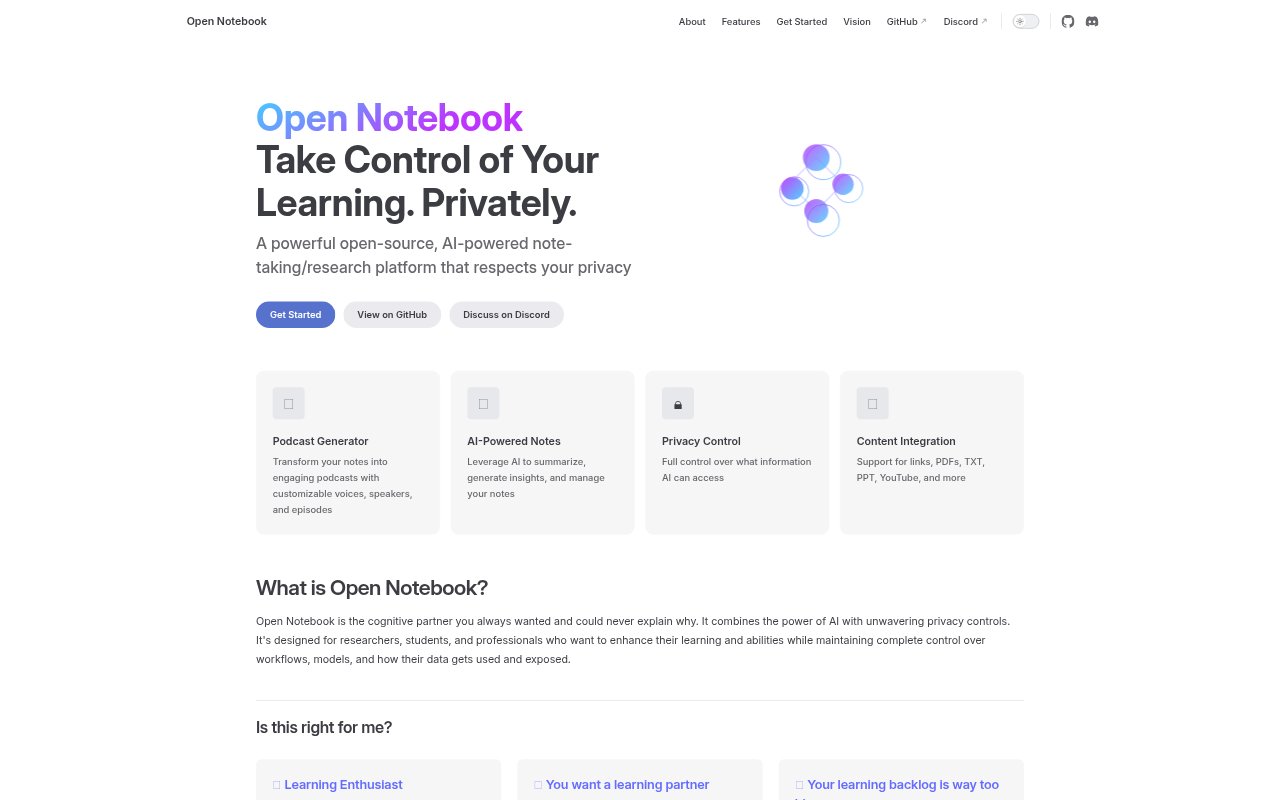
Open Notebook is an open-source, AI-assisted research and note-taking platform for researchers, students, and professionals who want to deepen their learning while keeping control of their information. It brings notes, source materials, AI assistance, search, and podcast creation into one research workflow. Users can choose among AI providers and manage what information AI can access, making it suited to people who want help developing ideas without giving up control of their workflows or data.
Open Notebook Features:
Content Imports: Bring links, PDFs, TXT files, PPT files, YouTube material, and other supported content into one place for research and note-taking.
AI-Powered Notes: Use AI to summarize material, generate insights, and manage notes as part of an ongoing learning or research workflow.
Provider Choice: Choose from multiple AI providers, with control over which models you use in your work.
Privacy Controls: Set boundaries on what information AI can access and control how your workflows, models, and data exposure are handled.
Search and Ask: Use full-text and vector search to locate information and ask questions across your research materials.
Podcast Creation: Turn notes into podcast episodes with customizable voices and speakers for listening-based review or learning.
Open Notebook Benefits:
Research Continuity: Keeping saved links and source materials catalogued gives you a place to return to when a question or project makes them relevant.
Deeper Understanding: Summaries and generated insights can help you move beyond collecting material toward interpreting it and developing your own perspective.
Controlled AI Use: Choosing providers and setting access boundaries lets privacy-conscious users decide how much context they share with AI.
Flexible Learning: Turning notes into spoken episodes offers another way to revisit research when reading is not the preferred format.
Fewer Workflow Switches: Keeping research materials, notes, search, and AI assistance together can reduce the effort of moving between separate parts of a learning workflow.
Use Cases:
Reading Backlog: Save links and other source materials for later reference when a large reading list cannot be worked through immediately.
Research Review: Gather PDFs, presentations, web links, and YouTube material while investigating a topic, then search and ask questions across the collected work.
Course Learning: Students can organize learning materials and notes, use AI assistance to explore ideas, and create podcast episodes for later review.
Independent Study: Self-directed learners can catalogue material, surface insights, and use AI as a partner while forming their own views.
Professional Research: Professionals can bring source documents and notes into a research workflow, choose an AI provider, and control which context is exposed.