

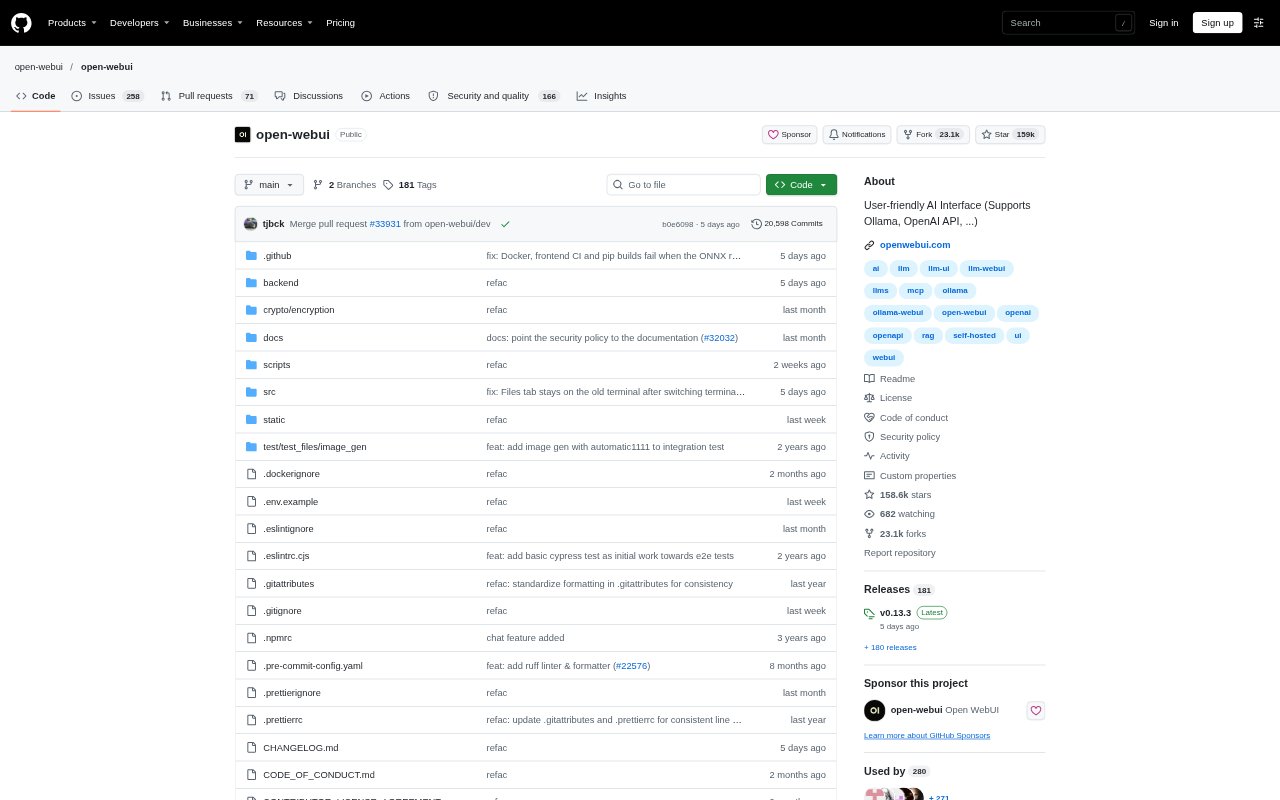
What is Open WebUI?
Open WebUI is a self-hosted interface for using AI models, designed for individuals and organizations that want to run AI on their own infrastructure. It connects to local models through Ollama and to local or cloud models through OpenAI-compatible APIs. The platform brings conversations, models, and tools into one workspace, with options for offline use, Python extensions, and organizational controls.
Open WebUI Features:
Model Connections: Connect local models through Ollama or use OpenAI-compatible APIs for local and cloud models.
Self-Hosted Deployment: Run the platform on your own machine or infrastructure, including offline, on-premises, and air-gapped setups.
AI Capabilities: Use voice, vision, retrieval, generation, and search features within the platform.
Python Extensions: Extend the platform with Python and use tools and functions built by the community.
Organization Controls: Manage access and oversight with SSO, role-based access control, audit logs, and data residency options.
Shared Resources: Browse, install, and contribute community-created prompts, models, tools, functions, and other resources.
Open WebUI Benefits:
Data Control: Keeping deployment on your own infrastructure lets you decide where models run and where organizational data resides.
Model Flexibility: Using local and cloud models through one interface makes it easier to choose an option suited to each task or environment.
Central Workspace: Bringing models, conversations, and tools together gives individuals and teams one place to work with their AI resources.
Workflow Adaptation: Python extensions and reusable community tools let teams shape the platform around their own ways of working.
Governed Access: Built-in access and audit controls help organizations manage AI use across teams and in regulated settings.
Use Cases:
Local AI Setup: Set up a personal AI workspace on a machine running Ollama when you want to use local models through a browser interface.
Private Team Workspace: Give an organization a shared AI interface hosted on its own infrastructure, with controls for user access and audit.
Mixed Model Work: Use one interface to work with local models for some tasks and cloud models through compatible APIs for others.
Regulated Deployment: Deploy AI for teams in fields such as healthcare, finance, government, or legal where on-premises or air-gapped options matter.
Reusable Team Tools: Share or install community prompts, models, and functions when setting up workflows for colleagues or a wider user group.