

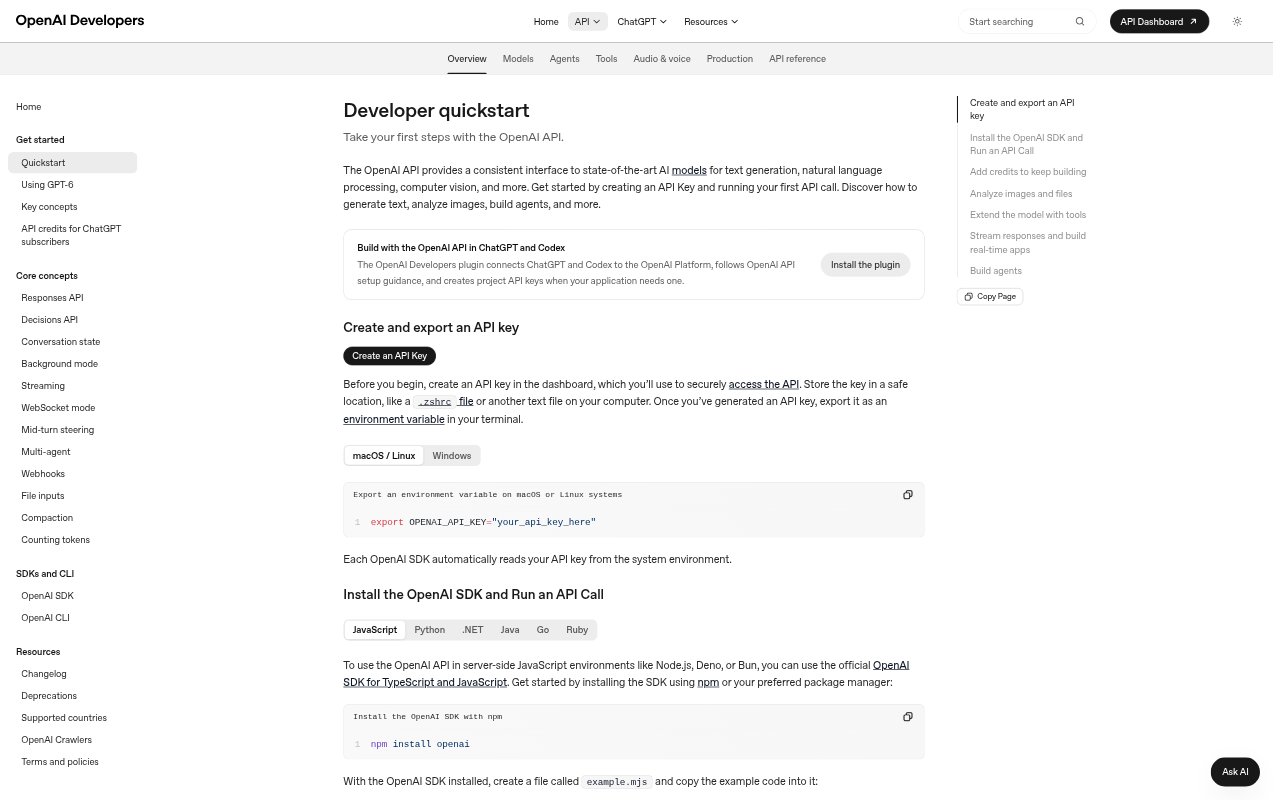
What is OpenAI API?
OpenAI API gives developers access to models and tools for building AI features into their own applications. It can generate text and code, interpret images, and support workflows involving web search, files, audio, and other tools. The API is aimed at product teams and developers who want to create custom assistants, agents, or media and data processing features rather than use a standalone chat app.
OpenAI API Features:
Text and Code: Use models for text generation and code generation, with structured output options for responses that need a defined format.
Image Understanding: Send image inputs to models for computer vision tasks, including workflows that combine visual information with natural language prompts.
Image Generation: Build image creation into an application using the image generation capabilities and image prompting guidance available through the platform.
Audio Processing: Create audio workflows with speech generation, file and live transcription, live translation, and realtime conversations.
Built-In Tools: Give model workflows access to capabilities such as web search, file search, computer use, code interpretation, and functions.
Agent Workflows: Build agent workflows with sessions, tool connections, multi-agent features, scheduled automations, and tracing for observing activity.
Model Customization: Use fine-tuning options, including supervised fine-tuning and vision fine-tuning, to adapt models for specific tasks.
OpenAI API Benefits:
Flexible Product Design: Teams can shape AI features around their own product flows instead of relying on a general-purpose chat interface.
Fewer Separate Services: Text, image, audio, and tool capabilities in one platform can reduce the need to assemble every workflow from different providers.
More Useful Responses: Structured outputs and access to tools can help applications return information in formats and contexts that suit the task.
Richer User Inputs: Image and audio support lets a product accept more than typed text when users need to share visual or spoken information.
Workflow Automation: Agent capabilities can help teams connect model responses with tools and repeated steps in a broader application workflow.
Use Cases:
In-App Assistant: Add a conversational assistant to a product that answers user prompts and can draw on connected files or other tools.
Code Generation: Create a developer-facing feature that drafts code or helps users work through programming tasks from natural language requests.
Image Analysis: Let users submit images to an application for workflows that need visual interpretation alongside written instructions.
Voice Interface: Build a voice-based product interaction using realtime conversations, speech generation, transcription, or live translation.
Agent Automation: Create an agent that works through a multi-step task using connected tools, sessions, and scheduled automations.