

What is OpenClaw?
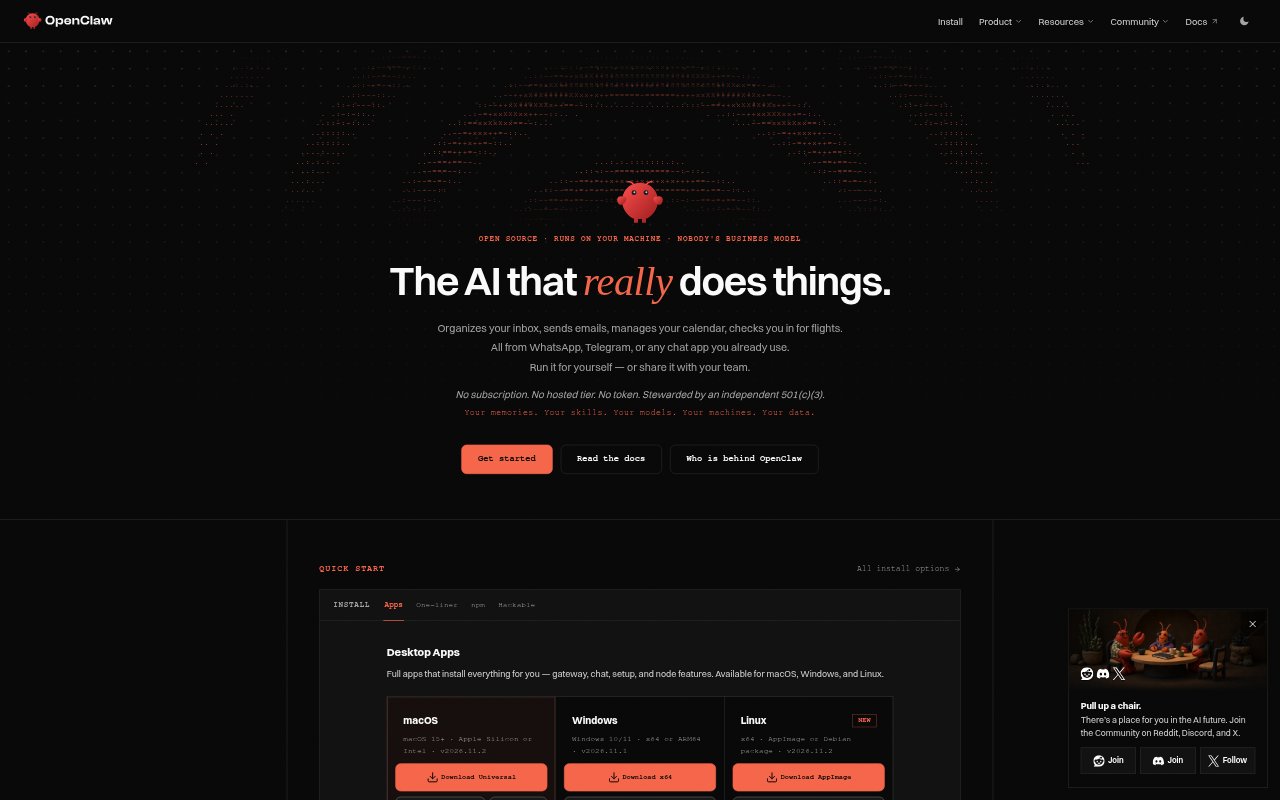
OpenClaw is an open-source AI assistant that runs on your own machine and can be reached through chat apps. It handles practical tasks such as organizing an inbox, sending email, managing a calendar, and checking in for flights. Individuals can run it for personal assistance, while teams can share it. It works across macOS, Linux, and Windows, and supports different ways to connect models, including local execution.
OpenClaw Features:
Chat App Access: Use OpenClaw through channels including WhatsApp, Telegram, Discord, Slack, Microsoft Teams, Signal, and browser-based WebChat.
Multiple Channels: Run several chat channels at once and route conversations through the OpenClaw Gateway.
Everyday Tasks: Ask it to organize your inbox, send emails, manage your calendar, or check you in for flights.
Model Choices: Connect supported providers such as Anthropic, Google, and OpenAI, or run models locally.
Flexible Authentication: Connect with API keys, supported subscription sign-ins, or a gateway, depending on the provider and setup.
Cross-Platform Setup: Install on macOS, Linux, or Windows using the apps or a one-line installer that sets up Node.js and other requirements.
Plugins and Skills: Extend the runtime with official plugins and community skills, alongside connected tools and automation.
OpenClaw Benefits:
Fewer App Switches: Send requests from chat apps you already use instead of opening a separate assistant interface for each task.
Less Admin Work: Hand off repetitive personal tasks like inbox organization and calendar management, leaving more time for other work.
Data Control: Running the assistant on your own machine gives you more direct control over where its data and working context are handled.
Provider Flexibility: Choose among supported model providers and authentication methods rather than being limited to one service.
No OpenClaw Subscription: The product has no subscription or hosted tier, so there is no OpenClaw plan to pay for; model or provider charges may still apply.
Use Cases:
Inbox Catch-Up: Ask the assistant from a messaging app to organize your inbox when email has piled up and needs sorting.
Calendar Upkeep: Use chat to manage calendar tasks without switching away from the messaging app where you coordinate your day.
Flight Check-In: Request help checking in for a flight while preparing for an upcoming trip.
Routine Email: Use the assistant to send emails from a connected chat channel when handling everyday correspondence.
Team Assistant: Share an OpenClaw setup with a team that wants to request assistance through its existing chat channels.