

What is OpenCode?
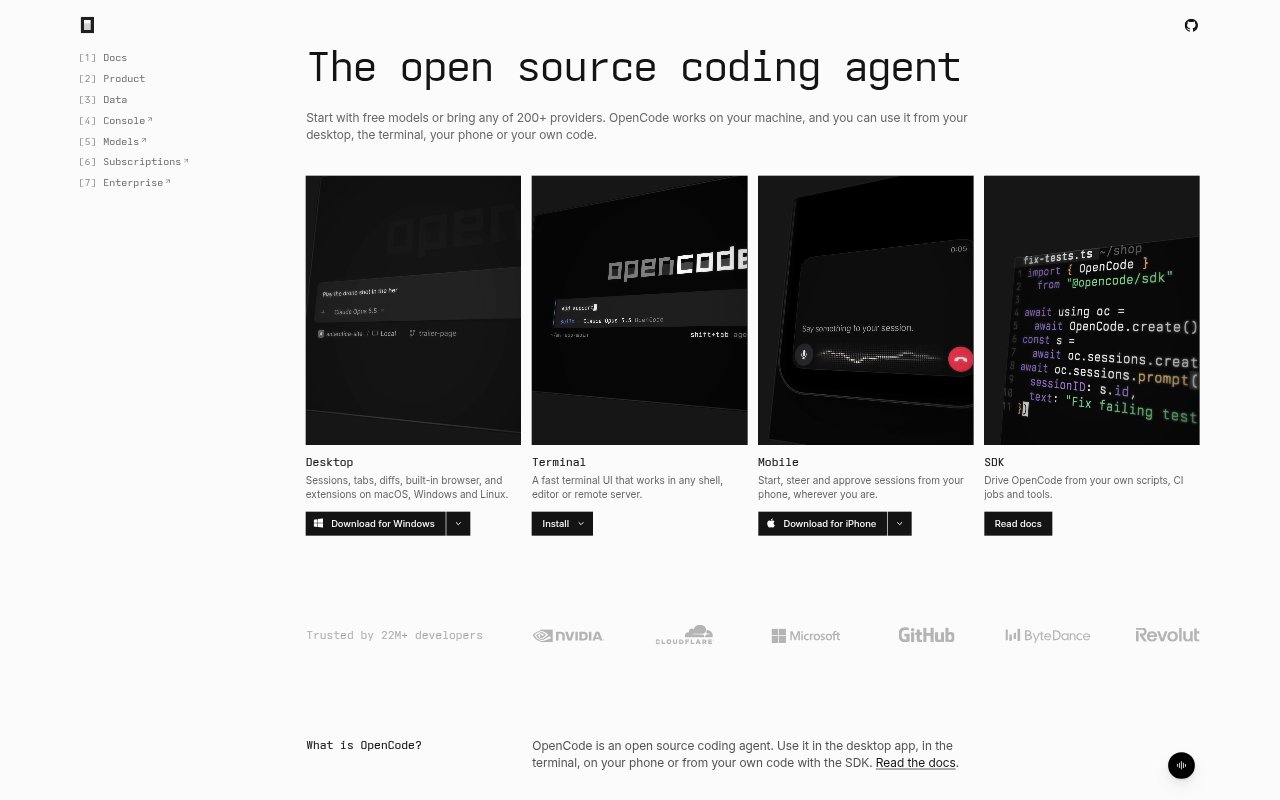
OpenCode is an open-source coding agent for developers who want AI assistance while writing and running code. It works with models from more than 200 providers, including local models, and is available as a desktop app, terminal interface, mobile app, and SDK. Use it on a project from a graphical interface or shell, steer sessions from a phone, or control the agent through scripts and CI jobs. Free models are available without an account.
OpenCode Features:
Model Selection: Choose from more than 200 model providers, including Claude, GPT, Gemini, and local models, or start with available free models.
Desktop Workspace: The desktop app for macOS, Windows, and Linux includes sessions, tabs, diffs, a built-in browser, and extensions.
Multiple Interfaces: Use OpenCode in a terminal, start and approve sessions from a phone, or drive it through the SDK.
Parallel Sessions: Run multiple agents in parallel on the same project to work on separate tasks at once.
Custom Workflows: Create specialized agents, teach reusable workflows with skill files, and turn repeated tasks into slash commands.
Tools and Permissions: Connect local or remote MCP servers, extend behavior with plugins, and choose which actions need your approval.
Change Recovery: Use undo and redo to roll back recent file changes and conversation steps.
OpenCode Benefits:
Flexible Model Choice: Having multiple providers and local models available lets developers choose an option that fits their project and existing setup.
Lower Entry Barrier: Free models that require no account make it possible to try AI-assisted coding before setting up a paid provider.
Less Context Switching: Keeping coding sessions available across desktop, terminal, and mobile makes it easier to continue work from the device at hand.
More Parallel Work: Working on several tasks at once can help developers make progress on a project without handling every change sequentially.
Repeatable Processes: Reusable skills and commands help teams avoid re-explaining recurring instructions each time they ask for a familiar task.
Use Cases:
Feature Development: Ask an agent to help implement a requested feature, then review its file changes in the desktop diff view.
Bug Investigation: Use a coding session to investigate a reported issue, connect relevant tools through MCP, and inspect proposed changes.
Parallel Project Tasks: Run separate agents on different tasks in the same project while keeping their work in parallel sessions.
Remote Development: Use the terminal interface to work with an agent from a shell, editor, or remote server.
CI Coding Jobs: Use the SDK to drive OpenCode from scripts or CI jobs that need to perform coding tasks.