

What is OpenCode Claude Code Plugin?
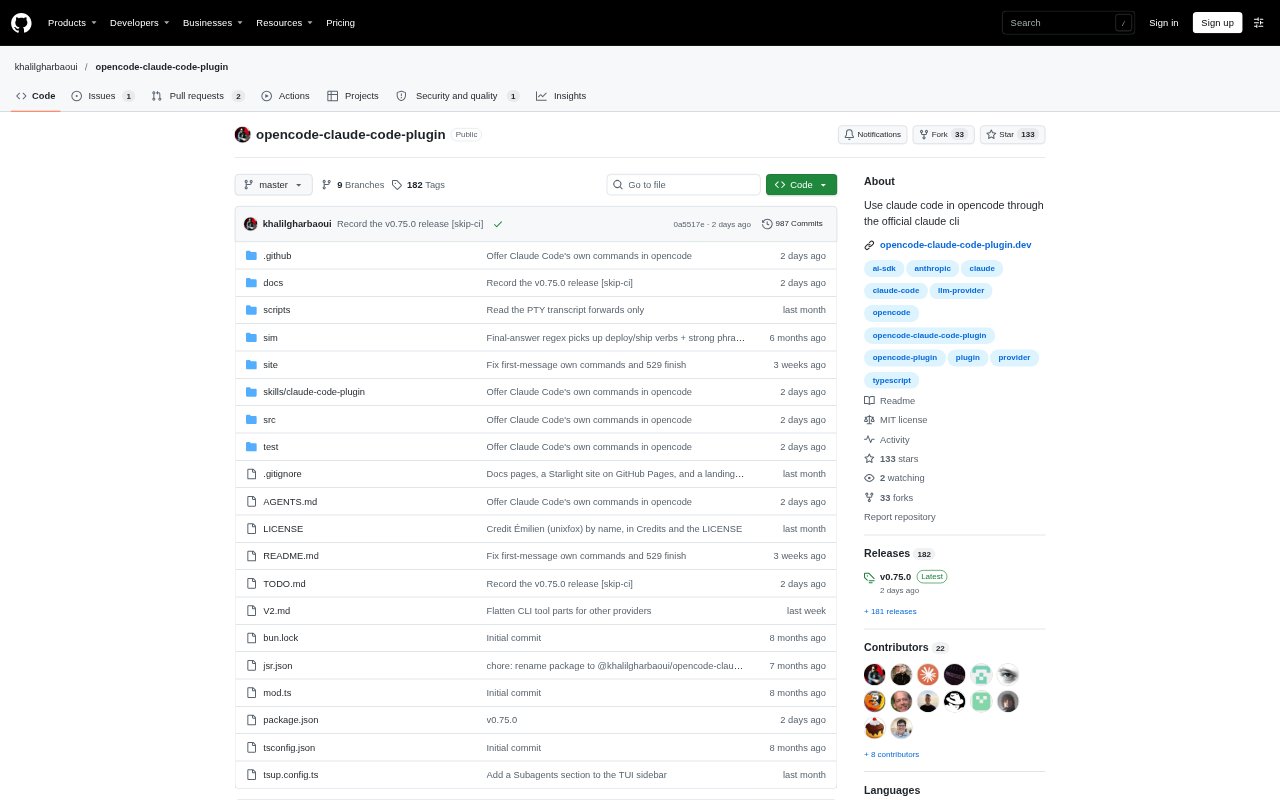
OpenCode Claude Code Plugin connects Anthropic’s Claude models to opencode by launching the official Claude Code CLI as a subprocess. It is for developers who want Claude in opencode while keeping machine-level tools under opencode’s permissions and audit log. The plugin requires the Claude CLI to be installed and logged in; the CLI handles authentication and billing, while the plugin streams model output and routes selected tool calls between the two applications.
OpenCode Claude Code Plugin Features:
Official CLI Provider: The plugin runs the official Claude Code CLI in headless mode, using its existing login rather than handling authentication itself.
Permissioned Tool Proxy: Bash, Edit, Write, WebFetch and Task calls can run through opencode, subject to its permission prompts and audit log.
Claude Native Tools: Read, Grep, Glob and WebSearch run in Claude Code, while opencode MCP servers and skills can be made available to Claude.
Persistent Conversations: A Claude process stays alive for each conversation, retaining its context between turns.
Multiple Accounts: Configured accounts can appear as separate providers, with account groups available to keep work and personal contexts apart.
Subagent Controls: Users can choose model, effort and account settings for subagents, and configure how batches of agents run.
OpenCode Claude Code Plugin Benefits:
Separate Credentials: The plugin does not read, store or replay login tokens, so authentication stays with the Claude CLI.
Existing Oversight: Keeping machine-level tool execution in opencode lets users review and approve those actions using its established controls.
Conversation Continuity: Retaining context across turns and model or account changes helps users continue work without restarting the conversation.
Account Boundaries: Separate account configuration and groups help users keep work and personal sessions from crossing over.
Flexible Billing: Users can keep using the account and billing arrangement already configured in Claude Code, including a subscription or supported API route.
Use Cases:
Investigate a Codebase: Ask Claude to search project files, trace a function or identify which tests cover a particular component.
Edit Project Files: Use Claude to propose code changes while routing file edits through opencode’s permission controls.
Run Test Commands: Have Claude request a shell command such as a test suite run and approve its execution in opencode.
Switch Work Accounts: Continue a development conversation under a different configured account without losing its context.
Delegate Coding Tasks: Set up subagents to handle parts of a coding task with chosen model, effort or account settings.