

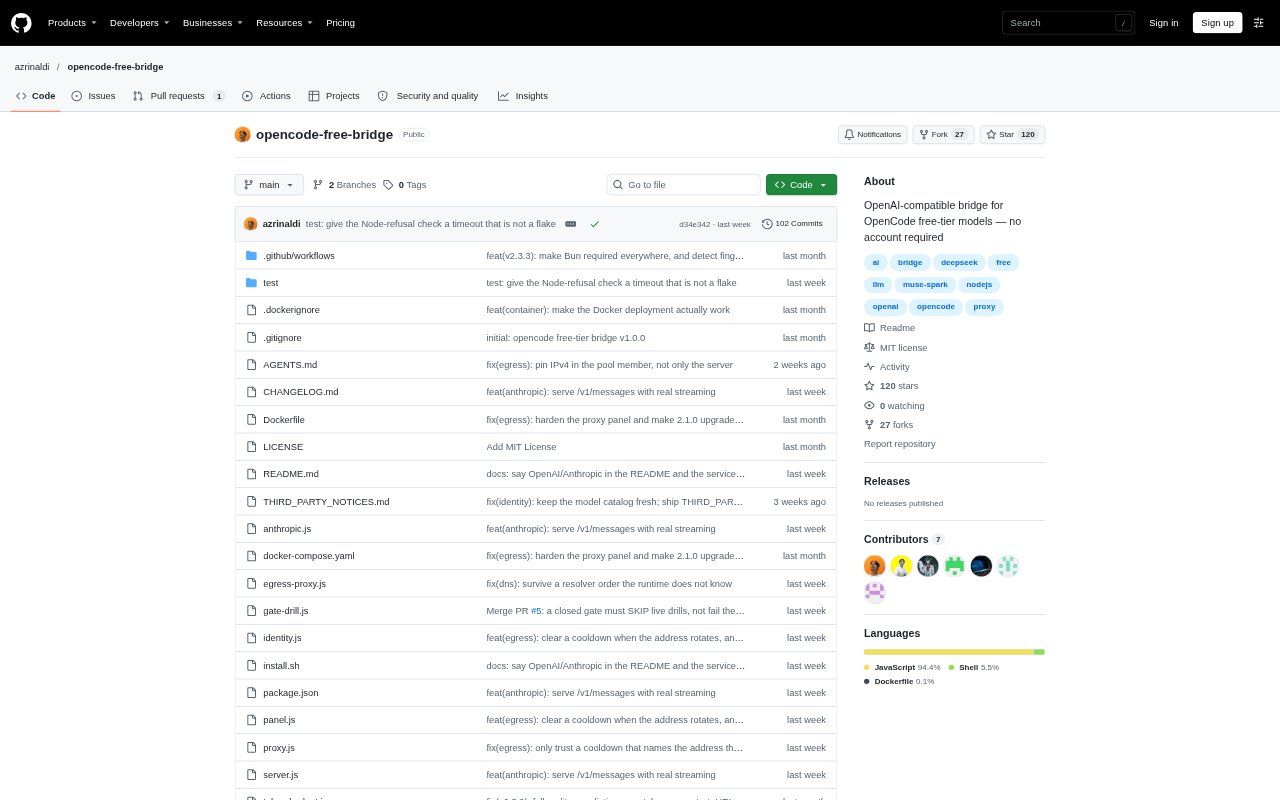
What is opencode free bridge?
OpenCode Free Bridge runs a local API server that connects OpenAI-compatible clients to OpenCode’s free-tier models. It is for developers and teams who want to use those models from tools such as Cursor, Continue, LiteLLM, Open WebUI, or the OpenAI SDK. The bridge requires Bun for live gateway traffic and needs no OpenCode account or upstream API key. It runs on Linux or macOS, with Docker deployment also available.
opencode free bridge Features:
Local API Endpoint: The server listens on a local address and exposes an OpenAI-compatible API that supported clients can call directly.
Live Model Catalog: It reads the upstream model catalog to offer active free models and locally reject paid or deprecated model IDs.
Dual Protocol Support: Requests are routed to either the chat completions or responses endpoint according to model metadata, with protocol mismatch detection.
Reasoning Model Handling: For reasoning models, the bridge adjusts token budgets and returns thinking tokens in the reasoning_content field for streamed and standard responses.
Request Recovery: When certain gateway errors indicate stale request details, it refreshes its model and identity data, creates a fresh session ID, and retries once.
Flexible Deployment: It can run as a Linux systemd or macOS launchd service, or in Docker, and includes an installer for supported systems.
opencode free bridge Benefits:
Reuse Existing Clients: People can work through familiar OpenAI-compatible applications instead of switching to a separate interface for each model.
Skip API Setup: Using the free-tier models does not require arranging an OpenCode account or obtaining an upstream API key.
Fewer Stale Choices: Catalog-based model discovery helps users avoid selecting identifiers for models that are retired or no longer free.
Less Manual Recovery: Automatic refresh and retry can resolve some stale-request failures without requiring the user to diagnose and repeat the request.
Local Control: Keeping the bridge on a local machine or host lets teams choose a deployment approach that fits their existing environment.
Use Cases:
Cursor Model Access: Configure Cursor to send OpenAI-compatible requests through the local bridge when working with OpenCode free-tier models.
Continue Workflows: Connect Continue to the bridge so coding prompts can use the available free models from a local service.
Open WebUI Setup: Point Open WebUI at the bridge when building a local interface for trying compatible free-tier models.
SDK Prototyping: Use the OpenAI SDK against the local endpoint to prototype applications without setting up an upstream API key.
Docker Deployment: Run the bridge in Docker on a single host when a container-based setup is more suitable than a native service installation.