
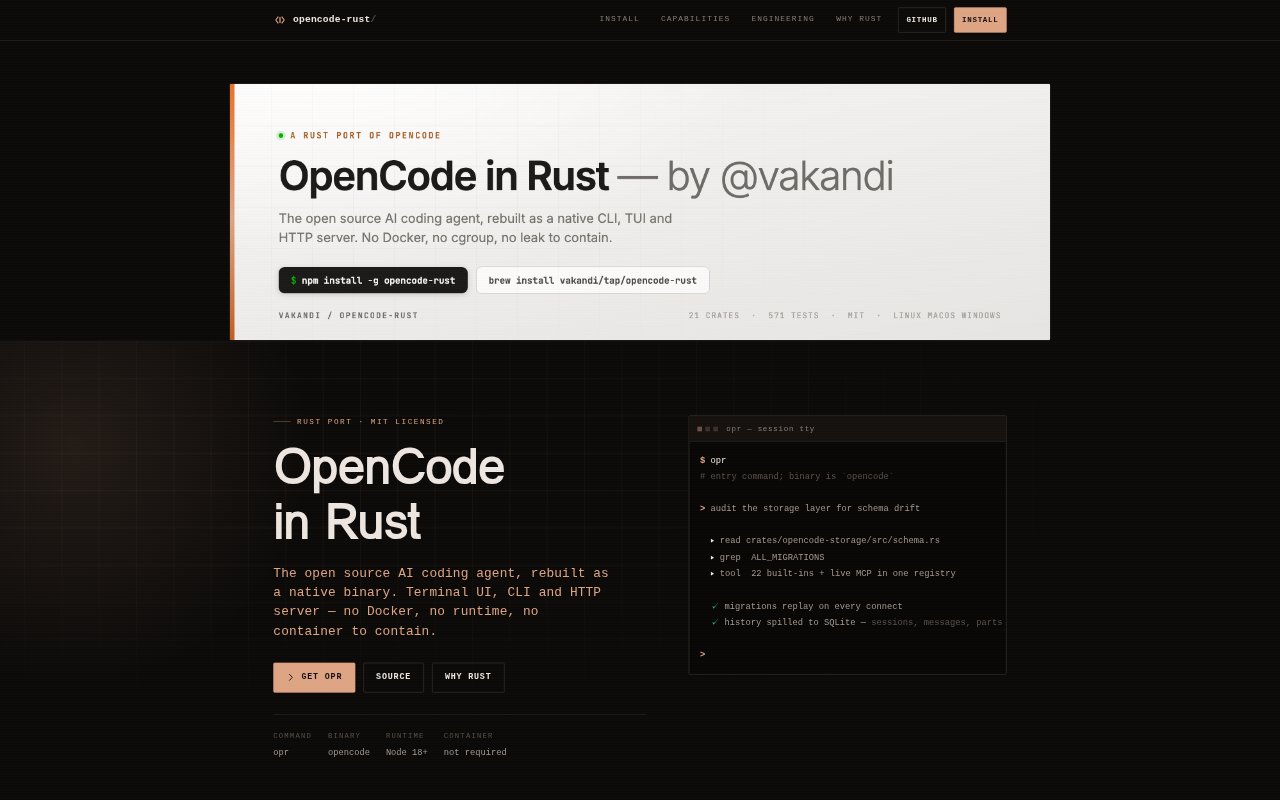
What is opencode-rust?
opencode-rust is a standalone Rust implementation of the open-source OpenCode AI coding agent, for developers who want an AI agent to work with code from a terminal, web interface, or HTTP service. It runs as a native binary and offers a terminal UI, CLI, HTTP server, web surface, and ACP. The agent supports multiple model providers, built-in and MCP tools, and can be installed through npm, Homebrew, or from source.
opencode-rust Features:
Session Management: Create, continue, fork, import, and export sessions, with parent and child links preserved across session lineage.
Tool Registry: Resolve 22 built-in tools and live MCP tools through one registry, with tool availability handled per turn.
Provider Controls: Route calls across multiple providers, control reasoning effort, and handle streaming tool calls.
Path Permissions: Set permissions by path and evaluate rules in order, with the last matching rule determining the result.
Extension Support: Add processes through a TypeScript plugin bridge, connect to MCP over stdio or HTTP, and use LSP.
Five Interfaces: Use the same engine through a terminal UI, CLI run mode, HTTP server, web interface, or ACP.
Persistent Runtime: Store sessions, messages, and parts in SQLite, stream request bodies, cache tool schemas, and pool instance state with LRU and TTL eviction.
opencode-rust Benefits:
Resume Work: Session lineage and import or export options make it easier to pick up earlier work or branch a conversation without losing its relationship to the original.
Control Access: Path-based permission rules let teams define where agent actions are allowed and how overlapping rules are resolved.
Reduce Recalculation: Cached tool schemas avoid rebuilding the same model-and-tool-set schema on every model step.
Keep State Available: Writing conversation data to SQLite keeps session history on disk rather than relying on in-memory conversation storage.
Avoid Containers: The native Rust binary runs without Docker or another container runtime, removing that runtime requirement from local use.
Use Cases:
Terminal Coding: Use the terminal UI or CLI to ask an AI coding agent to work through development tasks from a local shell.
MCP Workflows: Bring live MCP tools into an agent session when a coding workflow depends on tools beyond the built-in set.
Branch a Session: Fork an existing session to explore an alternate approach while retaining its connection to the parent conversation.
Team Permissions: Configure path-specific rules for agent work in repositories where access should differ between files or directories.
Service Integration: Run the HTTP server or use ACP when a coding-agent workflow needs an interface other than the terminal UI.