

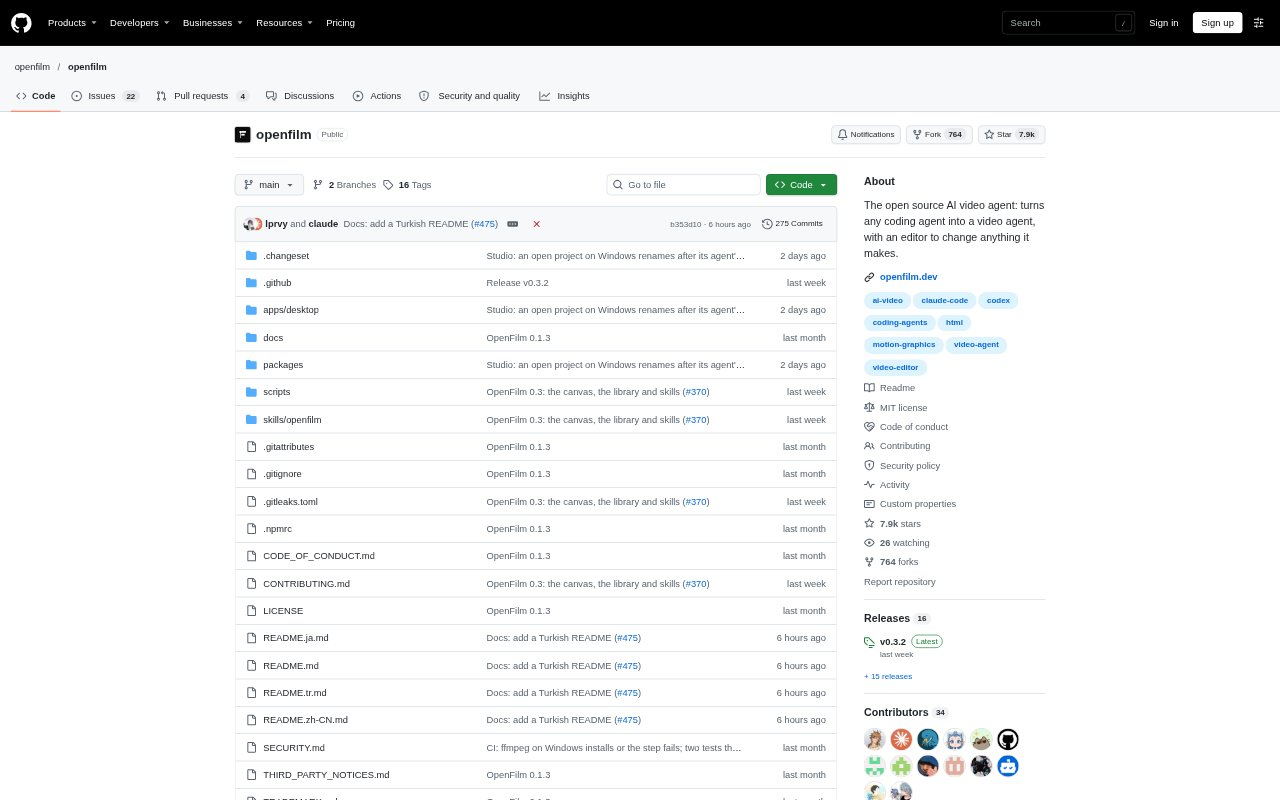
What is OpenFilm?
OpenFilm is an open-source video-making tool that pairs coding agents with Studio, a local editor that runs in a browser. Ask an agent such as Codex or Claude Code to create a film, then inspect and revise the result yourself or through the agent. Films are folders built from web pages, footage, images and sound, with a shared format for copying and remixing projects. Making, editing and rendering are free on your computer; generated media can use connected services or an OpenFilm account.
OpenFilm Features:
Agent-Directed Films: Coding agents that can run commands can create films from requests, using OpenFilm's instructions and tools to build and open a project in Studio.
Web-Based Shots: Each shot is a web page that can draw frames with CSS, SVG, canvas, WebGL, video and other browser technologies.
Timeline Editing: Studio lets you move, crop, restyle, trim and cut clips, adjust their volume or speed, and change text and layers in the picture.
Canvas Storyboards: A project canvas holds notes, pictures, clips, voice-over, music and sound, which can be connected and sent to the timeline.
Media Options: The asset library includes footage, voices, sounds, music, stickers, effects, transitions and templates, with services available for generated media.
Flexible Exports: Render MP4 video or export GIFs, audio, subtitles, stills, slides, transparent video and timelines for Final Cut Pro, Premiere Pro or DaVinci Resolve.
Film Checks: The look command checks frames in shuffled orders and reports changing frames, page errors, missing sound files, failed fonts and text clipped by the frame.
OpenFilm Benefits:
Familiar Web Tools: Because shots use web pages and browser technology, creators can build with tools their coding agent already understands instead of learning a separate video framework.
Direct Creative Control: Hand editing alongside agent-generated work makes it possible to refine a film without asking the agent to redo every detail.
Edits Stay With Projects: Changes are saved in the film files, so an agent can see and preserve them when it continues working on the project.
Local Project Ownership: Keeping films in folders on your computer lets you work without an account and retain the files you edit and render.
Easier Quality Review: Automated checks can surface visual inconsistencies and common production problems before you export, helping catch issues in the film.
Use Cases:
Product Launch Video: Ask a coding agent to make a launch video for a product or CLI, then adjust the wording, visuals and clips in Studio.
Edited Camera Footage: Turn footage you have shot into a film by arranging clips, adding titles and B-roll, and cutting the result on the timeline.
Web-Drawn Animation: Create animated shots with CSS, SVG, canvas or WebGL when a project needs visuals that can be drawn directly in a browser.
Storyboard Planning: Lay out notes, images, clips, voice-over and music on a project canvas before sending the assembled material to the timeline.
Subtitle and Audio Delivery: Export subtitles, sound or audio stems alongside a finished video when a project needs separate assets for review or further editing.