
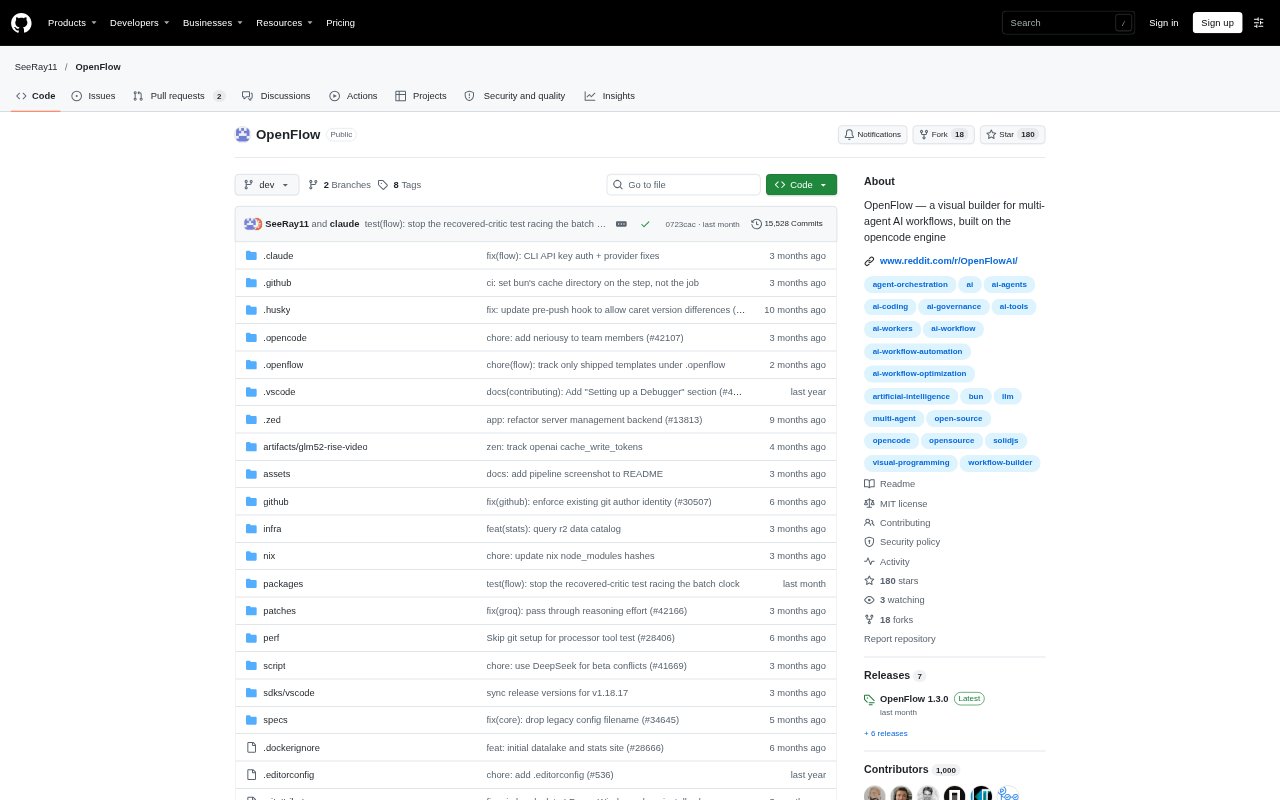
What is OpenFlow?
OpenFlow is a visual builder for creating and running multi-agent AI workflows against a software project. Developers arrange role cards on a canvas, connect them into a pipeline, save the workflow, and run agents that can work in parallel. The agents use the OpenCode engine and can read and edit files in the selected repository. OpenFlow runs locally and is aimed at people who want to coordinate AI coding tasks as a defined sequence of roles.
OpenFlow Features:
Visual Workflow Builder: Arrange role cards on a canvas and connect them into a workflow, such as a planner handing work to an architect and then a coder.
Parallel Agents: Run real agents in parallel as part of a multi-agent workflow, rather than treating the pipeline as a visual diagram only.
Saved Pipelines: Save a designed workflow so it can be used again instead of rebuilding the role arrangement each time.
Repository Editing: Choose the project repository for agents to read and write, with the agents making changes to real files.
Model Setup: Connect a provider by choosing it and adding an API key, with credentials taking effect without a server restart.
Run Controls: Test a node's selected model, choose automatic or prompted permission handling, and review decisions in the run log.
OpenFlow Benefits:
Clear Task Flow: A visible sequence of roles makes it easier to see how a coding task is divided and which agent handles each stage.
Reusable Process: Saving pipelines lets developers return to a workflow design without repeatedly arranging the same roles on the canvas.
Less Manual Handoff: Agents can pass work through a connected workflow, reducing the need to coordinate every role change by hand.
Lower Setup Barrier: A free model tier can be used without connecting credentials, so a developer can try a run before supplying a paid provider key.
Reviewable Actions: Permission choices and run decisions give developers a record to consult when they want to understand how an agent proceeded.
Use Cases:
Staged Coding Tasks: Build a workflow that moves a feature request from planning to architecture and then to implementation by coding agents.
Repository Changes: Run agents against a selected project when a task requires them to inspect existing files and make edits in the codebase.
Parallel Work: Use a multi-agent workflow for coding work that can be handled by real agents running at the same time.
Model Checking: Test a node's chosen model before starting a complete workflow, especially when checking whether a free-tier model is available.
Permission Review: Set agent permissions to prompt for decisions and inspect the run log when you want more visibility into actions during a workflow.