

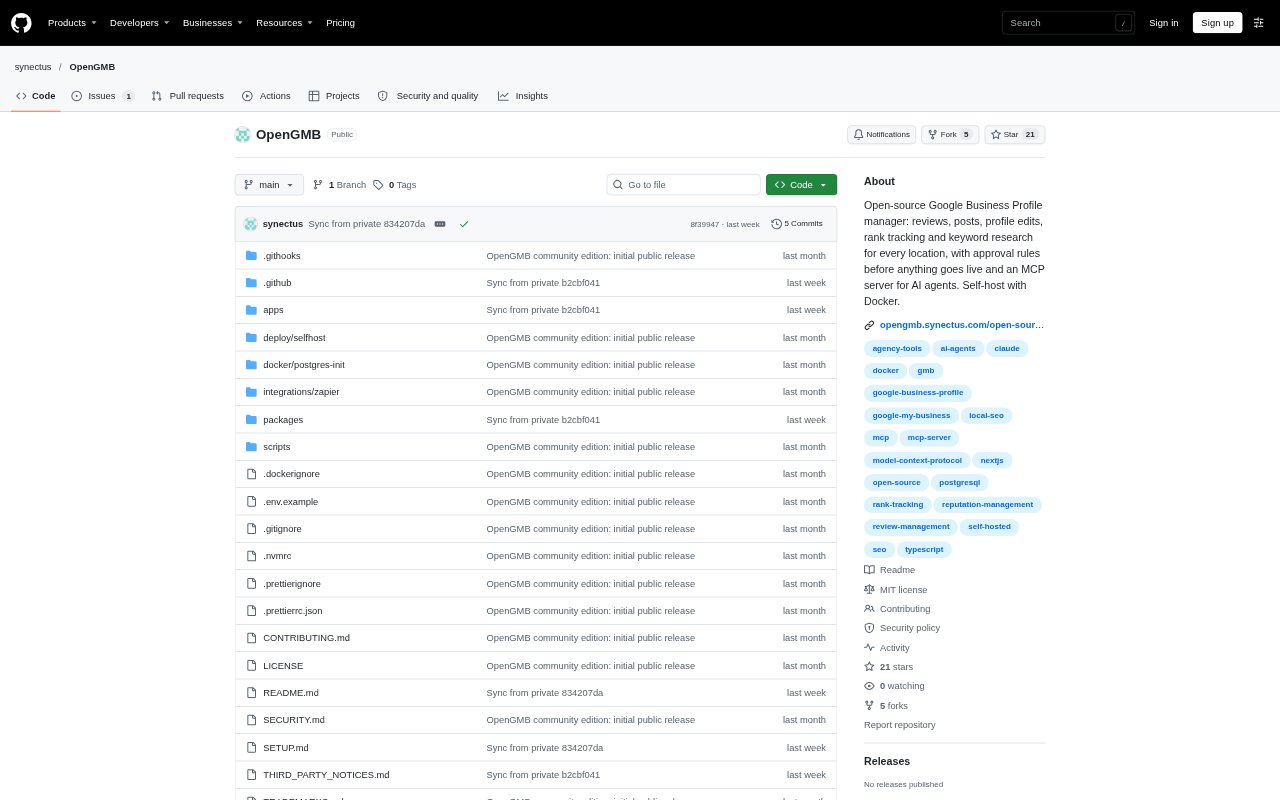
What is OpenGMB?
OpenGMB is a Google Business Profile manager for local businesses and agencies handling multiple client locations. It brings reviews, replies, posts, profile changes, performance reports and Maps rank tracking into one workspace. The community edition is open-source and self-hosted with Docker Compose, with an MCP server for AI clients and rules that route changes through human approval. It connects to Google through the official Business Profile API, which users configure with their own Google project.
OpenGMB Features:
Review Management: View Google reviews from every location in one inbox, assign reviews, add internal notes, and draft replies yourself, from templates or with AI.
Posts and Scheduling: Write, schedule and approve posts for one location or many, with a calendar showing scheduled, published and Google-created posts.
Profile Updates: Check profile health and edit hours, categories and services across multiple locations in a single change, while detecting edits made outside OpenGMB.
Approval Guardrails: Apply checks for links, contact details, offers, hours and banned words, then require a person to approve posts and profile edits before they reach Google.
Reports and Rankings: Review calls, website clicks, direction requests, impressions and monthly search keywords, share client reports, and track Maps rankings on a geo-grid.
MCP and API: Use MCP tools, a REST API and outgoing webhooks for actions including drafting replies, scheduling posts, editing hours and retrieving performance data.
OpenGMB Benefits:
Less Location Switching: Teams can handle routine profile work across client locations from a shared workspace instead of keeping separate processes for each business.
Human Oversight: Approval steps and guardrails help teams review outgoing changes and replies before they appear on a business profile.
Client Visibility: Shareable reports make location performance easier to present and discuss with clients without assembling each metric separately.
Flexible Automation: MCP and API access let teams automate recurring tasks while keeping permissions, approval rules and audit logging in the same workflow.
Control Over Hosting: The self-hosted community edition lets an organization run the application on its own server and use its own service keys.
Use Cases:
Agency Review Triage: An agency can collect reviews from client locations, assign responses to teammates, add internal context and send drafts into an approval queue.
Multi-Location Posting: A marketing team can prepare a holiday or campaign post for several business locations, schedule it and route it for approval.
Profile Maintenance: A local business group can update hours, categories or services across multiple profiles and check for changes made outside the tool.
Monthly Client Reporting: An account manager can compare location performance and search keywords, then share a report with a client during a monthly review.
AI-Assisted Review Work: A team using an MCP client can ask it to draft replies for low-rated reviews across locations and submit those drafts for human review.