

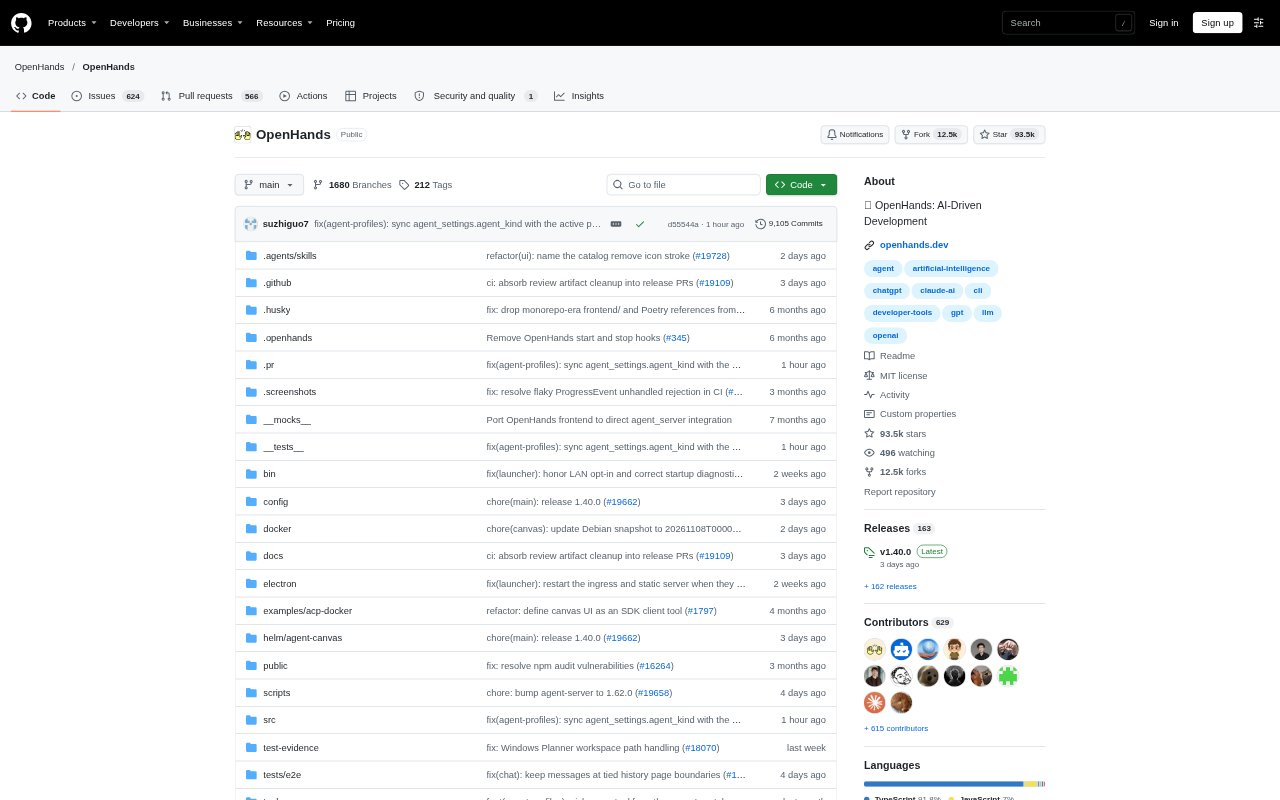
What is OpenHands?
OpenHands is a self-hosted control center for running coding agents and automating engineering work. Developers and software teams can use it to start agent conversations, then build workflows that respond to events or run on a schedule. It supports local, remote, and cloud execution, and can run OpenHands or compatible third-party agents with the models and infrastructure a team chooses.
OpenHands Features:
Agent Choice: Run OpenHands, Claude Code, Codex, Gemini CLI, Pi, OpenCode, or another agent that supports the Agent-Client Protocol.
Flexible Backends: Connect agents running locally, in Docker containers, on virtual machines, in a company environment, or on cloud infrastructure.
Workflow Triggers: Start automations from schedules, webhook events, or tools such as GitHub, Slack, Linear, and Jira.
Engineering Automations: Create workflows for tasks such as pull request reviews, issue triage, CI failure investigation, and security finding remediation.
Model Selection: Bring your own model or language model key, with support for closed models and open-weight options.
Team Controls: Team and enterprise deployments offer multi-user identity, role-based access controls, and budgeting or usage controls.
Sandboxed Execution: Run conversations in separate Docker containers, each with its own Agent Server and tools.
OpenHands Benefits:
Less Manual Handoffs: Engineering requests can move from an incoming signal to agent work without someone needing to start each task by hand.
More Focused Engineers: Automating recurring work can leave engineers more time for decisions, review, and other work that needs their judgment.
Work Continues: Shared automations can keep running when individual developers’ laptops are closed, helping routine engineering tasks progress outside their work sessions.
Reuse Proven Workflows: Teams can share automations instead of rebuilding prompts and processes for each person or repository.
Infrastructure Choice: Teams can adopt agent workflows while keeping execution on infrastructure and deployment environments they already use.
Use Cases:
Pull Request Review: Set an automation to inspect pull request context and post a review comment when a configured label is applied.
Issue Triage: Classify incoming Linear issues, suggest labels, look for duplicates, and ask for missing details before work begins.
CI Failure Fixes: Have an agent inspect failed workflow logs, investigate a likely cause, and open a pull request proposing a fix.
Incident Investigation: Gather incident alerts, logs, and recent changes so an agent can investigate an issue and propose a patch.
Documentation Updates: Run recurring work to update documentation and codebase maps as a project’s code changes.