
What is OpenRMM?
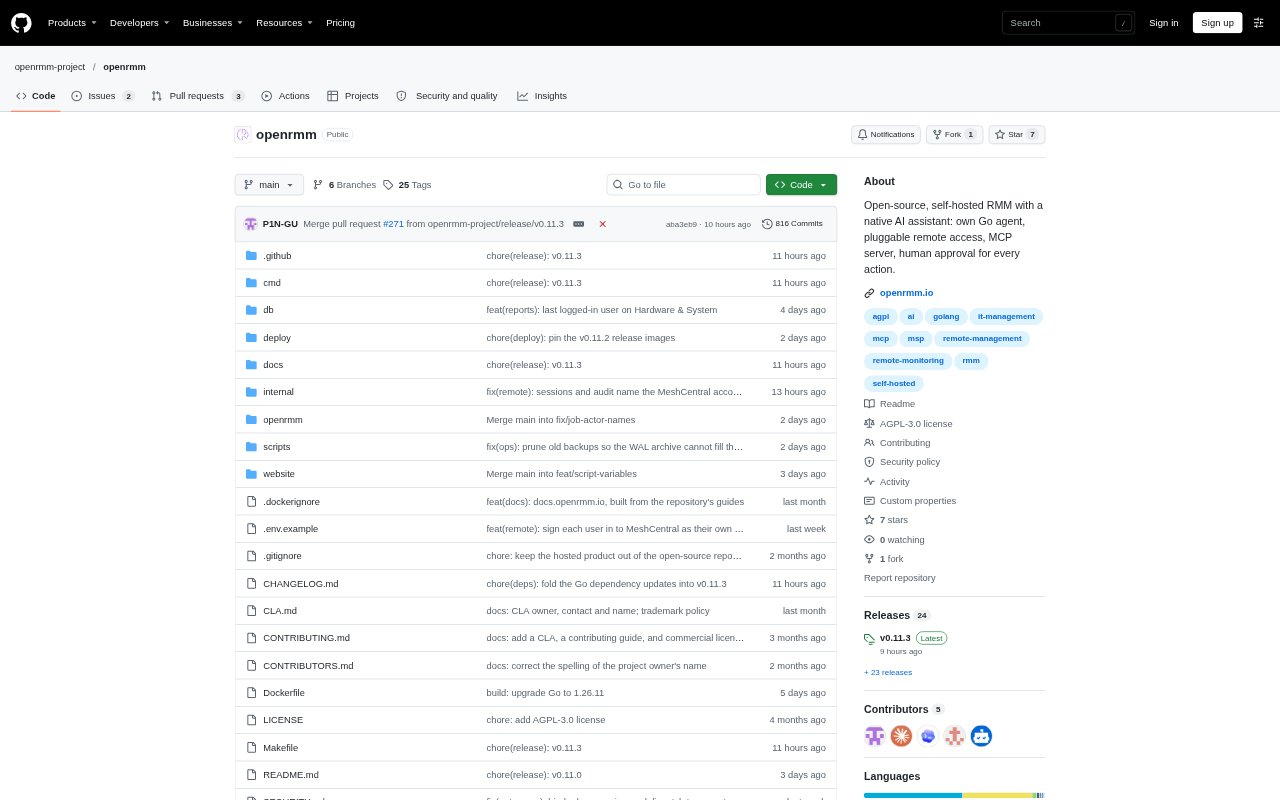
OpenRMM is remote monitoring and management software for IT teams and managed service providers that look after computers across multiple companies, sites, or departments. It combines a device-management console and cross-platform agent with monitoring, automation, patch management, and remote access. Its AI assistant can inspect fleet information and prepare actions, while technicians retain control over changes. OpenRMM can be self-hosted under the AGPL-3.0 licence or used through a hosted service with a separate instance for each customer.
OpenRMM Features:
AI Proposals: Ask questions about the fleet in plain language; the assistant can run read-only queries and prepare scripts or jobs for human approval.
Device Monitoring: Track hardware, installed software, and patch status, with checks for disk, memory, CPU, ping, and services.
Policies and Tasks: Group checks, routines, and scheduled tasks by company, site, or department, with policies inherited by newly enrolled machines.
Patch Management: Manage updates for Windows, Linux, and macOS with manual or policy-based approval, maintenance windows, and endpoint-level status.
Remote Access: Open remote desktop, terminal, and file transfer through the agent, or use a guest link for view-only or controlled sessions.
AI Connections: Connect external AI clients through MCP or integrate other systems through the API, with access governed by technician permissions.
OpenRMM Benefits:
Controlled Changes: Technicians can review proposed device changes before they run, reducing the chance that an unreviewed AI action disrupts a client machine.
Less Repetition: Inherited policies and reusable scheduled routines help teams apply consistent checks and maintenance across groups of devices.
Clearer Triage: A central view of device health, alerts, pending approvals, and technician activity helps staff identify work that needs attention.
Accountable Work: The append-only audit log records proposals, approvals, and execution results, giving teams a trail to review when investigating changes.
Scoped Access: Roles and company, site, department, or device scopes help teams limit technicians and connected AI clients to relevant parts of the fleet.
Use Cases:
Multi-Client Support: A managed service provider can organize customers by company, site, and department while technicians work within their assigned scope.
Alert Investigation: When a device check fails, a technician can review the alert, ask the assistant to investigate, and decide whether to approve its proposed job.
Routine Maintenance: IT teams can schedule recurring device tasks and apply inherited checks to new machines as they join a customer’s fleet.
Update Planning: Administrators can approve operating-system updates by classification and arrange installation during maintenance windows.
Remote Assistance: A technician can open a remote session to troubleshoot a machine or invite someone without an account to join with a temporary link and code.