

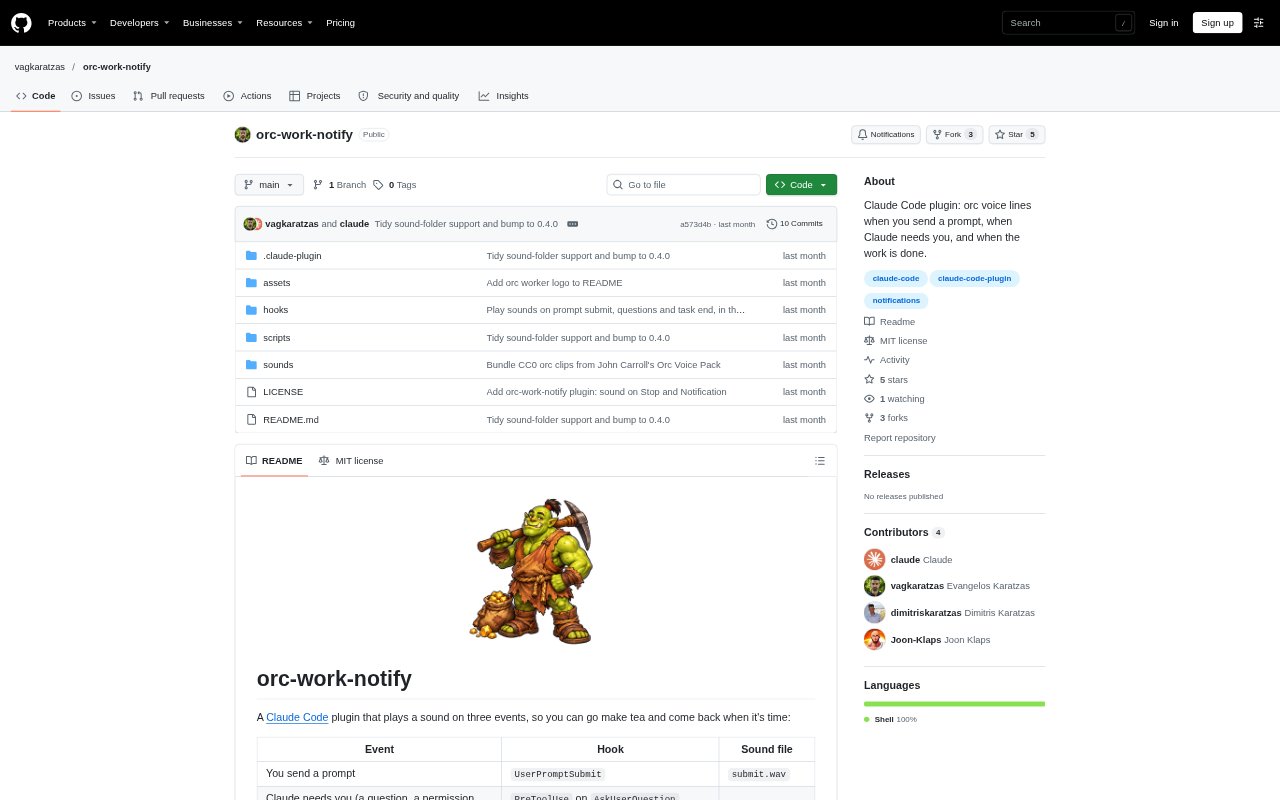
What is Orc Work Notify?
Orc Work Notify is a Claude Code plugin that plays audio cues when you submit a prompt, when Claude needs a response or permission, and when a task finishes. It is for people who run Claude Code and want audible updates while stepping away from the screen or working on something else. Sounds play in the background, and you can keep the bundled orc clips or provide your own WAV files for global or project-specific use.
Orc Work Notify Features:
Three Event Cues: The plugin plays one sound when you submit a prompt, another when Claude needs your attention, and a third when a task finishes.
Background Playback: Sounds play in the background so audio notifications do not slow Claude down.
Custom WAV Files: Use your own WAV files for each event, with separate options for all projects or for one project.
Random Sound Folders: Add a folder of WAV files for an event and the plugin selects one at random each time it occurs.
Mute Control: A non-empty mute file in your Claude configuration directory silences the plugin, and an empty file turns sound back on.
Audio Player Fallback: The plugin tries available audio players in sequence, including macOS, Linux, and Windows options.
Orc Work Notify Benefits:
Less Screen Watching: Audible signals let you monitor a Claude Code session without keeping its window in view.
Clear Session State: Distinct sounds make it easier to tell whether a prompt was sent, Claude needs input, or work has finished.
Uninterrupted Work: Because playback runs in the background, notifications do not make Claude wait for the sound to finish.
Project Distinction: Different sounds for different projects can make it easier to recognize which work context needs your attention.
Preserved Preferences: Keeping custom clips outside the plugin means plugin updates do not overwrite those sound choices.
Use Cases:
Stepping Away: Send Claude Code a task and leave your desk, listening for the completion cue to know when to return.
Making Tea: Take a break while a task runs and listen for a sound if Claude finishes or needs you.
Focused Work: Work in another window or on another task and use the attention cue to notice a waiting question or permission prompt.
Project Sound Setup: Give one Claude Code project its own WAV cues without changing the sounds used by other projects.
Rotating Clips: Use a folder of sound files when you want different clips to play across repeated prompts, attention requests, or task completions.